Customer expectations have never been higher. Today’s customers expect personalized, timely, and consistent interactions across every touchpoint—whether they’re opening an email, browsing a website, engaging on social media, or speaking with a sales representative.
To deliver these experiences, businesses increasingly integrate Salesforce Marketing Cloud (SFMC) with their Salesforce CRM. This integration creates a unified customer view, enabling marketing and sales teams to collaborate more effectively while delivering highly personalized customer journeys.
However, integrating Salesforce Marketing Cloud with Salesforce CRM isn’t always straightforward. Organizations often encounter challenges related to data synchronization, security, scalability, system performance, and data quality.
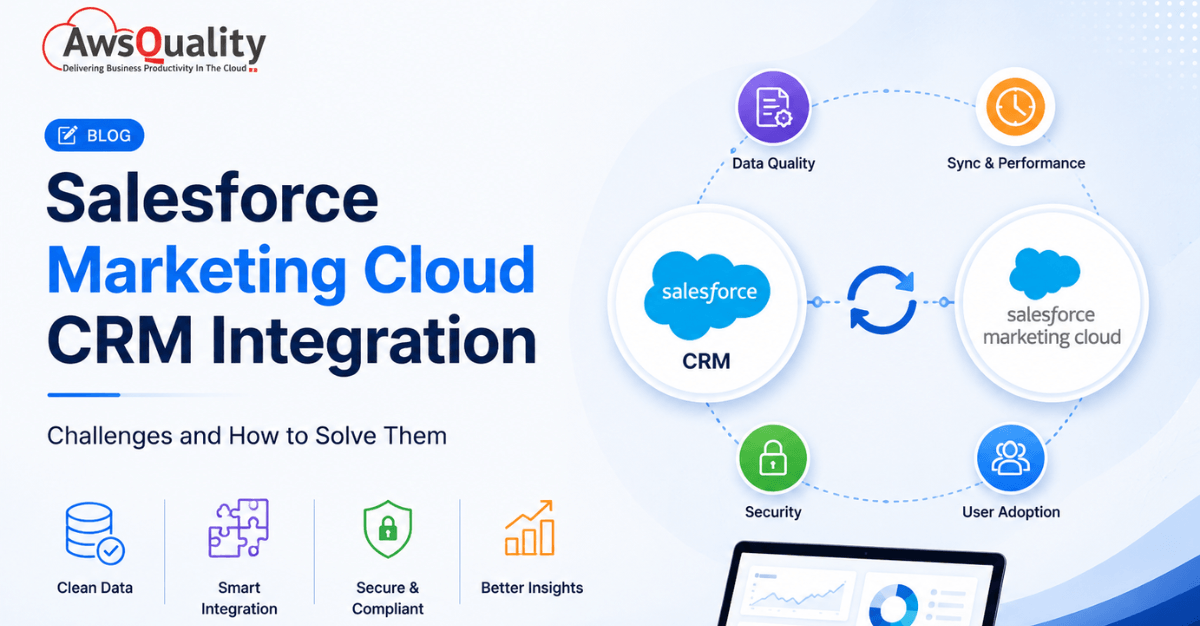
In this guide, we’ll explore the most common Salesforce Marketing Cloud CRM integration challenges and share practical strategies to overcome them for a successful implementation.
Check out: Why Salesforce implementations fail — and how to avoid common mistakes
Why Salesforce Marketing Cloud CRM Integration Matters
Before examining the challenges, the strategic case for integration deserves direct attention.
Unlike Marketing Cloud Growth and Marketing Cloud Advanced — newer products built natively on the Salesforce core platform — Salesforce Marketing Cloud Engagement (the flagship enterprise product) was built on a separate technology stack. This means CRM data is not available out-of-the-box in Marketing Cloud for instant use. Marketing, sales, and service teams often work with different datasets, and connecting them requires integrations, sync processes, and deliberate architectural decisions.
When the integration works correctly, the result is a unified customer view that powers:
- Real-time personalization — using CRM relationship context, purchase history, and service interactions to inform every marketing message
- Closed-loop attribution — connecting Marketing Cloud campaign engagement data back to Salesforce Opportunities and revenue
- Journey Builder intelligence — triggering customer journeys based on real CRM events (deal closed, case opened, renewal approaching)
- Consistent customer experience — ensuring that sales, service, and marketing teams all operate from a single source of truth
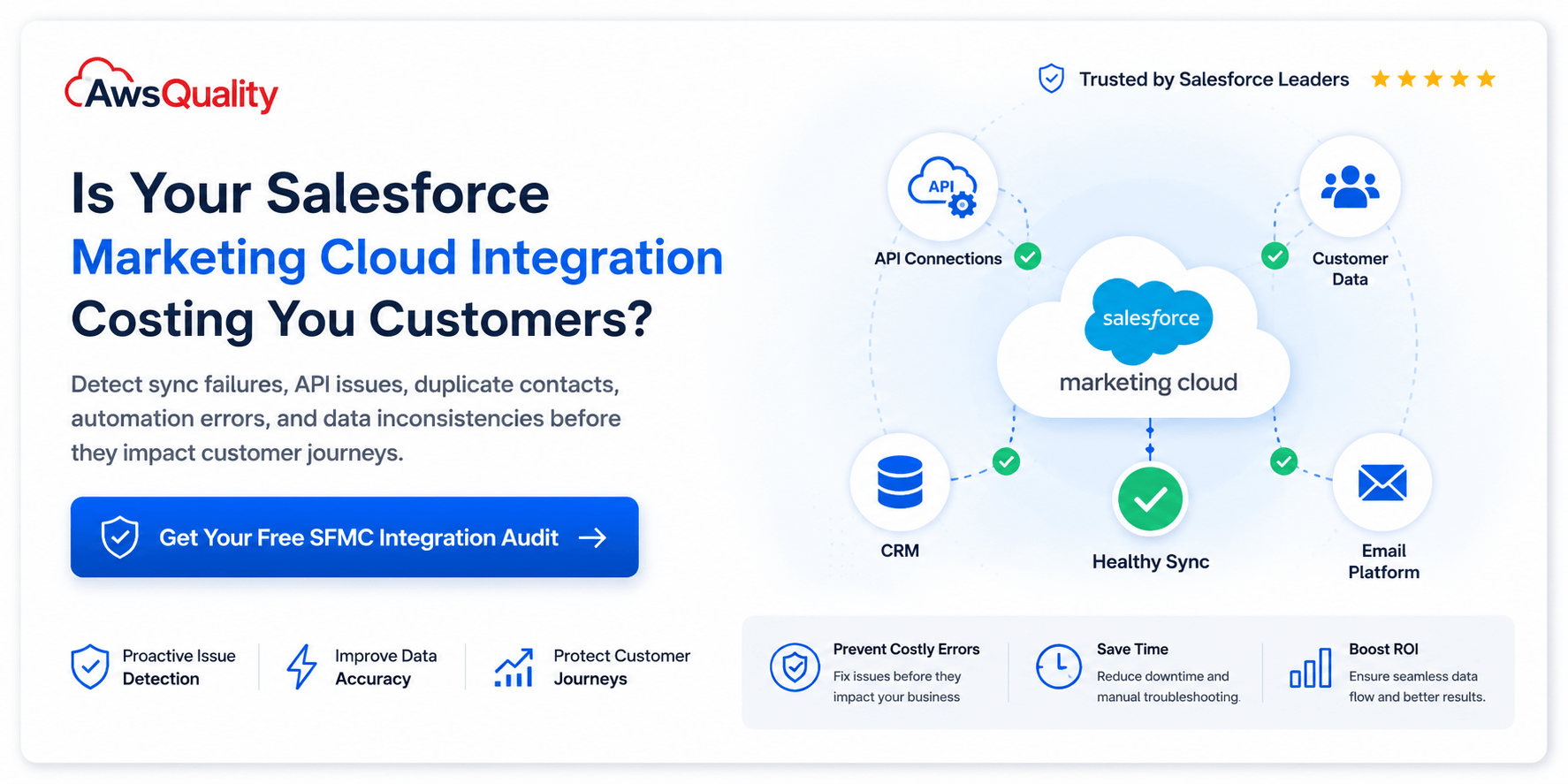
When the integration fails, the consequences are equally clear: duplicate contacts, stale segmentation, automation that breaks silently, campaign reporting disconnected from revenue, and a marketing platform that delivers far below its licensed potential.
Read: Top Salesforce Integrations Every Growing Business Needs
Understanding Marketing Cloud Connect: The Foundation
The standard integration mechanism between Salesforce CRM and Marketing Cloud Engagement is Marketing Cloud Connect (MCC) — Salesforce’s out-of-the-box integration suite. It enables data synchronization between the platforms, dedicated Journey Builder activities, AMPScript functions for personalization, reporting feedback loops, and extended marketing features within the CRM.
Using Marketing Cloud Connect eliminates the need for custom API calls that consume licence limits, and provides a range of CRM-aware marketing capabilities. But it also introduces architectural decisions that are critical to get right from the start — because some of them are not easily, or even at all, reversible.
How Salesforce Marketing Cloud CRM Integration Works
The integration enables data to flow between Salesforce CRM and Marketing Cloud using tools such as:
- Marketing Cloud Connect
- Salesforce APIs
- MuleSoft
- Custom API integrations
- Middleware platforms
Businesses can synchronize:
- Leads
- Contacts
- Opportunities
- Campaigns
- Customer preferences
- Purchase history
- Custom objects
- Marketing engagement data
This shared data enables real-time marketing personalization.
Also read: Guide to Hiring Salesforce Support and Maintenance Developers
10 Most Common Integration Challenges and How to Solve Them
1. Data Silos and Fragmented Customer Information
The problem:
One of the most persistent challenges in Salesforce Marketing Cloud CRM integration is the existence of data silos. Customer information lives in multiple disconnected systems — CRM records in Sales Cloud, service history in Service Cloud, purchase data in e-commerce platforms, and engagement data in Marketing Cloud — but these sources do not automatically share a unified view of the customer.
The result is fragmented personalization. Marketing Cloud sends campaigns based on incomplete data. Sales Cloud opportunity records lack campaign engagement context. Service teams handle support calls without visibility into recent marketing interactions. The customer experiences inconsistency; the business makes decisions on incomplete information.
According to HubSpot’s State of Marketing Report 2024, 63% of marketers say data silos are their biggest barrier to effective lead management.
The solution:
Deploy Salesforce Data Cloud (formerly CDP) as the unified data layer between Marketing Cloud, Sales Cloud, and Service Cloud. Data Cloud ingests raw data from multiple sources, resolves duplicate identities, and creates harmonised unified customer profiles that activate in real time across all Salesforce products.
For organizations not yet ready for Data Cloud, Marketing Cloud Connect’s Synchronized Data Sources bring Contact, Lead, and custom object data from Salesforce CRM into Marketing Cloud Data Extensions — enabling segmentation and personalization based on CRM data. Define a clear data ownership model: which system is the source of truth for each data element, and ensure that model is enforced consistently across all sync configurations.
2. Subscriber Key Mismatches and Duplicate Contacts
The problem:
The subscriber key is the unique identifier that Marketing Cloud uses to distinguish one contact from another. Choosing the wrong subscriber key strategy — or changing it after deployment — is one of the most damaging and expensive mistakes in any Marketing Cloud implementation.
A common scenario: a team begins with email address as the subscriber key (fast to implement, intuitive). As the CRM integration is configured, Marketing Cloud Connect assigns CRM Contact and Lead IDs as subscriber keys. Now the same person exists in Marketing Cloud under two different keys. Journey Builder splits. Data Extensions diverge. Duplicate contacts accumulate. Consent and suppression records become unreliable.
Manual imports frequently use an email address as a unique identifier — this is widely recognised as bad practice, because an email address can change and is not unique. When working with Marketing Cloud Connect, Contact, User, and Lead IDs from Salesforce CRM become the subscriber key — which is the best approach, but only if enforced consistently.
An additional complexity: if you use Person Accounts in Salesforce CRM, each Person Account is represented by two records — a Contact and an Account. Marketing Cloud Connect will synchronise both, creating a non-billable Account record and a billable Contact record. Using the wrong ID as the subscriber key produces duplicate contacts and breaks MCC-related features in Journey Builder.
The solution:
Establish a single subscriber key strategy before any data enters Marketing Cloud, and enforce it without exception across every import, API upsert, data extension relationship, and integration touchpoint. The recommended approach:
- Use CRM ContactId for contact records and CRM LeadId for lead records as subscriber keys
- Develop an explicit unification strategy for the same person appearing as both a Lead and a Contact in Salesforce CRM
- If an enterprise customer ID already exists across systems, use that as the primary key
- For Person Accounts, always use the Person Contact ID as the sendable subscriber key
- For API integrations and triggered sends, always match or create records in the CRM before pushing into a Journey — to prevent silent Contact Count growth
Implement deduplication rules in both Salesforce CRM and Marketing Cloud, and audit subscriber key consistency before go-live. A contact key architecture decision made at deployment will define the integrity of your entire Marketing Cloud environment for years.
3. Real-Time Data Synchronization Failures
The problem:
Marketing Cloud Connect synchronises data on a periodic basis — not in real time. For many use cases, this is acceptable. For others — real-time triggered journeys, time-sensitive personalization, event-driven communication — the sync latency creates a gap between what the CRM knows and what Marketing Cloud can act on.
Common failure modes include: Journey Builder triggering off stale CRM field values, personalization blocks populated with data that is hours behind the actual record, and sync jobs that stop silently without alerting the marketing team.
Journeys and personalization fail when teams assume “near real time” but the data refresh is periodic or event-driven. When a sync job fails, there is typically no visible error in the Marketing Cloud interface — the data simply stops updating.
The solution:
Architect sync strategy based on use case requirements — not convenience:
- For batch use cases (weekly newsletters, monthly segments), Marketing Cloud Connect’s standard sync is appropriate and sufficient
- For near-real-time use cases (post-purchase journeys, service escalation triggers), supplement
- Marketing Cloud Connect with Salesforce Platform Events or Change Data Capture (CDC) — pushing CRM record changes to Marketing Cloud through API calls as they occur
- For fully real-time requirements, use Data Cloud’s real-time data streams to activate CRM events in Marketing Cloud Journeys without batch latency
- Implement active monitoring on all sync processes with alerting when sync jobs fail or produce unexpected volumes — do not rely on manual discovery of sync failures
Additionally, build “latest record wins” logic in SQL Query Activities within Marketing Cloud Automation Studio, so that even when refresh windows are imperfect, the most current available data is used in segmentation and personalization.
4. API Rate Limits and Integration Throttling
The problem:
Salesforce API limits are a real constraint in high-volume Marketing Cloud CRM integrations. Enterprise Edition starts at 100,000 daily API requests plus 1,000 per user licence. Limits are calculated on a 24-hour rolling window, not a fixed calendar day. A maximum of 25 long-running requests (over 20 seconds) are allowed in production concurrently. Exceeding these limits results in blocked requests with HTTP 403 status and REQUEST_LIMIT_EXCEEDED errors.
When multiple systems — marketing automation, ERP integrations, business intelligence platforms, and Commerce Cloud — all access Salesforce concurrently, combined API usage frequently exceeds daily limits, particularly under peak traffic. Data migration and bulk synchronization projects simultaneously hit both daily API limits and the 15,000 Bulk API batch restriction.
The solution:
Manage API consumption proactively rather than reactively:
- Monitor API usage in real time through Salesforce’s API Usage Report — identify which integrations consume the most requests and on what schedule
- Use Bulk API for large-volume data operations rather than REST API row-by-row processing — Bulk API is significantly more efficient per record
- Stagger integration sync windows across systems so that Marketing Cloud sync, ERP data pulls, and BI queries do not all execute simultaneously
- Implement smart retry logic with exponential backoff in any custom API integration — so that throttled requests retry gracefully rather than failing permanently
- For Marketing Cloud Connect specifically, configure Records Collection rules in Object Synchronization to sync only the records relevant to marketing — not all CRM contacts. Using a checkbox flag field to mark records for sync significantly reduces both API consumption and Contact Count licence costs
- Consider MuleSoft or middleware platforms to manage API orchestration across multiple systems, implementing caching and request batching to optimise licence consumption
5. Multi-Org Configuration Complexity
The problem:
The architecture of Marketing Cloud Connect creates a fundamental constraint: by default, a single Marketing Cloud instance (Single-Org configuration) can connect to only one Salesforce CRM organization. You cannot connect multiple Salesforce CRM orgs to a single Marketing Cloud Business Unit, and you cannot connect one Salesforce CRM org to multiple Marketing Cloud accounts using Marketing Cloud Connect.
For enterprises with multiple CRM orgs — due to acquisitions, regional structures, or brand separation — the solution is Multi-Org configuration. But this decision carries an extraordinary caveat: Multi-Org configuration is permanent and irreversible. It can only be enabled by Salesforce Support, and the only way to return to Single-Org is to provision a completely new Salesforce Marketing Cloud account.
Many organizations discover this constraint after they have already made decisions that necessitate reconfiguration — at which point the cost and complexity of remediation is substantial.
The solution:
Architect the CRM-to-Marketing Cloud integration before any configuration begins, with explicit consideration of current and future organizational structures:
- Conduct a thorough discovery of all CRM org relationships before selecting Single-Org or Multi-Org configuration
- For organizations that need multi-org connectivity without permanent lock-in, Data Cloud One is the strongly recommended 2026 alternative — it allows a “Home Org” to unify multiple “Companion Orgs” seamlessly, without the irreversible architectural commitment of Multi-Org Marketing Cloud Connect
- If Multi-Org is genuinely required, engage Salesforce Support early and document the decision formally with full stakeholder sign-off on the irreversibility
- For partial multi-org requirements, evaluate whether API-based or merge-org patterns can satisfy the use case without requiring full Multi-Org configuration
The critical principle: any configuration decision in Marketing Cloud Connect that is described as “irreversible” must be treated as an architectural commitment requiring executive-level review — not a technical choice made during implementation.
6. Contact Count Licence Overruns
The problem:
The Contact Count is a soft licence limit in Salesforce Marketing Cloud Engagement that defines how many billable contacts can be stored. What makes this particularly costly is the breadth of how “contact” is defined: any record synchronised through Marketing Cloud Connect that is a Contact, User, or Lead automatically counts toward the Contact Count — including records that marketing has no intention of ever communicating with.
In most CRM implementations, a large proportion of Contact and Lead records are irrelevant for marketing purposes: internal users, former employees, historical leads, and operational accounts. Syncing all of them inflates the Contact Count licence, triggering an invite from the Account Executive to discuss additional Entitlement SKUs.
Silent Contact Count growth is particularly dangerous in API integrations and triggered sends, where each new contact pushed into Marketing Cloud without prior CRM matching creates a new billable record.
The solution:
Control Contact Count proactively through deliberate sync configuration:
- In Marketing Cloud Connect Object Synchronization Configuration, set Records Collection rules to “All records with [checkbox] equal True” — using a dedicated “Marketing Eligible” checkbox on CRM Contact and Lead records as the sync gate
- This single configuration change is one of the most impactful optimizations available, restricting Marketing Cloud to only the records that actually need to be there
- For API integrations and triggered sends, implement a CRM lookup before any new contact is pushed to Marketing Cloud — check whether the record already exists with a CRM ID, and create it in Salesforce CRM first if not, so that the CRM ID becomes the subscriber key and prevents duplicate contact creation
- Conduct a regular Contact Count audit — quarterly at minimum — to identify and suppress or delete contacts that are no longer active or eligible for marketing communication
7. Campaign Attribution and Closed-Loop Reporting
The problem:
One of the most strategically valuable outcomes of Marketing Cloud CRM integration is closed-loop reporting: connecting marketing campaign engagement (email opens, click-throughs, form completions) to CRM pipeline outcomes (opportunities created, deals won, revenue generated). This creates accountability for marketing investment and enables data-driven budget allocation.
In practice, this connection is one of the most commonly broken elements of Marketing Cloud CRM integrations. Marketing teams see engagement metrics in Marketing Cloud but cannot connect them to revenue. Sales teams see Opportunity records but have no visibility into which campaigns influenced the customer’s journey. Attribution logic drifts when the same contact exists under different keys in the two systems.
The solution:
Build campaign attribution as an explicit integration requirement, not an afterthought:
- Configure Marketing Cloud’s Salesforce Data Extensions to write campaign engagement data — email sends, opens, clicks, and conversions — back to Salesforce CRM Contact and Lead records through Marketing Cloud Connect’s reporting sync
- Use Campaign Member Status in Salesforce CRM to track how contacts and leads are progressing through marketing journeys, linking Marketing Cloud Journey status to CRM Campaign Membership
- Enable Einstein Attribution within Marketing Cloud to model multi-touch attribution across channels, and connect attribution outputs to Salesforce CRM Opportunity records
- For organizations using Data Cloud, activate the unified customer profile to connect marketing engagement signals to sales and service interactions in a single timeline — enabling true omnichannel attribution
- Define attribution windows, weighting models, and reporting cadences before implementation begins — the technical configuration must reflect a business decision about what “marketing influence” means in your organization
8. GDPR, CCPA, and Consent Management Across Systems
The problem:
When Salesforce CRM and Marketing Cloud operate with disconnected consent records, organizations face significant compliance exposure. A customer who unsubscribes from email communications in Marketing Cloud may still appear as “contactable” in Salesforce CRM. A GDPR right-to-erasure request processed in one system may not propagate to the other. Opt-in preferences captured on a CRM web form may not sync to Marketing Cloud’s contact subscription model.
Nowadays, with GDPR, CCPA, and a growing body of regional data privacy legislation, a consent architecture that does not span the full integrated technology stack is a legal and reputational risk.
The solution:
Build consent as a first-class data element in the integration architecture:
- Designate a single system of record for consent — typically Salesforce CRM, with consent status synced to Marketing Cloud on every update
- Use Marketing Cloud’s Subscription Centre and Privacy Centre to capture and manage email preferences, and sync those preferences back to Salesforce CRM as custom fields on the Contact record
- Implement a unified suppression logic that ensures any unsubscribe, opt-out, or erasure request in either system propagates to the other within a defined SLA (24 hours or less for most regulatory requirements)
- For Data Cloud users, leverage Data Cloud’s consent data model to centralise consent records across all connected systems — providing a single audit trail for compliance purposes
- Test the full consent flow end-to-end before go-live: unsubscribe in Marketing Cloud → verify CRM Contact updated → verify re-subscribe in CRM → verify Marketing Cloud subscription restored
9. User Adoption and Cross-Team Alignment
The problem:
Salesforce Marketing Cloud CRM integration is not only a technical challenge — it is an organizational one. Marketing teams and CRM administrators often operate with different priorities, different data vocabularies, and different definitions of the same concepts. A “Contact” in Marketing Cloud is not the same as a “Contact” in Salesforce CRM. “Sync” means different things to a marketing operations manager and a Salesforce administrator.
Poor implementations contribute to 47% of CRM projects missing their targets. The most consistent root cause is not technical failure but organizational failure: teams that do not communicate requirements clearly, do not agree on data ownership, and do not invest in training and change management.
The solution:
Treat the Marketing Cloud CRM integration as a cross-functional programme, not a technical project:
- Assign a dedicated marketing operations owner who sits at the intersection of marketing strategy and Salesforce administration — someone who can translate business requirements into technical specifications and vice versa
- Conduct joint discovery sessions with marketing, sales, service, and IT stakeholders before any configuration begins — establishing shared definitions for key concepts, shared ownership of data elements, and agreed success metrics
- Invest in role-based training for Marketing Cloud users that specifically addresses CRM data access, synchronised data source usage, and the implications of actions that affect shared records
- Establish a governance process for Marketing Cloud changes that could affect CRM data or integration behaviour — ensuring that no configuration change is made in isolation without reviewing downstream impact
- Create a shared data dictionary documenting every field mapping between Marketing Cloud Data Extensions and Salesforce CRM objects — and maintain it as a living document as either platform evolves
10. Keeping Pace with Platform Evolution
The problem:
Both Salesforce CRM and Salesforce Marketing Cloud release three major updates per year. Each release cycle can introduce changes to API behaviour, connector features, Data Extension schemas, and integration capabilities that require integration maintenance to prevent breakage.
Nowadays, the pace of change has accelerated significantly. Salesforce’s acquisition of Informatica in November 2025 has added enterprise data management, data quality, integration, governance, and Master Data Management capabilities to the platform. The Salesforce Spring 2026 release introduced significant enhancements to Flow, including improved multi-page flow support, native Kanban components, and expanded styling options. Marketing Cloud Growth and Marketing Cloud Advanced — built natively on Salesforce core — are changing the architectural baseline for new implementations.
Organizations that built their Marketing Cloud CRM integration in 2022 or 2023 may be running on an architecture that no longer reflects Salesforce’s current recommendations or product direction.
The solution:
Build integration maintenance into the operational model from the start:
- Allocate 15–20% of the initial implementation cost annually for integration maintenance — covering release review, regression testing, API compatibility checks, and connector updates
- Subscribe to Salesforce’s release notes and Marketing Cloud roadmap communications — review every release prior to deployment in production for changes that could affect integration behaviour
- Evaluate Data Cloud One as the strategic architecture for multi-org and multi-channel data unification — it represents Salesforce’s current recommended approach and aligns with the platform’s direction for AI and Agentforce activation
- For organizations using Marketing Cloud Engagement, assess whether Marketing Cloud Growth or Advanced — built natively on Salesforce core — better serves long-term integration goals, as these products eliminate the architectural separation that creates most of the challenges described in this guide
- Work with a certified Salesforce Marketing Cloud partner to conduct an annual integration health review — assessing data quality, sync performance, Contact Count optimization, and alignment with Salesforce’s current product strategy
Check out: Salesforce Integration v/s. Migration – Which Strategy Works Best for Your Business
Marketing Cloud Connect vs Data Cloud: Choosing the Right Integration Architecture
The integration landscape for Salesforce Marketing Cloud and CRM has evolved significantly. Understanding when to use each approach is critical for organizations planning or revisiting their integration strategy.
Marketing Cloud Connect remains the standard integration for organizations using Marketing Cloud Engagement in Single-Org configurations. It provides a robust feature set for data synchronization, Journey Builder CRM activities, and reporting feedback loops. It is the right choice for:
- Single Salesforce CRM org connected to one Marketing Cloud account
- Organizations with standard B2C marketing use cases
- Teams that require CRM-aware Journey Builder activities and AMPScript CRM data access
Salesforce Data Cloud is the strategic architecture for organizations requiring real-time customer data unification across multiple systems, multi-org connectivity, and AI-powered personalization. It is the right choice for:
- Enterprises with multiple CRM orgs or multiple data sources
- Organizations requiring real-time profile activation (not batch sync)
- Businesses activating Agentforce AI for personalised customer journeys
- Organizations that need a unified consent and identity model across all channels
These days, Salesforce’s direction is clear: Data Cloud is the long-term foundation for enterprise Customer 360, and its integration with both Marketing Cloud and CRM is deepening with every release cycle. Organizations that invest in Data Cloud architecture now are building toward the platform’s intended future — not working around its current limitations.
Best Practices for a Successful Marketing Cloud CRM Integration
Drawing from the challenges and solutions above, the following principles consistently separate successful integrations from failed ones:
1. Plan the subscriber key strategy first.
Every other data decision in Marketing Cloud depends on a consistent, properly chosen subscriber key. Resolve this before any data enters the system.
2. Map data ownership before mapping data fields.
Know which system is the master of record for every data element before configuring any sync. Bidirectional sync without explicit data ownership creates conflict and corruption.
3. Treat irreversible decisions as architectural commitments.
Multi-Org configuration, Contact key selection, and connected app authentication patterns are not implementation details — they are architectural choices that require executive sign-off and formal documentation.
4. Build consent management into the integration architecture.
Do not treat consent as an afterthought. Build the unification of opt-in and opt-out records across CRM and Marketing Cloud into the integration design from day one.
5. Monitor everything. Integration failures in Marketing Cloud are often silent.
Sync jobs stop, API tokens expire, and field mappings break — without visible error messages. Implement active monitoring with alerting for every production integration.
6. Invest in cross-functional governance.
The most consistently successful Marketing Cloud CRM integrations are managed by cross-functional teams with shared accountability for data quality, user adoption, and platform evolution — not managed by IT in isolation.
Also check: A Step-by-Step Guide to Integrating GitHub with Salesforce
How AI is Improving Salesforce Marketing Cloud Integrations
Artificial Intelligence is making CRM integrations smarter.
AI capabilities include:
- Predictive customer segmentation
- Intelligent personalization
- Automated journey optimization
- Lead scoring
- Campaign recommendations
- Customer behavior prediction
AI enables businesses to deliver more relevant customer experiences while reducing manual effort.
Why Work with Salesforce Integration Experts?
Integrating Salesforce Marketing Cloud with Salesforce CRM requires expertise in architecture, data management, automation, APIs, and business processes.
Our Salesforce Integration Services help businesses seamlessly connect Marketing Cloud with Salesforce CRM while ensuring security, scalability, and high performance.
Frequently Asked Questions
What is Salesforce Marketing Cloud CRM integration?
It connects Salesforce CRM with Marketing Cloud, enabling seamless data sharing and personalized marketing automation.
Why is Marketing Cloud integration important?
It provides a unified customer view, improves campaign performance, enhances personalization, and aligns marketing with sales.
What is Marketing Cloud Connect?
Marketing Cloud Connect is Salesforce’s native integration tool that synchronizes Salesforce CRM data with Marketing Cloud.
What are the biggest integration challenges?
Common challenges include:
- Poor data quality
- Synchronization delays
- API limitations
- Security concerns
- Reporting inconsistencies
- User adoption
How can businesses improve integration success?
Focus on:
- Data governance
- Proper architecture
- User training
- Continuous monitoring
- Regular optimization
Connect WhatsApp and Salesforce with WhatsForce Connect—without building from scratch.
Conclusion
Integrating Salesforce Marketing Cloud with Salesforce CRM enables businesses to deliver personalized, data-driven customer experiences while improving collaboration between marketing and sales.
However, successful integration requires more than connecting two systems. Organizations must address challenges related to data quality, synchronization, security, scalability, reporting, and user adoption.
By following best practices and partnering with experienced Salesforce experts, businesses can unlock the full value of their CRM and marketing automation investments while creating seamless customer journeys that drive long-term growth.
 Bio
Bio