
AppExchange & Tools
WhatsForce Connect
Connect WhatsApp with Salesforce to manage customer conversations, automate messaging through Salesforce Flow, and link campaigns—all from your CRM, without building an integration from scratch.
Ready-to-Install WhatsApp for Salesforce Solution
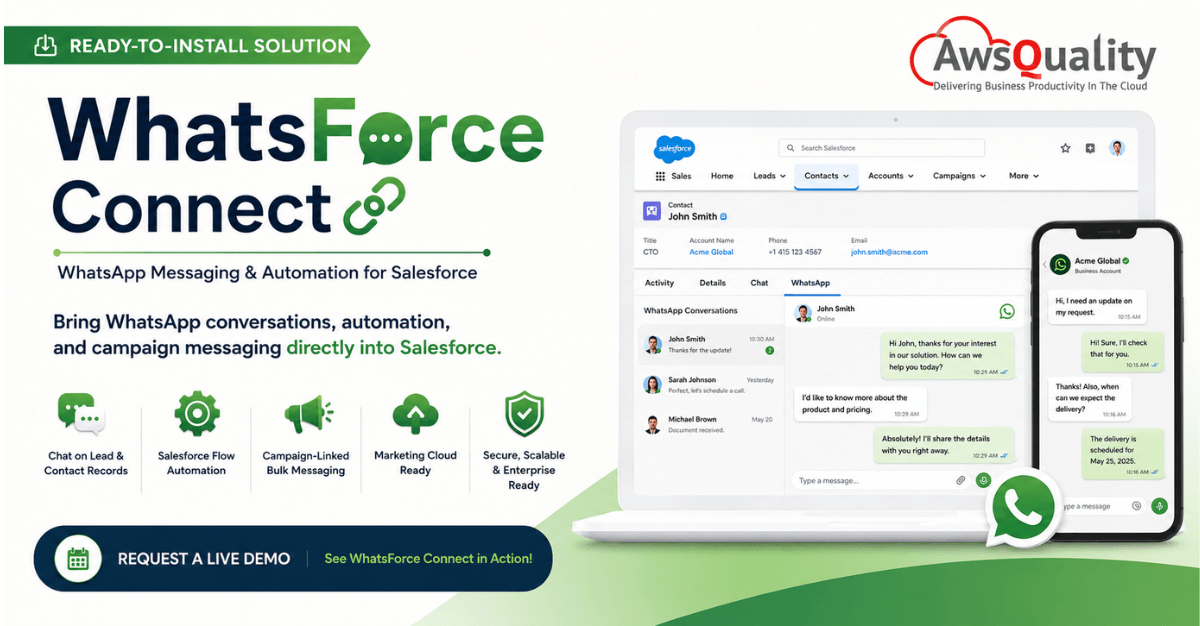
Your customers are already on WhatsApp.
Your sales, service, and marketing teams are already working in Salesforce.
Why should they have to switch between the two?
Meet WhatsForce Connect by AwsQuality — an already-built, ready-to-install solution that brings WhatsApp conversations, messaging automation, and campaign communication directly into Salesforce.
Instead of developing a WhatsApp-Salesforce integration from scratch, organizations can install WhatsForce Connect in a Salesforce sandbox, configure the connection, test real conversations, and move toward production rollout.
Sales and service representatives can access WhatsApp conversations directly from Lead and Contact records. Businesses can also incorporate messaging into Salesforce Flow and connect supported bulk messaging activity with Salesforce Campaigns.
Already built. Ready to configure. Designed for Salesforce.
Bring WhatsApp Conversations Where Your Customer Data Already Lives
WhatsApp is an important communication channel for many businesses, while Salesforce remains the system where sales and customer information is managed.
When these environments remain disconnected, teams can face several challenges:
- Representatives switching repeatedly between Salesforce and messaging tools
- Fragmented customer conversation history
- Manual outreach processes
- Limited connection between messaging and Salesforce Campaigns
- Difficulty automating communication through existing CRM workflows
- Security and governance concerns around WhatsApp credentials and webhook traffic
WhatsForce Connect is designed to bridge this gap.
Instead of creating another application for employees to manage, it brings WhatsApp communication into the Salesforce environment they already use.
What is WhatsForce Connect?
WhatsForce Connect is AwsQuality’s ready-to-install WhatsApp for Salesforce solution, designed to connect WhatsApp messaging with Salesforce CRM workflows.
It provides WhatsApp functionality directly within Salesforce, enabling teams to communicate with customers while maintaining the context of their CRM records.
The solution is built around four core capabilities:
WhatsApp Chat on Lead & Contact Records
A native Lightning Web Component (LWC) brings WhatsApp conversation threads directly onto Salesforce Lead and Contact record pages.
Representatives can view and reply to conversations while working within the relevant customer record.
Salesforce Flow Automation
WhatsForce Connect provides invocable actions for supported promotional and utility bulk sends that can be triggered through Salesforce Flow.
This allows WhatsApp communication to become part of automated Salesforce processes rather than remaining an isolated manual activity.
Campaign-Linked Bulk Messaging
Segment runs can be tracked through custom Salesforce objects and optionally associated with Salesforce Campaigns, helping organizations keep messaging activity auditable and reportable within the CRM.
Marketing Cloud Ready
The documented architecture also supports Journey Builder and Automation Studio as alternate entry points into the messaging pipeline.
In simple terms:
WhatsApp on the record. Automation in Flow. Messaging connected to campaigns.
WhatsForce Connect Is Already Built—Not Another Integration Project Starting From Zero
This is one of the most important differences prospective customers should understand.
WhatsForce Connect isn’t a concept or a proposal for developing WhatsApp integration in the future.
It is an already-built solution designed to be installed and configured within a Salesforce environment.
Organizations can follow a structured deployment journey:
Install → Configure → Connect → Test → Pilot → Scale
Instead of asking:
“How do we build WhatsApp integration for Salesforce?”
your organization can start with:
“How do we deploy WhatsForce Connect in our Salesforce environment?”
That changes the starting point considerably.
Rather than beginning with a blank architecture, businesses can begin by deploying the existing solution into a Salesforce sandbox and validating it against their own requirements.
What You Get With WhatsForce Connect
1. WhatsApp Directly Inside Salesforce
Salesforce users shouldn’t have to constantly move between CRM and messaging applications.
WhatsForce Connect places the WhatsApp conversation directly on Salesforce Lead and Contact pages through a native LWC.
This creates a more connected working environment:
Customer Record + CRM Activity + WhatsApp Conversation
Sales and service representatives can communicate while remaining close to the information they use to manage the customer relationship.
2. Unified WhatsApp Conversation History
Customer conversations become difficult to understand when communication history exists across disconnected applications.
WhatsForce Connect combines its messaging history with Salesforce message information to provide a more complete conversation thread.
This helps keep WhatsApp communication connected to CRM context.
3. Near Real-Time Conversation Updates
WhatsForce Connect supports session-message updates so representatives can follow customer conversations while remaining on the relevant Salesforce record.
The objective is simple:
Communicate with customers without leaving Salesforce.
4. WhatsApp Automation With Salesforce Flow
The value of WhatsForce Connect extends beyond one-to-one conversations.
WhatsApp communication can also become part of Salesforce automation.
The solution provides Flow invocable actions for supported messaging use cases, allowing organizations to incorporate WhatsApp communication into Salesforce workflows.
This creates opportunities to move from:
Manual messaging → CRM-triggered messaging
without forcing users to manage a completely separate communication system.
5. Campaign-Linked WhatsApp Messaging
Marketing communication becomes significantly more useful when messaging activity can be connected with CRM data.
WhatsForce Connect enables segment runs to be associated with Salesforce Campaigns and tracked through custom objects.
This provides a foundation for making supported WhatsApp messaging activity:
Trackable → Auditable → Reportable
inside Salesforce.
6. Marketing Cloud Integration Paths
Organizations using Salesforce Marketing Cloud can also incorporate WhatsApp into broader customer-engagement workflows.
The documented WhatsForce Connect architecture includes Journey Builder and Automation Studio as alternate entry points into the messaging pipeline.
This makes the solution relevant beyond individual sales conversations and provides a foundation for broader customer-engagement scenarios.
See WhatsForce Connect in Action
WhatsForce Connect isn’t represented only through architecture diagrams.
The solution has working Salesforce interfaces demonstrating how WhatsApp communication can appear across different Salesforce experiences.
WhatsApp Unified Inbox
Access Lead and Contact conversations from a centralized WhatsApp view.
Contact Record – Embedded Chat
View the WhatsApp conversation alongside CRM activity directly on a Contact record.
Sales Console – Split View
Keep WhatsApp messaging alongside Lead information to reduce context switching.
Lead Record – Live Conversation
View inbound and outbound WhatsApp communication within the Lead experience.
Don’t Just Read About It. See It Working Inside Salesforce.
Book a WhatsForce Connect Demo
How WhatsForce Connect Works
WhatsForce Connect uses an architecture spanning three primary layers.
1. Meta / WhatsApp
The WhatsApp layer handles elements such as:
- Inbound message webhook events
- Template delivery callbacks
- Business Account management
2. AwsQuality Integration Platform
AwsQuality provides the dedicated integration layer responsible for capabilities such as:
- Webhook ingestion
- Worker queue
- Send and delivery pipeline
- Multi-tenant support
- Messaging system of record
3. Salesforce
Salesforce remains the environment where users interact with customer information and messaging through:
- LWC chat on Leads and Contacts
- Flow invocables
- Custom objects
- Salesforce Campaign associations
- Platform Events for appropriate higher-volume scenarios
In practice:
Customer on WhatsApp ↔ WhatsForce Connect ↔ Salesforce
The customer continues using WhatsApp.
Your team continues using Salesforce.
WhatsForce Connect connects the two environments.
Why the WhatsForce Connect Architecture Matters
Connecting WhatsApp and Salesforce isn’t simply about sending and receiving messages.
Enterprise implementations also need to consider security, scalability, governance, administration, and usability.
Security-Oriented Architecture
WhatsApp secrets and webhook traffic are handled through a dedicated integration tier rather than being exposed to every CRM user.
Designed for Scale
The architecture uses the AwsQuality worker queue for supported bulk utility and event-driven patterns, helping accommodate Salesforce platform constraints.
Familiar Salesforce Experience
Representatives continue working within Salesforce rather than adopting an entirely separate interface for WhatsApp conversations.
CRM-Based Message Data
Message records, delivery states, and Campaign associations can be maintained through Salesforce custom objects to support CRM reporting.
Sales Cloud and Marketing Cloud Paths
The underlying delivery infrastructure can support Salesforce Flow as well as documented Marketing Cloud Journey Builder and Automation Studio paths.
Enterprise-Oriented Configuration
WhatsForce Connect incorporates configuration capabilities such as multi-tenant support, permission sets, remote-site credentials, and Custom Metadata Type configuration.
Built With Salesforce Admins in Mind
Successful Salesforce products need to work for administrators as well as end users.
WhatsForce Connect includes admin-oriented capabilities designed to simplify configuration and deployment.
Centralized Settings
Configuration stores information such as the Base URL, secure token, and tenant required for connectivity.
Permission-Set Ready
A pre-built integration-user permission set helps administrators provide the required access without modifying individual user profiles.
Built-In Connectivity Testing
A dedicated settings experience allows administrators to validate the AwsQuality connection before broader rollout.
These capabilities reinforce an important point:
WhatsForce Connect is a deployable solution—not merely a reference architecture for building one.
From Sandbox to Production: Deploying WhatsForce Connect
Organizations don’t need to begin with an enterprise-wide rollout.
WhatsForce Connect supports a phased implementation approach.
Stage 1: Install in Your Salesforce Sandbox
Begin by installing the package in a Salesforce sandbox and configuring the required AwsQuality settings.
This creates a controlled environment in which your team can evaluate the solution.
Stage 2: Validate Connectivity
Use the built-in settings functionality to validate connectivity and confirm the required routing.
Stage 3: Run a Pilot
Start with a selected WhatsApp number or brand and test inbound and outbound conversations using Salesforce records.
This gives your team an opportunity to evaluate the actual user experience.
Stage 4: Test Campaign Messaging
Run an appropriate promotional messaging pilot through Salesforce Flow, associate it with a Salesforce Campaign where required, and validate tracking and delivery information.
Stage 5: Scale and Automate
Once the pilot has been validated, the implementation can expand to additional approved use cases, workflows, Marketing Cloud paths, and tenants according to organizational requirements.
The deployment journey becomes:
Sandbox → Connectivity → Pilot → Campaign Test → Scale
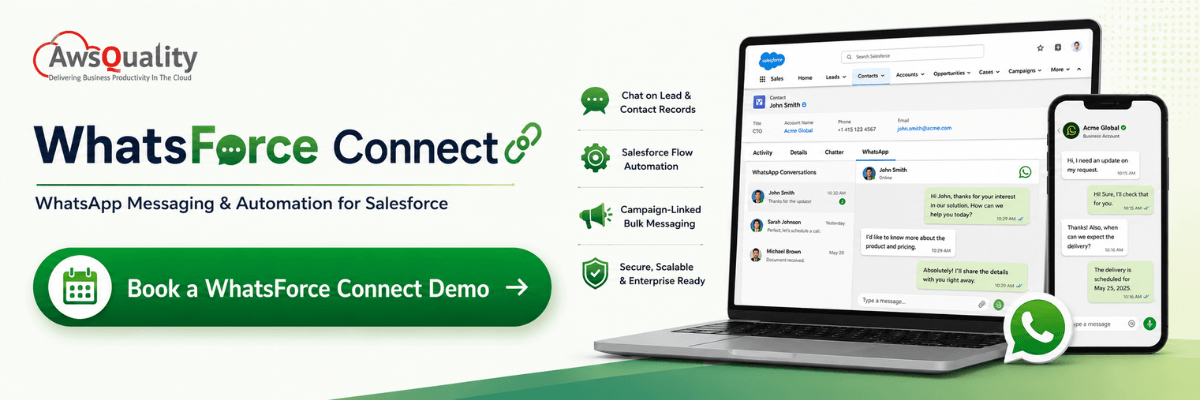
Who is WhatsForce Connect For?
WhatsForce Connect is particularly relevant for organizations already using Salesforce and WhatsApp as important parts of their customer-engagement processes.
Sales Teams
Communicate with Leads and Contacts through WhatsApp while staying inside Salesforce.
Customer Service Teams
Keep WhatsApp communication closer to customer records and CRM workflows.
Marketing Teams
Connect supported WhatsApp messaging with Salesforce Campaigns and relevant automation.
Salesforce Administrators
Manage the integration through structured configuration, permissions, and connectivity testing.
Enterprise IT Teams
Use a dedicated integration architecture rather than relying on disconnected point-to-point messaging processes.
WhatsForce Connect vs. Disconnected WhatsApp Messaging
| Disconnected Approach | WhatsForce Connect |
|---|---|
| Users switch between applications | WhatsApp conversations inside Salesforce |
| Customer context may be fragmented | Messaging connected with CRM records |
| Manual messaging processes | Salesforce Flow automation support |
| Messaging separated from campaigns | Campaign-linked messaging |
| Disconnected reporting | CRM-based message and delivery data |
| Build an integration from scratch | Already-built solution |
| Custom deployment planning | Structured sandbox-to-scale approach |
Why Build From Scratch When You Can Start With WhatsForce Connect?
A custom Salesforce-WhatsApp integration can require organizations to design and develop:
- Integration architecture
- Salesforce UI components
- Message handling
- Webhook processing
- Data models
- Flow automation
- Permissions
- Campaign integration
- Configuration management
- Connectivity testing
- Monitoring and supporting infrastructure
WhatsForce Connect already provides the foundation for these capabilities.
This allows organizations to focus more of the implementation effort on:
Configuration + Validation + Business Workflows + Adoption
rather than starting from zero.
For businesses that need WhatsApp communication inside Salesforce, this can provide a more direct route from requirement to working solution.
Business Benefits of WhatsForce Connect
Reduce Context Switching
Allow Salesforce users to handle WhatsApp conversations closer to Lead and Contact information.
Preserve Customer Context
Keep messaging connected with CRM records instead of separating conversations from customer information.
Automate Communication
Incorporate supported WhatsApp messaging into Salesforce Flow-based workflows.
Connect Messaging With Campaigns
Associate appropriate messaging activities with Salesforce Campaigns and CRM data.
Improve Visibility
Maintain messaging and delivery information within the Salesforce environment for reporting and tracking.
Build on Your Existing Salesforce Investment
Rather than introducing another completely separate customer-engagement workspace, extend the Salesforce environment your teams already use.
Start Faster
Begin with an existing solution rather than building the core integration from scratch.
Bring WhatsApp and Salesforce Together With WhatsForce Connect
Your customers are already communicating through WhatsApp.
Your teams are already managing customer relationships through Salesforce.
WhatsForce Connect brings those two worlds together.
Give your teams the ability to access WhatsApp conversations from Salesforce records, incorporate messaging into Flow automation, connect supported communication with Campaigns, and maintain CRM context throughout the customer conversation.
And you don’t need to start by building the entire integration from scratch.
WhatsForce Connect is already built and ready to begin with a Salesforce sandbox deployment.
Ready to See WhatsForce Connect in Action?
See how WhatsForce Connect works inside Salesforce before you roll it out.
Frequesntly Asked Questions
How does WhatsForce Connect integrate WhatsApp into Salesforce workflows?
WhatsForce Connect is a ready-to-install solution that bridges WhatsApp and Salesforce, integrating messaging directly into native CRM environments without requiring a custom build from scratch. The integration functions across three primary layers: Meta/WhatsApp (handling webhooks and account management), the AwsQuality Integration Platform (responsible for webhook ingestion, worker queues, and the messaging system of record), and Salesforce.
Specifically, it integrates into CRM workflows through:
- Native UI Components: A native Lightning Web Component (LWC) displays real-time WhatsApp conversation threads directly on Lead and Contact record pages. Sales representatives can view and reply to chats without leaving the customer record or switching applications.
- Workspaces & Inbox Views: Users can manage chats via a Unified Inbox, an embedded Contact record chat, a Sales Console split view, or directly within the Lead experience.
- Salesforce Flow Automation: The solution provides invocable actions in Salesforce Flow for bulk utility and promotional sends. This allows teams to shift from manual messaging to CRM-triggered automated communication.
- Campaign and Custom Object Tracking: Segment runs are tracked through custom Salesforce objects and can be linked to Salesforce Campaigns, keeping all communication history auditable and reportable within the CRM.
- Marketing Cloud Integration: The architecture supports Journey Builder and Automation Studio as entry points for customer engagement messaging.
What are the key benefits for sales and marketing teams?
WhatsForce Connect addresses the challenges of fragmented customer data and manual outreach, offering distinct advantages for both teams:
For Sales Teams:
- Reduced Context Switching: Representatives no longer need to jump between Salesforce and external messaging tools; they can handle conversations right next to customer CRM records.
- Preserved Customer Context: A unified conversation history combines WhatsApp history with Salesforce message records, helping representatives stay informed on past interactions.
- Near Real-Time Communication: Session-message updates allow reps to follow live customer responses from the Salesforce interface.
For Marketing Teams:
- Campaign-Linked Messaging: Marketing activities on WhatsApp can be linked directly to Salesforce Campaigns.
- Robust Tracking and Reporting: Segment runs and delivery states are recorded via custom Salesforce objects, enabling comprehensive performance reporting within the CRM.
- Expanded Automation Paths: Teams can leverage Salesforce Marketing Cloud workflows, incorporating WhatsApp into multi-channel customer journeys.
What is the step-by-step deployment process from sandbox to production?
WhatsForce Connect supports a phased implementation approach designed to minimize risk and validate functionality before full rollout. The structured deployment journey is:
- Stage 1: Install in Your Salesforce Sandbox
The package is installed in a secure Salesforce sandbox environment where administrators configure the required AwsQuality settings. This creates a controlled environment for testing. - Stage 2: Validate Connectivity
Administrators use built-in configuration settings to test and validate the connection between Salesforce and the AwsQuality integration platform, ensuring proper routing. - Stage 3: Run a Pilot
Teams test inbound and outbound messaging using a single, selected WhatsApp number or brand. This phase helps evaluate the user experience using live Salesforce records. - Stage 4: Test Campaign Messaging
A promotional messaging pilot is executed using Salesforce Flow. The team connects this activity to a Salesforce Campaign to validate tracking, delivery states, and reportability. - Stage 5: Scale and Automate
Once the pilot is validated, the implementation scales to support additional approved use cases, multiple tenants, and complex automated workflows (including Marketing Cloud paths).
FAQs
Frequently Asked Questions
Can’t find what you’re looking for? Ask our team.
What is WhatsForce Connect?
WhatsForce Connect is AwsQuality’s ready-to-install WhatsApp for Salesforce solution. It is designed to bring WhatsApp conversations into Salesforce and support capabilities including Lead and Contact messaging, Salesforce Flow automation, Campaign-linked messaging, and documented Marketing Cloud integration paths.
Is WhatsForce Connect already built?
Yes. WhatsForce Connect is an existing solution designed to be installed and configured within a Salesforce environment rather than a proposal to develop an integration from scratch.
Can we test WhatsForce Connect before production deployment?
The documented rollout approach begins with Salesforce sandbox installation and connectivity testing, followed by a controlled pilot before broader rollout.
Can Salesforce users chat through WhatsApp from Lead and Contact records?
Yes. WhatsForce Connect uses a native Lightning Web Component to provide WhatsApp conversations directly on Lead and Contact records.
Does WhatsForce Connect support Salesforce Flow?
Yes. The solution provides invocable actions for supported WhatsApp messaging use cases through Salesforce Flow.
Can WhatsApp messaging be connected with Salesforce Campaigns?
Yes. Supported segment runs can be tracked through custom Salesforce objects and associated with Salesforce Campaigns.
Is WhatsForce Connect compatible with Marketing Cloud workflows?
The documented architecture includes Journey Builder and Automation Studio as alternate entry points into the messaging pipeline.
Is WhatsForce Connect an AI agent?
No. Based on the current product capabilities, I would not position WhatsForce Connect as an AI agent. Its core positioning should remain a ready-to-install WhatsApp messaging, integration, and automation solution for Salesforce unless AI-agent functionality is added to the product.
How can we see WhatsForce Connect before adopting it?
Organizations can request a live demonstration or begin the evaluation process with a Salesforce sandbox walkthrough.
Case studies
Our Case Studies
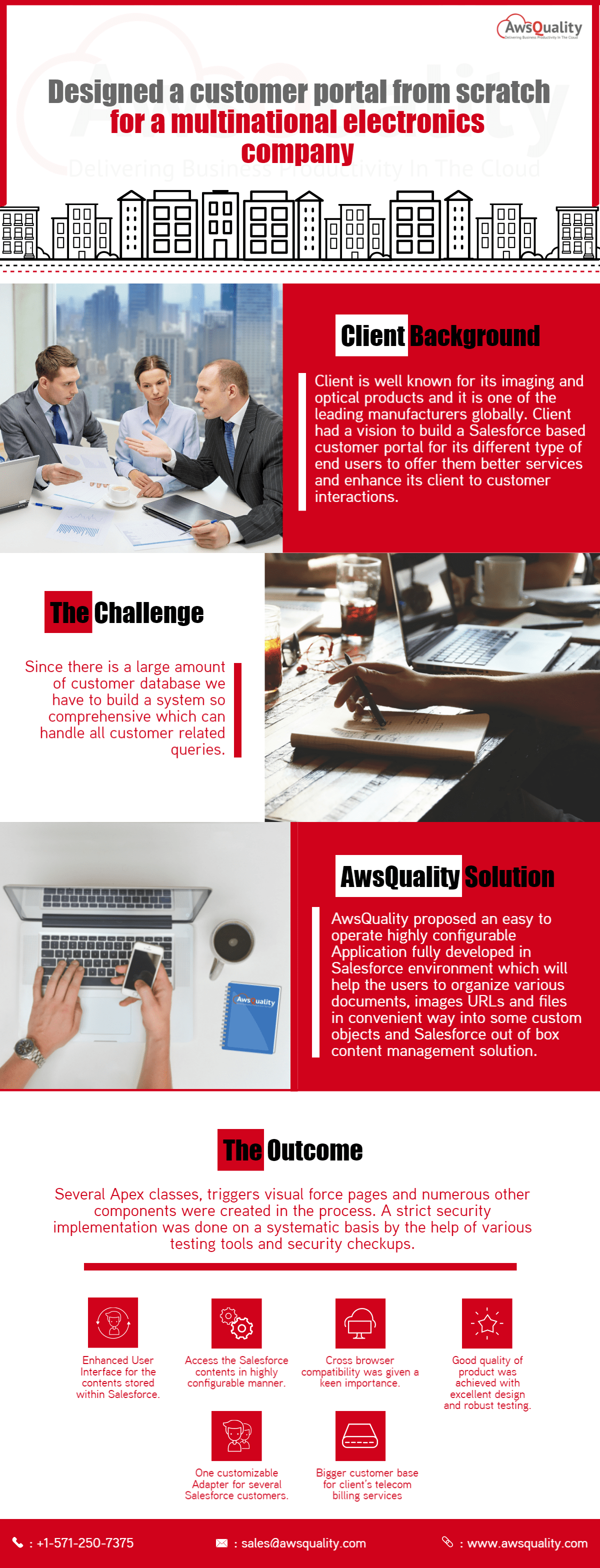 Electronics & Imaging Building a Salesforce Customer Portal (Experiance Cloud) for a Multinational Electronics Company Project Overview A multinational electronics manufacturer partnered with AwsQuality to develop a centralized, Salesforce-powered customer portal that could… Read case study
 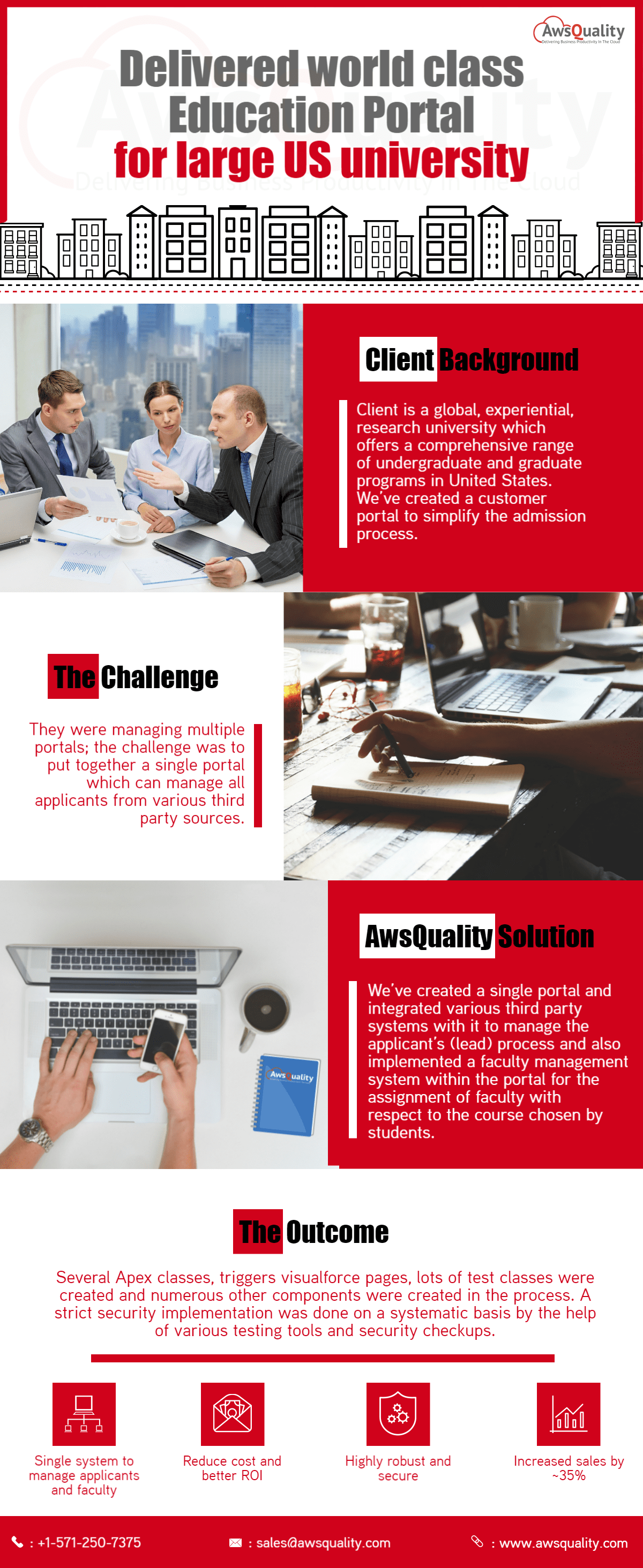 Education Developed Salesforce Community Portal for A USA Based University Project Overview A large US-based university partnered with AwsQuality to streamline its admissions operations and improve applicant management… Read case study
 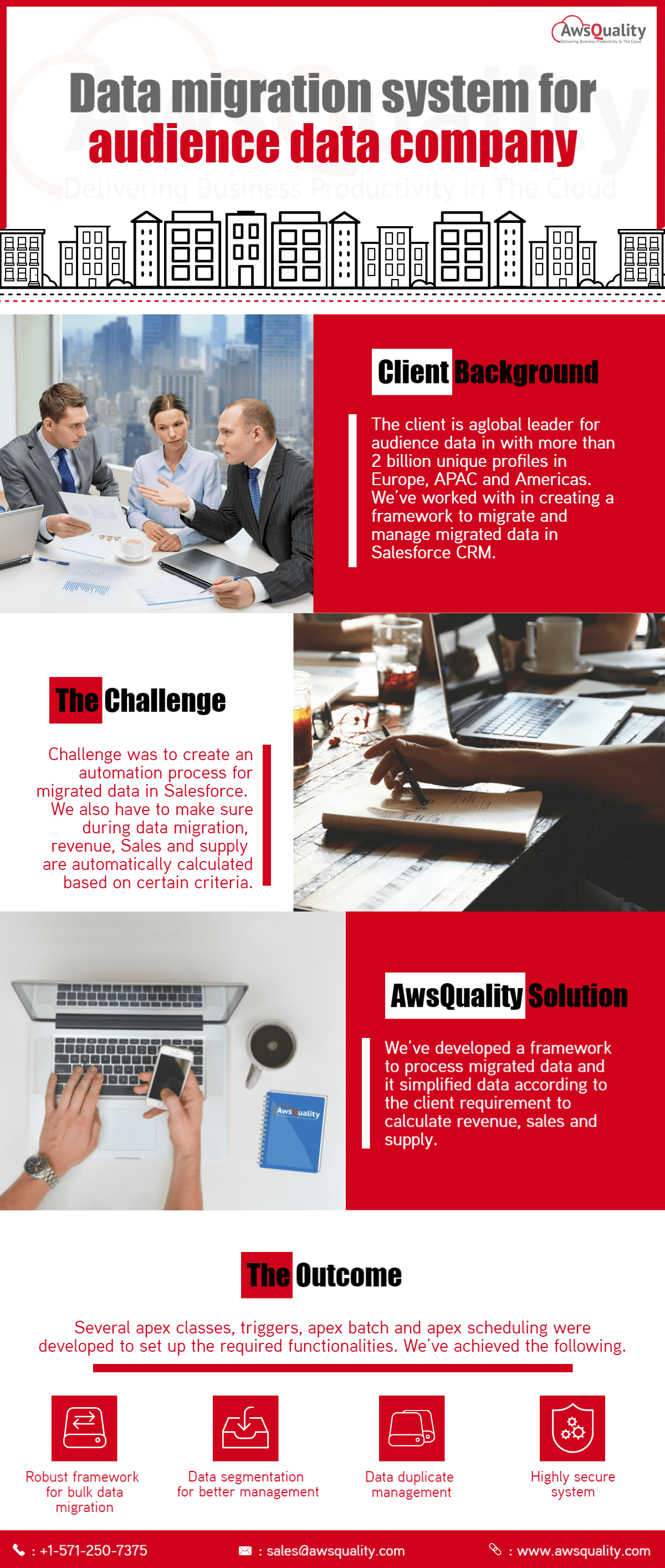 Other Developed Salesforce Data migration System for An Audience Company Client Background The client is a global leader for audience data in with more than 2 billion unique… Read case study
 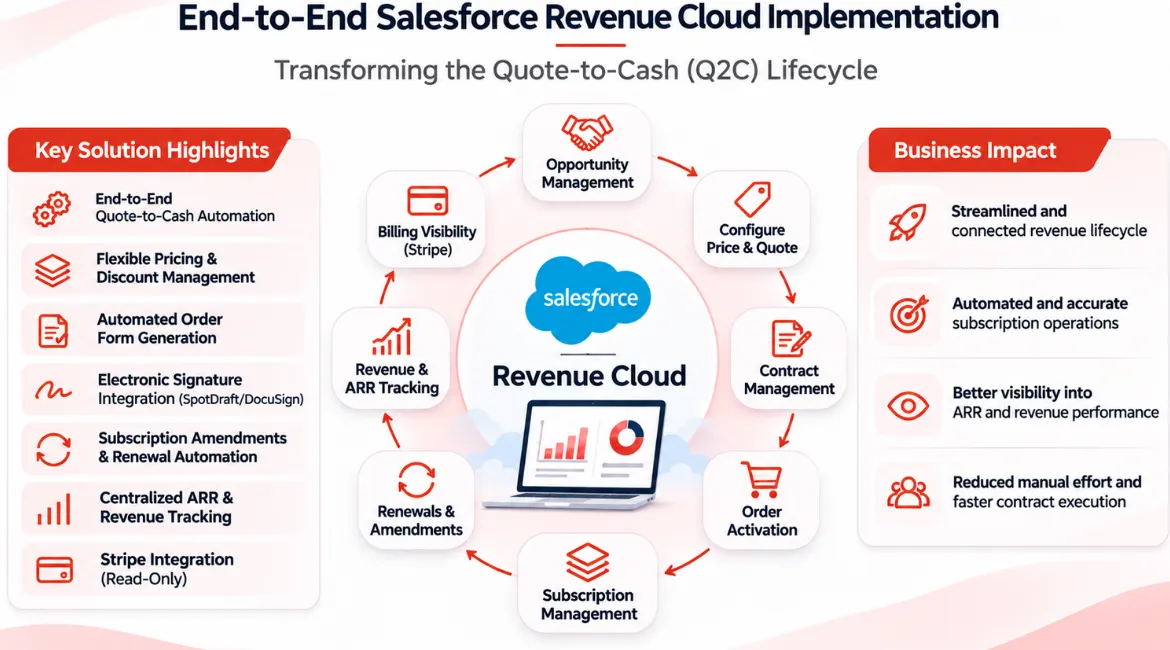 Other End-to-End Salesforce Revenue Cloud Implementation – Transforming the Quote-to-Cash Lifecycle Project Overview The client wanted to streamline its revenue management operations by bringing the entire Quote-to-Cash (Q2C) lifecycle… Read case study
 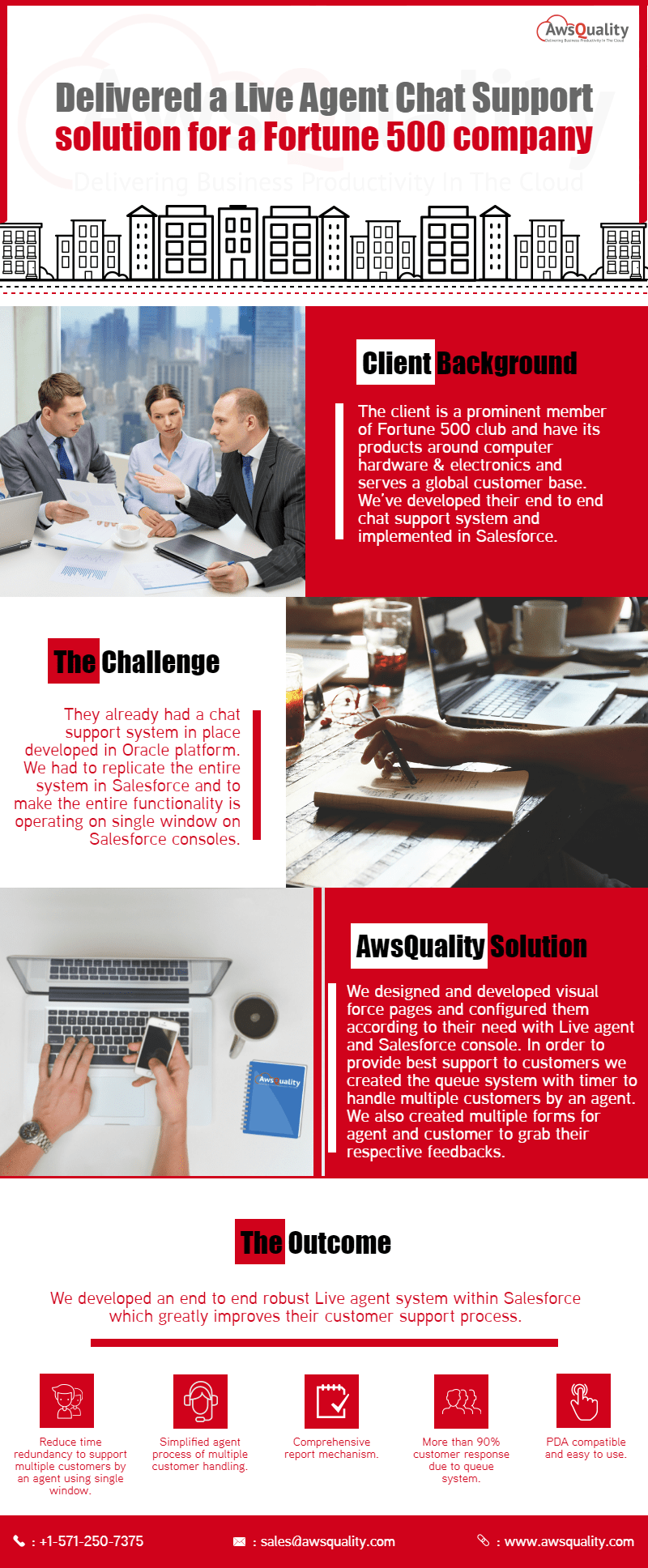 Other Implemented Salesforce Live Agent Chat Support for A Fortune 500 Company Customer Background The client is a prominent member of Fortune 500 club and have its products around computer… Read case study
 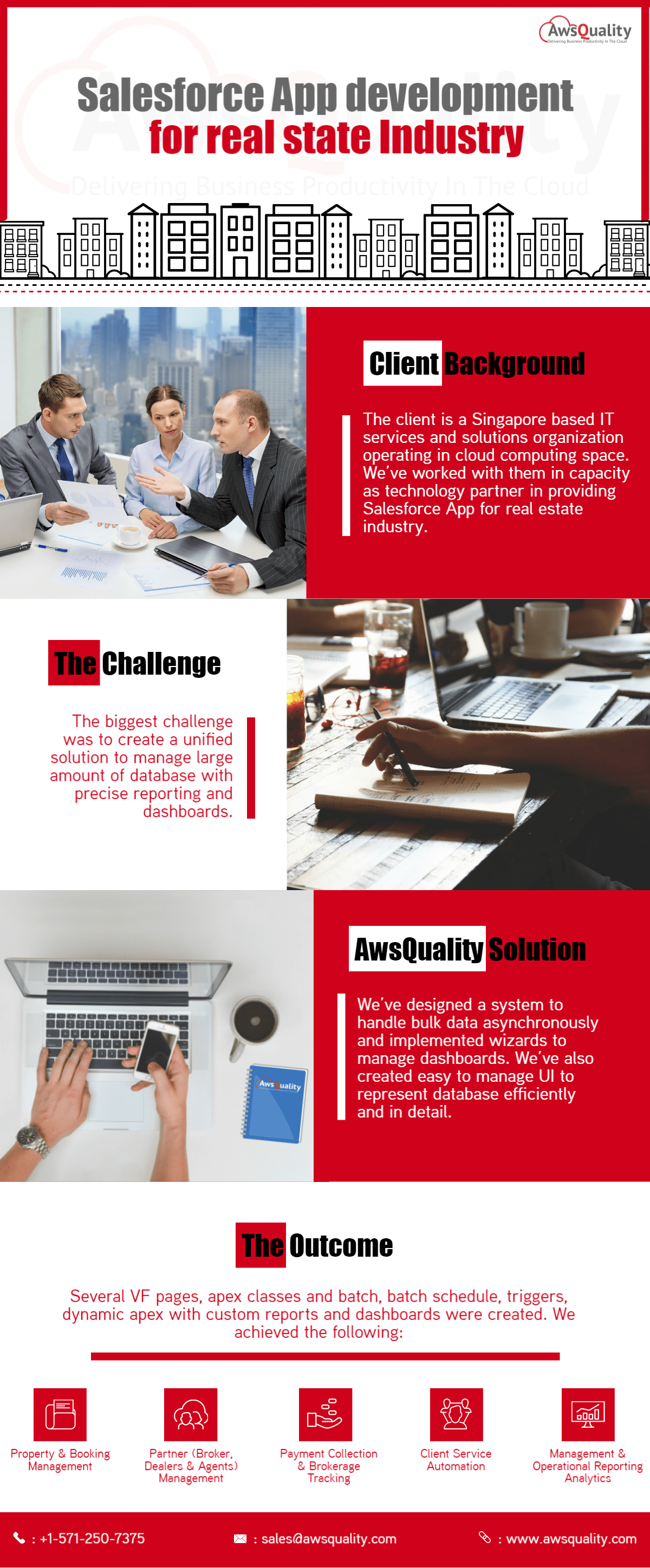 Real Estate Salesforce App Development for Real State Industry Client Background The client is a Singapore based IT services and solutions organization operating in cloud computing space.… Read case study
 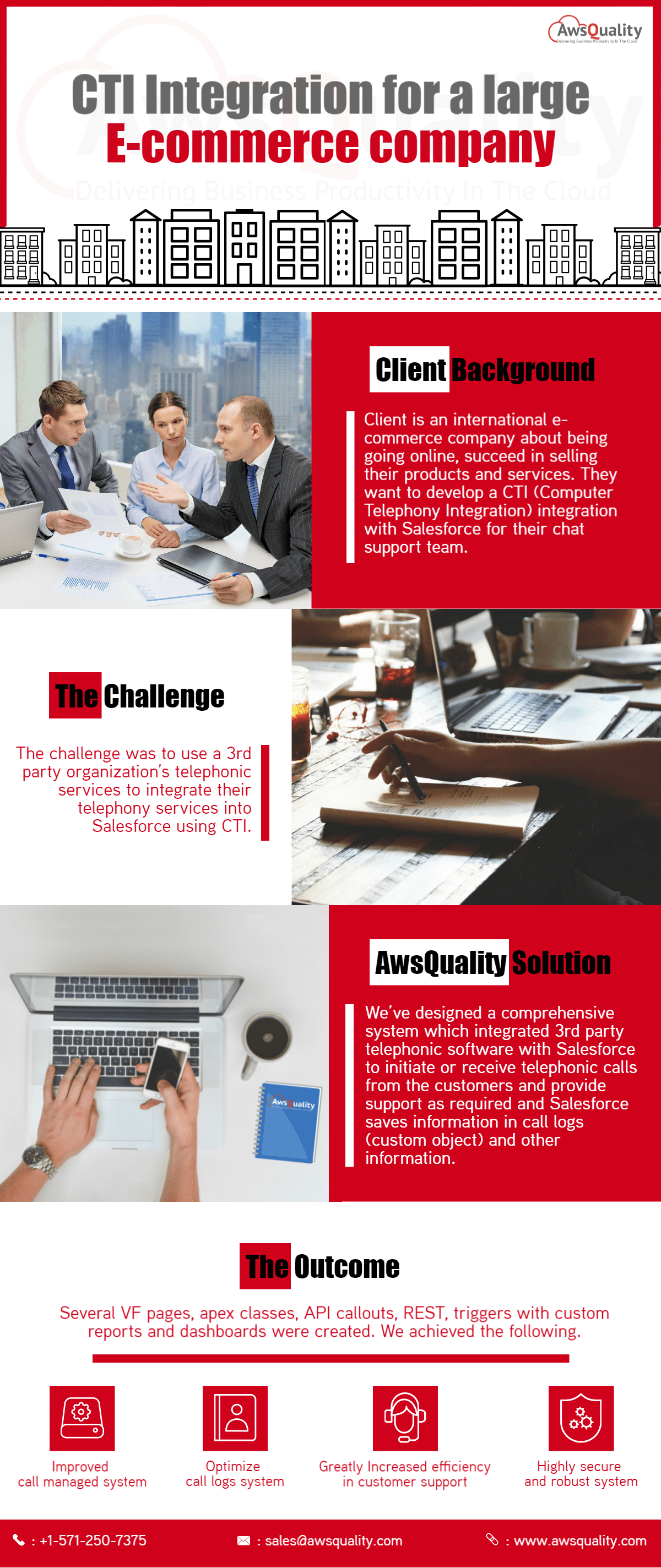 Retail & E-Commerce Salesforce CTI Integration for A large E-commerce Company Client Background Client is an international e-commerce company about being going online, succeed in selling their products and… Read case study
 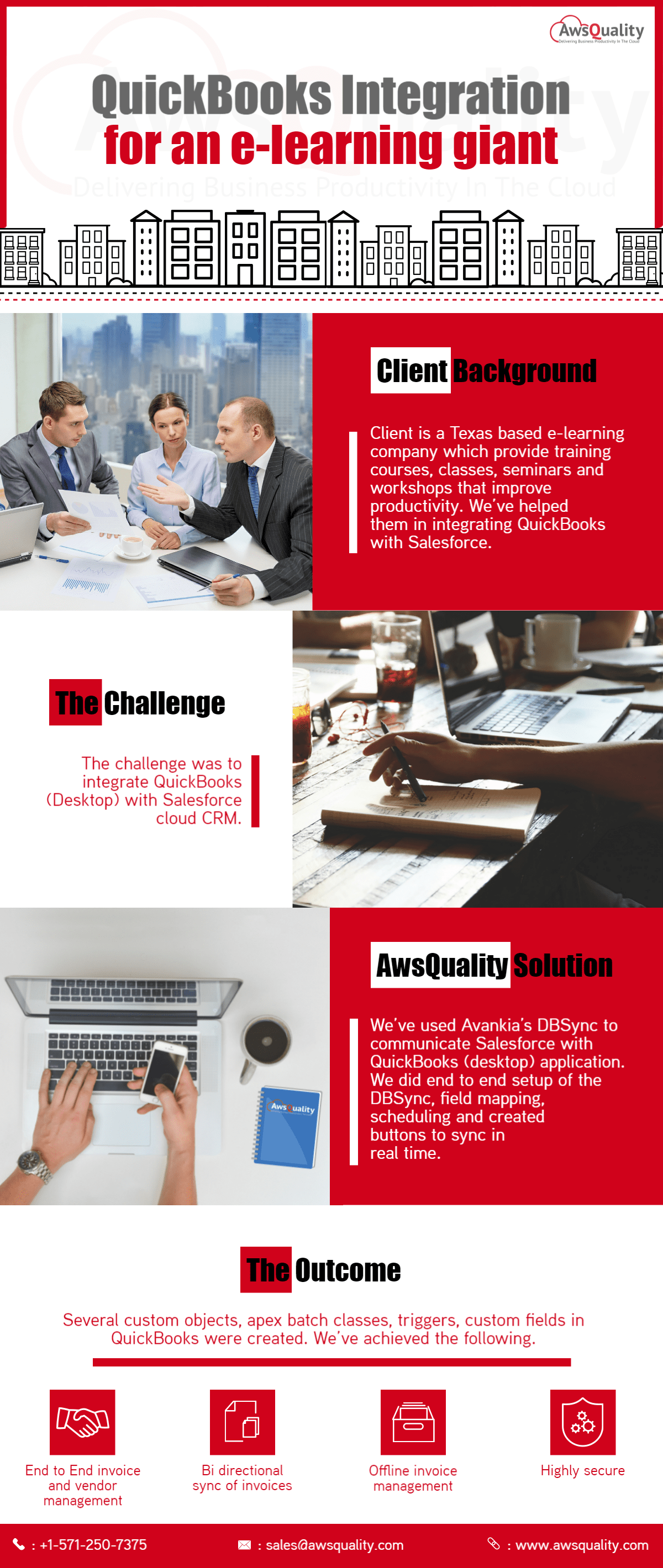 Financial Services Salesforce QuickBooks Integration for an E-learning Giant Client Background The client is a Texas based e-learning company which provide training courses, classes, seminars and workshops… Read case study
 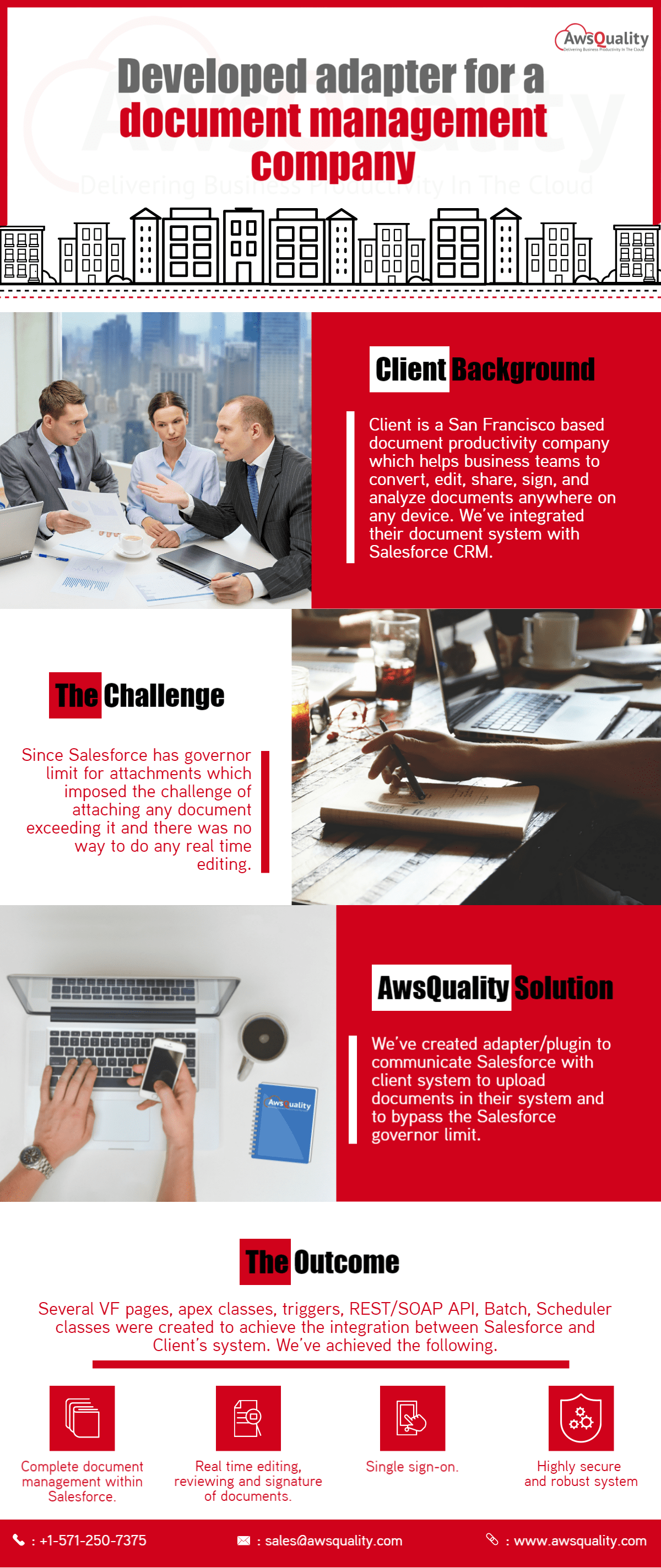 Other Salesforce Services for Document Management Company Client Background Client is a San Francisco based document productivity company which helps business teams to convert, edit,… Read case study
 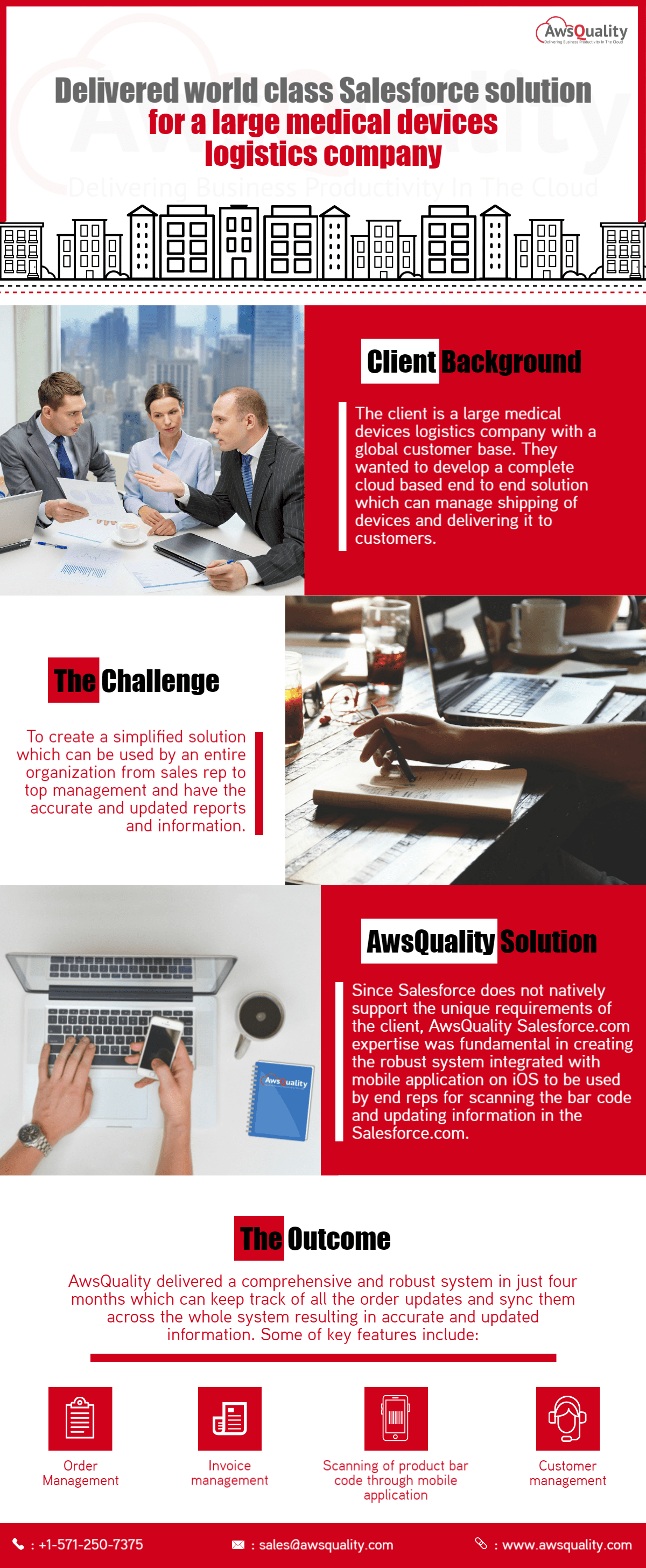 Healthcare Salesforce Solution for A Large Medical Devices Logistics Company The Background The client is a large medical devices logistics company with a global customer base. They wanted… Read case study
 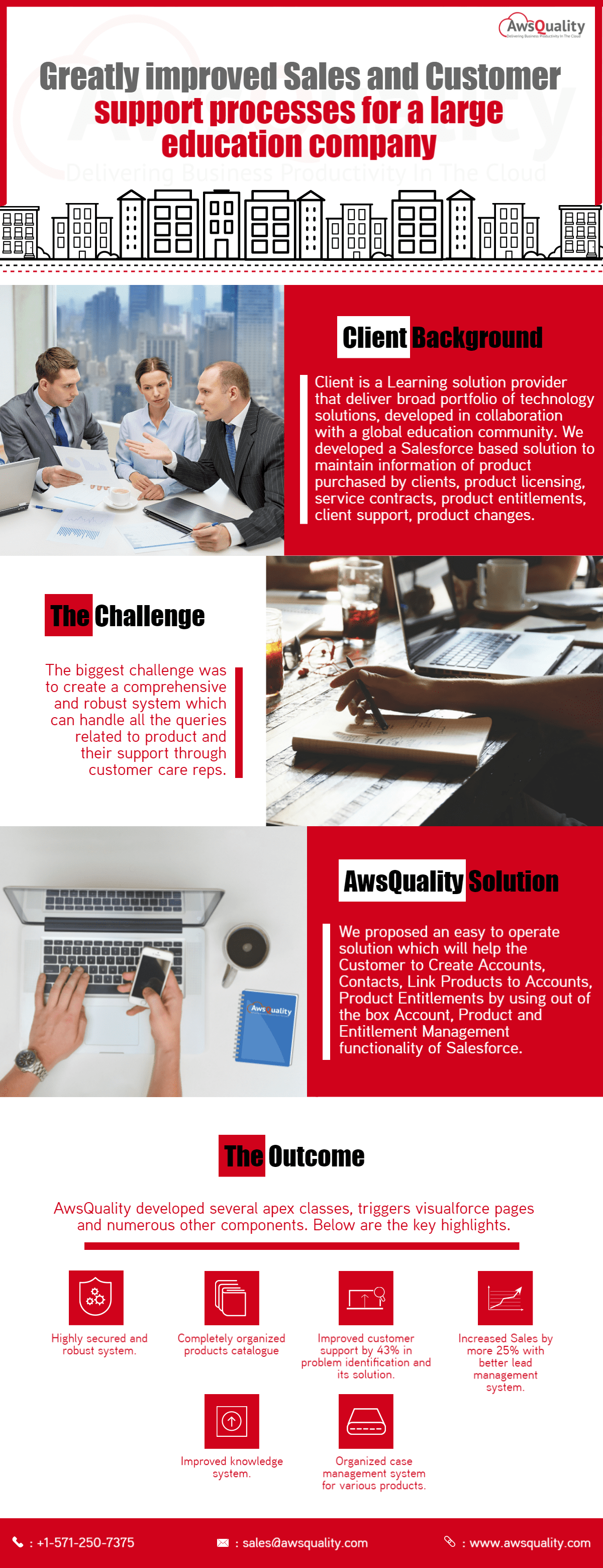 Education Salesforce Solutions for A Large Education Company Customer Background Client is a Learning solution provider that deliver broad portfolio of technology solutions, developed in collaboration… Read case study
 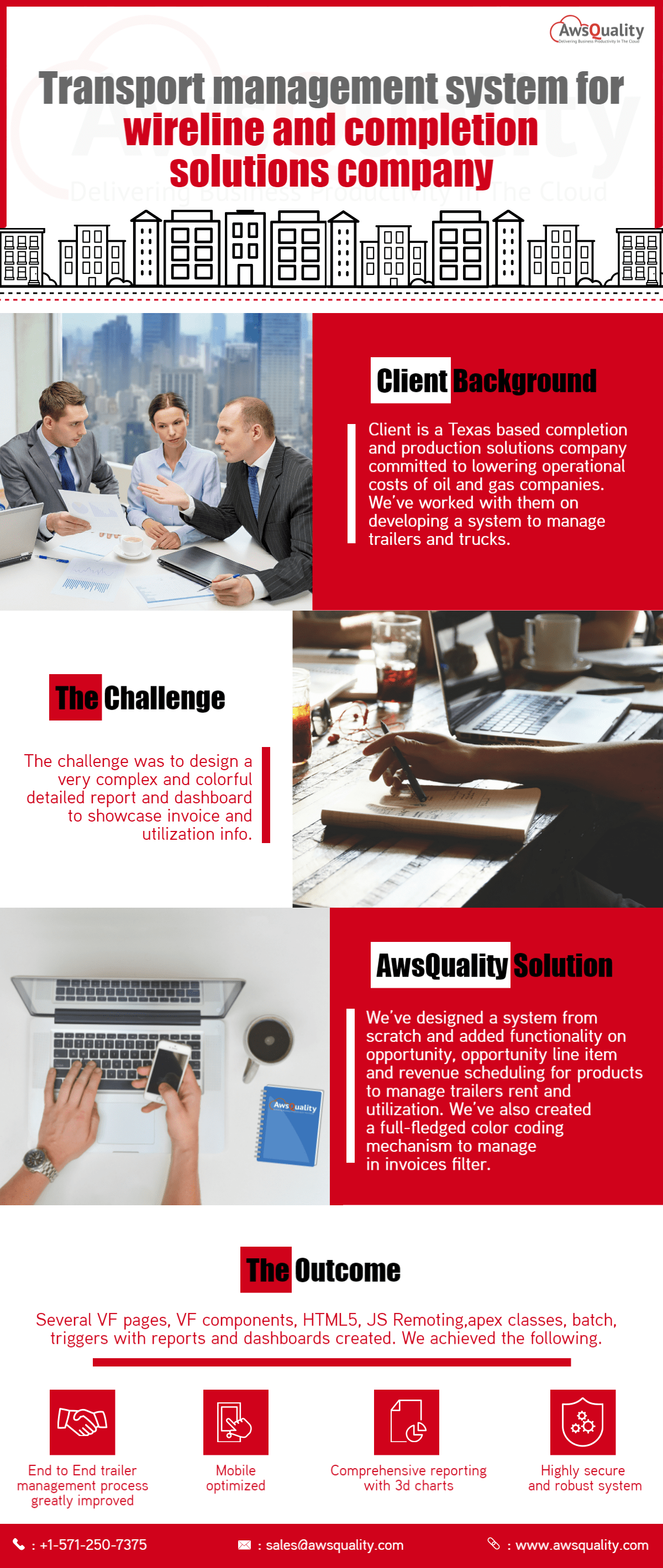 Manufacturing Salesforce Solutions for Transport Management Company Client Background Client is a Texas based completion and production solutions company committed to lowering operational costs of… Read case study