Migrating to Salesforce is one of the most important steps organizations take to modernize customer relationship management (CRM). Whether you’re moving from spreadsheets, a legacy CRM, or another cloud-based platform, a successful Salesforce migration can improve sales productivity, customer service, reporting, and business efficiency.
However, data migration is often the biggest concern.
Duplicate records, missing customer information, broken relationships between objects, and inaccurate mappings can significantly impact business operations if the migration isn’t planned properly.
The good news?
With the right migration strategy, tools, and governance, you can move to Salesforce without losing critical business data.
This guide explains the complete Salesforce migration process, common challenges, best practices, and how to ensure a secure, accurate, and seamless migration.
What is Salesforce Data Migration?
Salesforce data migration is the process of transferring business-critical data — customer records, sales transactions, contact history, pipeline opportunities, support cases, product information, and operational data — from one or more source systems into a Salesforce organization.
The source systems involved vary significantly across migration scenarios:
Legacy CRM migration: Moving from Dynamics 365, HubSpot, Zoho, SugarCRM, or an older Salesforce org to a new or restructured Salesforce implementation.
Spreadsheet consolidation: Consolidating customer data and pipeline information from multiple Excel or Google Sheets files into a structured Salesforce environment for the first time.
ERP and line-of-business integration: Extracting customer, account, and transaction data from ERP systems — SAP, Oracle, NetSuite, Microsoft Dynamics 365 Finance — into Salesforce as the primary system of record for customer relationships.
Merger and acquisition consolidation: Combining two or more Salesforce organizations, or migrating an acquired company’s CRM into the parent entity’s Salesforce instance.
Salesforce org restructure: Migrating data between Salesforce organizations when architecture decisions require a clean-start org with a rebuilt data model.
In every scenario, the migration involves not just moving data but transforming it — converting source system data formats, structures, and identifiers into the schema of the target Salesforce environment — while preserving the relationships between records and the historical context that makes the data operationally useful.
Salesforce data migration is also, in 2026, no longer just a CRM data problem. Salesforce is deeply connected with integrated cloud platforms, marketing automation, service management, analytics environments, and increasingly with AI and Agentforce agents. A migration error can ripple across all connected systems — affecting reporting, AI insights, customer experiences, and compliance simultaneously.
Read: Salesforce Integration v/s. Migration – Which Strategy Works Best for Your Business
Why Businesses Migrate to Salesforce
Organizations migrate to Salesforce for many reasons, including:
- Replacing legacy CRM systems
- Consolidating multiple customer databases
- Improving sales visibility
- Enabling automation
- Supporting business growth
- Integrating customer data across departments
- Leveraging AI-powered CRM capabilities
- Improving reporting and analytics
Salesforce provides a scalable, cloud-based platform that supports sales, service, marketing, commerce, and customer success teams from a single source of truth.
When Should You Migrate to Salesforce?
Not every CRM pain point warrants a full migration. The signals that indicate your organization should migrate to Salesforce rather than optimize what currently exists include:
Your current CRM cannot support AI or automation requirements. Salesforce’s Einstein AI, Agentforce autonomous agents, and Flow automation require clean, structured, CRM-native data. Legacy systems that cannot support these capabilities are limiting not just current operations but future competitive positioning.
Your data is fragmented across multiple systems. Customer data spread across a CRM, spreadsheets, email inboxes, and ERP systems cannot be unified for reporting, forecasting, or personalization without a central platform that integrates them. Salesforce’s integration ecosystem — through native connectors, MuleSoft, and Data Cloud — provides this unification.
Your organization has outgrown its current CRM. Storage limitations, user count ceilings, performance degradation under increasing data volumes, and the absence of enterprise governance features are consistent indicators.
Critical integrations are not supported. If your current CRM cannot connect to the marketing automation, e-commerce, service, or ERP systems your business depends on, Salesforce’s AppExchange ecosystem and API architecture almost certainly can.
Reporting and forecasting are unreliable. When pipeline reports require manual assembly and forecast conversations produce numbers that nobody fully trusts, the underlying data environment is failing the business.
You are consolidating after an acquisition. Post-M&A CRM consolidation into a single Salesforce environment is one of the most common and highest-stakes migration scenarios, where data loss or corruption has direct commercial consequences.
Also read: How We Developed Salesforce Data migration System for An Audience Company
Salesforce Migration Process: 10 Phases to Zero Data Loss
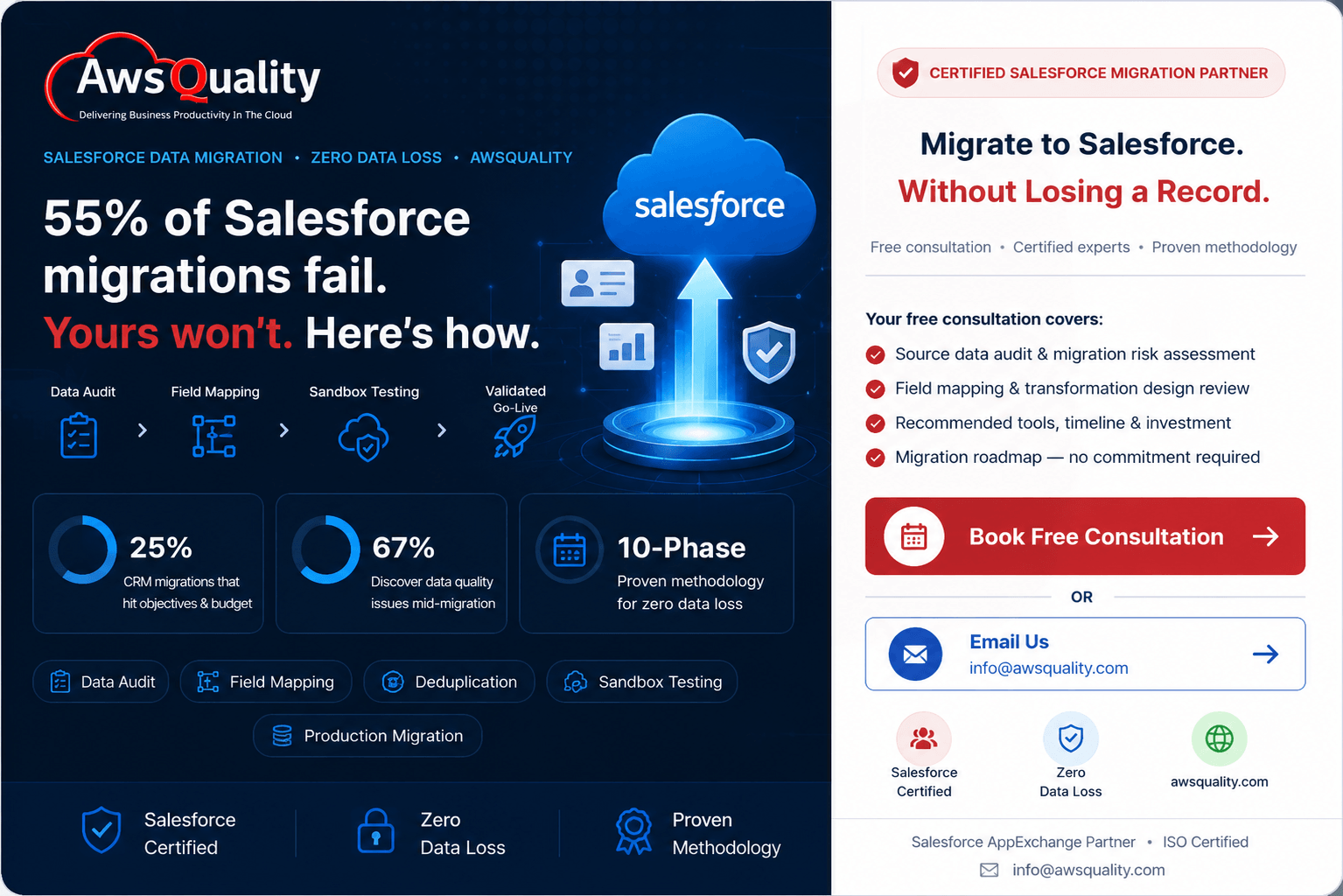
The organizations that achieve successful Salesforce migrations — that move their data accurately, completely, and on schedule — share a consistent methodology. They invest approximately 60% of their total migration timeline in preparation rather than execution. They do not move data until they understand and have cleaned what they are moving. And they validate after every stage rather than discovering problems at go-live.
The following ten-phase methodology reflects what that preparation and execution rigour looks like in practice.
1. Define Scope, Success Criteria, and Governance
Every Salesforce migration that experiences cost overruns, timeline slippage, or data quality failures after go-live shares a common root cause: the scope was not clearly defined before work began.
Define scope first. Not all data in a legacy system should move to Salesforce. Historical records older than the retention period required for operations and compliance should be archived rather than migrated. Inactive accounts with no pipeline or service activity within a defined lookback window should be excluded. Test records, development data, and records created by automated processes that have no business value should be identified and excluded explicitly.
A clear scope definition produces three outputs before any technical work begins:
A migration inventory — a complete list of every object, record type, and data category that will be migrated, with the volume estimate and the source system for each.
A success criteria document — the specific, measurable conditions that define a successful migration: 100% of active accounts migrated with all required fields populated; 0 broken account-to-contact relationships; all open opportunities migrated with their stage, amount, and close date; historical activity notes preserved on the correct contact records.
A governance model — who approves scope changes, who signs off on data quality standards, who owns the migration decision at the executive level, and who is responsible for validating each data object post-migration.
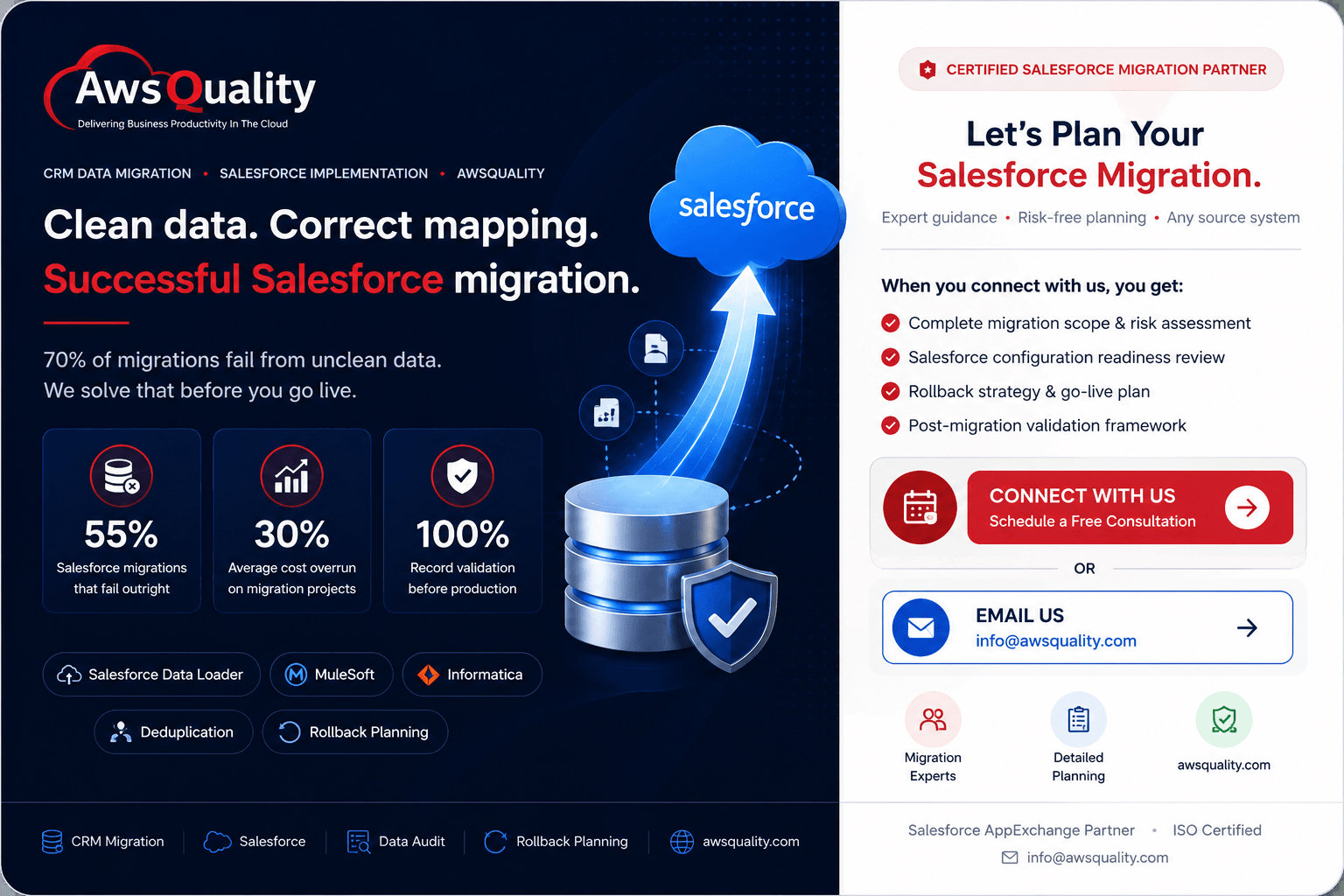
Without these three documents, scope creep is inevitable, success becomes subjective, and accountability is absent. These are the conditions under which 55% of migrations fail.
2. Audit and Profile Your Source Data
The most dangerous assumption in any Salesforce migration is that the data being moved is in better shape than it actually is. 67% of organizations discover major data quality issues mid-migration — after the project is already underway. The cost of discovering data quality problems in migration execution is many times the cost of discovering them in the assessment phase.
A thorough source data audit produces a data profile — a systematic assessment of every data object in the migration scope across four dimensions:
Completeness: What percentage of records have values in each field that is required or important? What percentage of contacts have email addresses? What percentage of opportunities have expected close dates? Completeness gaps in source data produce incomplete records in Salesforce.
Accuracy: Are the values in key fields factually correct? Do account addresses match their account regions? Do opportunity amounts reflect the currency defined in the account record? Do phone numbers follow a consistent format? Accuracy issues in source data produce incorrect records in Salesforce.
Consistency: Is the same concept represented consistently across records and across systems? “United States” in one field and “USA” in another — where both represent the same country — causes picklist validation errors when the target Salesforce field has only one accepted value. Inconsistent formats require translation tables.
Uniqueness: How many duplicate records exist, and what is the duplicate identification logic? Exact-match deduplication is rarely sufficient. Real-world duplicates are fuzzy — abbreviated names, transposed email domains, company suffixes that vary by record (Inc. vs Incorporated vs Inc). The profile needs to identify the scope of fuzzy duplication before cleansing strategy is designed.
The data profile is a prerequisite for every subsequent migration phase. It determines how much cleansing work is required, which field mappings require transformation logic, and what the realistic migration timeline looks like.
3. Cleanse and Deduplicate Before Migration
Data cleansing is the phase that most migrations underinvest in and every failed migration regrets. 70% of migration projects face challenges due to weak planning and unclean data, according to 2026 research. Poor data quality can affect 15 to 25% of revenue. The imperative is straightforward: clean the data before migrating it, not after.
Deduplication is the most consequential cleansing activity. Duplicate customer and account records in Salesforce undermine reporting, create confusion in sales and service workflows, damage personalization, and erode user trust in the system from day one. Remove duplicates in the source system, not in Salesforce post-migration, where the cleanup is significantly more expensive and disruptive.
Purpose-built deduplication tools — Validity DemandTools is the established market leader for Salesforce-focused deduplication — support fuzzy matching, bulk deduplication, and pre-import deduplication for large datasets. Standard CRM export-import deduplication logic based on exact field matching is insufficient for real-world enterprise data.
Picklist standardization eliminates the validation errors that cause batch import jobs to fail. For every field in the target Salesforce environment that uses a picklist or controlled vocabulary, produce a translation table that maps every source system value to the correct target Salesforce picklist value. This is not optional: picklist value mismatches cause import failures at the API level and are one of the three most common causes of migration job failures.
Date and format standardization ensures that all date fields, phone numbers, currency values, and address formats conform to the format requirements of the target Salesforce fields. Inconsistent date formats and phone numbers with varying country codes cause batch import failures that can be difficult to diagnose without systematic pre-migration standardization.
Record locks for delta migration accuracy: As cleansing and migration preparation proceed, the source system continues to receive updates. Records updated in the legacy system after the initial data extract but before the final cutover create source-target discrepancies that require delta migration processing. Lock the legacy system at the point of cutover to eliminate this risk. Develop a delta migration process — extracting and migrating only records changed since the initial extract — for the period between the initial extract and the cutover lock.
4. Design Field Mapping and Data Transformation
Field mapping is the technical specification that defines how every source system data element is translated to its corresponding Salesforce field. It is the most important technical deliverable of the migration preparation phase, and it determines whether migrated data is usable or corrupted.
A complete field mapping specification documents:
Source-to-target field mapping — for every source field in scope, the corresponding Salesforce object and field that will receive the data, including cases where a single source field maps to multiple target fields or multiple source fields consolidate into a single target field.
Transformation logic — the specific rules that convert source data into the format required by the target Salesforce field. Date format conversion, picklist value translation, currency standardization, text concatenation (combining separate first name and last name fields into a Salesforce full name), and field type conversion (converting numeric strings to Salesforce number fields).
Null handling rules — what happens when a source field has no value? In some cases, a Salesforce default value should be applied. In others, the field should be left blank. In others, the record should be excluded from migration if a critical field has no value. Each case requires an explicit rule documented in the mapping specification.
External ID strategy — Salesforce External ID fields are the primary mechanism for maintaining parent-child relationships between migrated records and for preventing duplicate records during re-import or delta migration. Every object in the migration should have a designated External ID field that maps to the unique identifier from the source system. Configuring External ID fields on every object is a prerequisite that must be completed in Salesforce before any migration work begins.
Relationship mapping — how parent-child relationships in the source system (account-to-contact, contact-to-opportunity, contact-to-case) map to the lookup and master-detail relationships in Salesforce. Broken relationship mapping is the most common cause of orphaned records after migration — contacts with no parent account, opportunities with no primary contact role. Relationship mapping must be validated in sandbox testing before production migration.
The field mapping specification should be reviewed and approved by both technical and business stakeholders before migration build begins. Business stakeholders validate that the transformation logic preserves the business meaning of the data. Technical stakeholders validate that the mapping is implementable within the constraints of the migration tools and the Salesforce data model.
5. Configure Your Salesforce Environment for Migration
Before a single record is migrated, the target Salesforce environment must be configured specifically for migration readiness. Attempting migration into an insufficiently prepared Salesforce environment is one of the most common causes of validation rule failures, relationship mapping errors, and incomplete record populations.
Enable audit fields. Salesforce audit fields (CreatedDate, CreatedById, LastModifiedDate, LastModifiedById) are not editable by default, but Salesforce can enable audit field editing through a Support request. This capability is essential for preserving the historical timestamps from the source system — so migrated accounts show when they were originally created, not the date of migration. If audit fields are not enabled before migration, all migrated records will show the migration date as their creation date, destroying historical context.
Create External ID fields on every migrated object. External ID fields are the unique identifiers that enable the migration tool to match records on re-import, prevent duplicate record creation, and maintain parent-child relationships through the migration process. Configure External ID fields to hold the unique record identifiers from the source system before migration begins.
Disable validation rules, triggers, and workflows temporarily. Salesforce validation rules, Apex triggers, and workflow rules are designed for normal operational data entry. During migration, data may not yet conform to operational standards — because it is being loaded in a specific sequence to resolve relationship dependencies, or because the source system used different validation standards. Disable validation rules, triggers, and workflows for the duration of the migration load, and re-enable them after validation is complete. Document every rule disabled, and re-enable in controlled sequence.
Configure permission sets for migration users. The user profile used to run migration jobs requires specific permissions — field-level security access to every migrated field, object-level Create and Edit access, and in some configurations access to the Modify All Data system permission. Configure and test these permissions in sandbox before production migration.
Set up dedicated migration user profiles. Using standard operational user profiles for migration loads risks contaminating audit trails and ownership assignments. Create dedicated migration user accounts, assign appropriate permissions, and use these accounts exclusively for migration operations.
6. Select Your Migration Tools
The right migration tooling depends on the volume of data being migrated, the complexity of the transformation logic, the level of automation required, and the technical capability of the migration team. Three tool categories cover the primary migration scenarios.
Salesforce Data Loader is Salesforce’s native free migration tool, appropriate for straightforward migrations with moderate data volumes and teams with direct Salesforce technical access. Data Loader handles CSV-based import and export, supports the Insert, Update, Upsert, Delete, and Hard Delete operations, and processes up to 5 million records in a single batch when using the Bulk API mode. The key constraint is that Data Loader requires manual operation — it does not provide automated scheduling, complex transformation logic, or relationship resolution across multiple load sequences. Data Loader is the right tool for single-object loads, simple field mappings, and migrations without complex data relationships.
MuleSoft Anypoint Platform provides enterprise-grade ETL and data integration capability specifically designed for Salesforce and complex multi-system migrations. MuleSoft supports complex transformation logic, multi-object relationship resolution, error handling and retry logic, and automated scheduling for delta migration processes. It is the appropriate choice for enterprise migrations involving multiple source systems, complex transformation requirements, or ongoing synchronization between legacy and Salesforce environments during a phased cutover. MuleSoft’s native Salesforce connector and its position within the Salesforce ecosystem make it the most deeply integrated option for complex Salesforce migrations.
Informatica PowerCenter and Informatica Cloud Data Integration provide enterprise data management platform capabilities that go beyond ETL — including data quality, data governance, and master data management functionality that is particularly valuable for migrations with significant data quality remediation requirements. Informatica is well suited for large enterprise migrations where data quality management, lineage tracking, and governance documentation are required alongside the technical migration delivery.
Skyvia, Jitterbit, and Boomi are iPaaS (integration Platform as a Service) alternatives that provide cloud-based ETL and migration capability at mid-market price points, appropriate for organizations that need more than Data Loader’s manual process but do not require MuleSoft’s full enterprise capability.
Critical API constraints for 2026: Salesforce Bulk API processing is constrained by a 5,000-batch limit in any 24-hour window. Migrations involving two to three million records can exhaust daily API call limits when each record requires multiple API calls. Monitor live API usage through the Sforce-Limit-Info response header or the /services/data/vXX.0/limits REST endpoint. Additionally, Salesforce Platform API versions 31.0 through 40.0 are being retired following their deprecation announcement in Summer ’26. Validate that your migration tooling uses current supported API versions before migration begins. Salesforce Spring ’26 introduced Apex Cursors as generally available — enabling server-side chunking for large-volume Apex-based batch workloads.
7. Build and Execute the Sandbox Migration
The sandbox environment is the proving ground for the entire migration. Every element of the production migration — field mapping, transformation logic, load sequence, validation, and rollback procedures — should be fully executed in a sandbox before production is touched. The goal is to arrive at production migration with a process that has already been executed successfully and that has no known unknowns.
Migration load sequence matters. Object relationships in Salesforce require parent records to exist before child records can reference them. Accounts must be loaded before the Contacts that belong to them. Contacts must be loaded before the Opportunities that have them as primary contact roles. Map every relationship dependency in your migration scope and design the load sequence to respect those dependencies. An incorrect load sequence produces orphaned child records that have no parent to attach to — one of the most common and most disruptive migration failure modes.
Sandbox testing checklist:
- Load all in-scope objects in the correct dependency sequence
- Validate record counts against source system totals for every object
- Validate record-level data accuracy for a representative sample of records from each object — checking key fields, date values, relationship linkages, and picklist values
- Validate that all account-to-contact relationships are intact
- Validate that all opportunity primary contact role relationships are intact
- Validate that all activity and note records are associated with the correct parent records
- Re-enable all validation rules and confirm that migrated records pass them
- Re-enable workflows and triggers and confirm expected behaviour against migrated data
- Run standard reports and dashboards and validate output against source system benchmarks
- Conduct user acceptance testing with representative users from each team that will use the migrated data
Document every error. Every error that occurs during sandbox migration must be logged, categorised, and resolved before the same data element is migrated to production. The sandbox phase is the correct time to identify and address data quality issues, field mapping gaps, and relationship dependencies that the data profile phase did not surface.
8. Execute the Production Migration
Production migration should feel like running a tested procedure, not solving a new problem. Every step — load sequence, error handling, monitoring approach, validation checks — should have already been executed at least once in the sandbox environment.
The production migration sequence:
Step 1 — Final data extract and delta capture. Extract the production-ready dataset from the source system immediately before cutover. This is the version of the data that incorporates all cleansing, deduplication, and transformation work from earlier phases, plus the most current source system records.
Step 2 — Legacy system lock. At the agreed cutover time, lock the legacy system to prevent new data entry during the migration window. This eliminates the risk of records being created or updated in the legacy system that will not be reflected in Salesforce at go-live.
Step 3 — Execute migration loads in dependency sequence. Run the migration loads in the tested sequence, monitoring each load for errors, API limit consumption, and record count completion against the expected totals.
Step 4 — Error handling during production load. Every migration produces errors — records that fail validation or processing. Log all errors immediately. Categorise them as blocking (must be resolved before proceeding) or non-blocking (records that can be remediated post-migration without preventing go-live). Address blocking errors before proceeding to dependent objects.
Step 5 — Real-time monitoring. Monitor the Salesforce API Limit Usage throughout the production migration to avoid exhausting daily API limits mid-migration. If approaching limits, pause and schedule continuation for the following day’s allowance window.
9. Post-Migration Validation
The production migration is not complete at the point of data load. It is complete when every validation check has been passed and the data is confirmed accurate in the production environment.
Record count validation compares the number of records migrated for every object against the expected count from the source system inventory. Discrepancies require investigation — either records that failed processing (check error logs) or scope discrepancies that need to be reconciled.
Record accuracy sampling validates a statistically representative sample of records across each object, checking that field values, date values, picklist values, and relationship linkages match the source data. For a migration of 100,000 contact records, validating 500 randomly selected contacts gives 99% confidence that the full population was migrated accurately.
Relationship integrity validation confirms that no orphaned records exist — no contacts without parent accounts, no opportunities without account linkages, no cases without contact associations. A query across all in-scope objects for records where required lookup fields are null surfaces relationship integrity failures immediately.
Report and dashboard validation runs the standard reports and dashboards that business users will use on day one, and validates their output against equivalent reports from the source system. Revenue pipeline totals, activity counts, account territory assignments, and lead source distributions should all match the source system benchmarks within the acceptable tolerance defined in the success criteria document.
User acceptance testing gives representative users from each affected team the opportunity to validate that the data they will work with every day is accurate, complete, and navigable in the new Salesforce environment before the system is officially opened for regular use.
10. Rollback Planning
Every production migration requires a documented rollback plan that defines what happens if the migration validation reveals failures that cannot be resolved through post-migration remediation.
The rollback plan defines:
- The specific conditions that trigger a rollback decision — error rate thresholds, validation failures that affect business-critical data, or inability to resolve blocking data issues within the defined resolution window
- The technical steps to restore the pre-migration state — typically through Salesforce’s native backup and restore capability, through the migration tool’s reverse load capability, or through a pre-migration full-org export
- The communication plan for stakeholders if rollback is executed
- The timeline for rollback decision — at what point after the production migration begins is it no longer feasible to roll back without causing more disruption than the migration failure itself
A rollback plan that has never been tested is not a rollback plan — it is an intention. Test the rollback procedure in the sandbox environment to confirm that it can restore the pre-migration data state completely and within the expected timeframe.
Check out: Why Salesforce implementations fail — and how to avoid common mistakes
Common Salesforce Migration Challenges
Many organizations underestimate the complexity of CRM migration.
Some of the most common challenges include:
Poor Data Quality
Old systems often contain:
- Duplicate records
- Missing fields
- Inconsistent formats
- Outdated information
Migrating poor-quality data only transfers existing problems into Salesforce.
Incorrect Field Mapping
Source systems rarely match Salesforce exactly.
Improper mapping may result in:
- Missing information
- Wrong values
- Broken reports
- Invalid relationships
Large Data Volumes
Millions of records require careful planning to avoid:
- Performance issues
- Import failures
- Downtime
Broken Object Relationships
Accounts, contacts, opportunities, and cases are interconnected.
If parent-child relationships are not preserved, reports and automation can fail.
User Adoption Issues
Even a technically successful migration can fail if users are unfamiliar with the new system.
Training and change management are critical.
Common Salesforce Migration Mistakes and How to Avoid Them
Mistake 1: Migrating everything without scope definition
Every record in the legacy system becomes a Salesforce storage cost. Inactive accounts, historical records outside the retention requirement, and records with no operational value should be archived or discarded rather than migrated. Define scope explicitly — what will be migrated, what will be archived, what will be deleted — before any technical work begins.
Mistake 2: Discovering data quality issues mid-migration
67% of organizations discover data quality problems mid-migration. Discovering them at this stage costs dramatically more — in time, budget, and disruption — than discovering them in the assessment phase. Invest in thorough data profiling before migration begins.
Mistake 3: Ignoring object relationship dependencies
Loading child records before their parent records exist produces orphaned records. Contacts without accounts, opportunities without contacts, cases without associated accounts — all of these destroy the relational integrity that makes Salesforce data useful. Map every relationship dependency and design the load sequence to respect them.
Mistake 4: Failing to enable audit fields
Migrated records that show the migration date as their creation date rather than the original record creation date lose their historical context. This damages reporting, relationship history, and the operational utility of the migrated data. Enable audit field editing through Salesforce Support before migration begins.
Mistake 5: Leaving validation rules and triggers active during migration
Migration loads fail when validation rules reject records that do not yet meet operational standards — because they are being loaded in dependency sequence, or because the source system used different validation logic. Disable validation rules, triggers, and workflows for the migration period, and re-enable them in controlled sequence after validation is complete.
Mistake 6: Skipping sandbox testing
The production environment is not the proving ground for migration logic. Every element of the production migration — load sequence, transformation logic, error handling — must be fully executed and validated in the sandbox environment before production is touched. Teams that skip sandbox testing to save time consistently spend far more time on production incident resolution.
Mistake 7: No rollback plan
Migrations that fail mid-execution without a documented rollback plan leave organizations in a state where neither the legacy system nor the new Salesforce environment has reliable data. Define and test the rollback procedure before production migration begins.
Mistake 8: Underinvesting in change management
Between 22% and 60% of CRM failures are linked to adoption and people-related issues. The most technically perfect migration does not succeed if the users who need to adopt the new environment are not prepared, trained, and supported through the transition. Change management — communication, training, and post-go-live support — is as important to migration success as any technical element.
Also check: 7 Fixes for Low Salesforce Adoption
Salesforce Data Migration Best Practices
Clean Data Before Migration
Never migrate unnecessary or outdated information.
Migrate Only What You Need
Not every historical record needs to move into Salesforce.
Preserve Record Relationships
Maintain Account, Contact, Opportunity, and Case links.
Use Unique Identifiers
External IDs simplify updates and prevent duplicate records.
Validate Frequently
Check data quality throughout the migration—not only after completion.
Involve Business Users
Business teams understand the data better than anyone else.
Document Everything
Maintain documentation for:
- Mapping
- Validation
- Testing
- Rollback
- Data quality
Automate Where Possible
ETL and migration tools reduce manual effort and improve consistency.
Read: Salesforce Health Check – Why Your CRM Might Be Underperforming
Common Data That Should Be Migrated
Most organizations migrate:
- Accounts
- Contacts
- Leads
- Opportunities
- Products
- Price Books
- Cases
- Campaigns
- Tasks
- Events
- Attachments
- Files
- Notes
- Custom Objects
- Historical Activities
Data You May Not Need to Migrate
Consider archiving:
- Duplicate records
- Inactive leads
- Obsolete campaigns
- Outdated tasks
- Legacy reports
- Temporary data
- Unused custom fields
Migrating only relevant data reduces project complexity.
Salesforce Migration Checklist
Use this checklist to track completion across every migration phase:
Pre-Migration
- Migration scope document approved by stakeholders
- Success criteria document defined and approved
- Source data audit and profile completed
- Data cleansing and deduplication completed
- Field mapping specification completed and reviewed
- Salesforce External ID fields configured on all migrated objects
- Audit field editing enabled through Salesforce Support
- Migration user profiles configured and permission-tested
- Validation rules, triggers, and workflows documented for temporary disable
- Migration tool selected and configured
- API version compatibility confirmed (post-Summer ’26 deprecation)
Sandbox Migration
- Full migration executed in sandbox in dependency sequence
- Record count validation passed for all objects
- Record accuracy sampling completed
- Relationship integrity validation passed
- Validation rules and workflows re-enabled and tested
- Report and dashboard output validated against source benchmarks
- User acceptance testing completed
- All errors logged and resolved
- Rollback procedure tested in sandbox
Production Migration
- Final data extract completed
- Legacy system locked at cutover
- Migration loads executed in tested sequence
- Errors logged and categorised during load
- API limits monitored throughout
- Record count validation passed
- Relationship integrity validation passed
- Report and dashboard output validated
- User acceptance testing signed off
- Legacy system decommission plan activated or parallel run period initiated
Also read: What is Salesforce Revenue Cloud? The Complete Guide to Quote-to-Cash
Benefits of Professional Salesforce Migration Services
Working with experienced Salesforce consultants reduces migration risks.
Professional migration services provide:
- Migration strategy
- Data assessment
- Data cleansing
- Field mapping
- ETL implementation
- Sandbox testing
- Validation
- User training
- Go-live support
- Post-migration optimization
This minimizes downtime and improves project success rates.
Why Choose AwsQuality for Salesforce Migration?
At AwsQuality, we help organizations migrate to Salesforce with confidence by combining technical expertise with proven migration methodologies.
Our Salesforce Migration Services include:
- Migration planning and strategy
- Legacy CRM migration
- Salesforce implementation
- Data cleansing and deduplication
- Custom object migration
- ETL and API integration
- Validation and testing
- User training
- Managed support
Whether you’re migrating from spreadsheets, Microsoft Dynamics, HubSpot, Zoho, SugarCRM, or another CRM platform, our certified Salesforce consultants ensure a smooth transition with minimal disruption.
Frequently Asked Questions
How long does a Salesforce migration take?
The timeline depends on data volume, complexity, customizations, and integrations. Small projects may take a few weeks, while enterprise migrations can take several months.
Can I migrate data to Salesforce without downtime?
Yes. With proper planning, sandbox testing, and phased deployment, downtime can be minimized significantly.
What is the safest way to migrate Salesforce data?
The safest approach includes data cleansing, field mapping, test migrations, comprehensive backups, and post-migration validation.
Which Salesforce migration tool is best?
The right tool depends on project size and complexity. Salesforce Data Import Wizard works well for smaller migrations, while Data Loader and enterprise ETL tools are better suited for larger or more complex projects.
Should I clean my data before migration?
Absolutely. Removing duplicate, incomplete, and outdated records before migration improves data quality, user adoption, and reporting accuracy.
Final Thoughts
A successful Salesforce migration is about much more than transferring records from one system to another. It’s an opportunity to improve data quality, streamline business processes, and create a trusted foundation for sales, service, and customer engagement.
By following a structured migration strategy—cleaning data, mapping fields, testing thoroughly, and validating every step—you can reduce risk and ensure a smooth transition without losing valuable information.
For organizations with complex data environments, custom objects, or large-scale migrations, partnering with an experienced Salesforce consulting team can make the process faster, safer, and more efficient.
If you’re planning a Salesforce migration, AwsQuality can help you move with confidence, preserving the integrity of your data while setting your business up for long-term success.
 Bio
Bio