
01
Project Overview
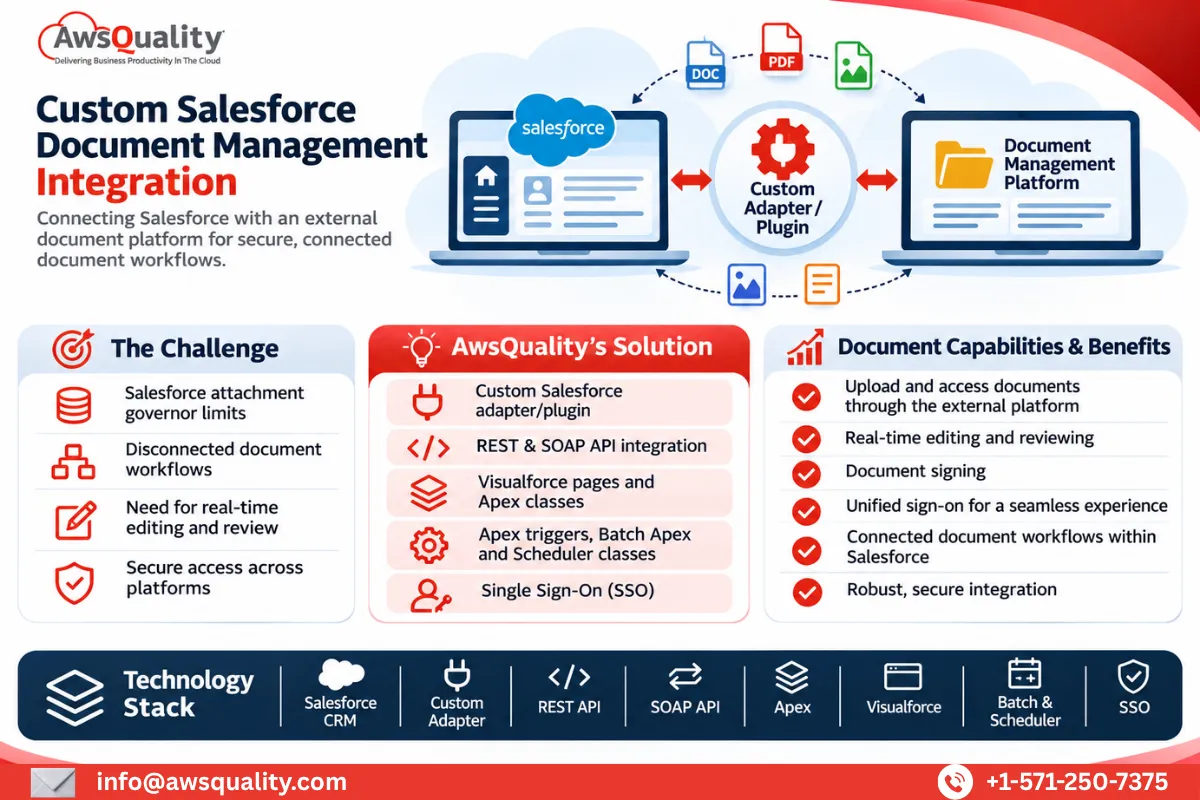
A San Francisco-based document productivity company partnered with AwsQuality to integrate its document management platform with Salesforce CRM. The objective was to create a seamless connection between the two systems, enabling Salesforce users to upload, access, edit, review, and sign documents without being restricted by Salesforce's native attachment limitations.
The client needed a customized integration that could handle large documents, support real-time document operations, and provide a unified experience for users working within Salesforce.
AwsQuality developed a custom adapter/plugin to establish communication between Salesforce and the client's document management system. The solution enabled documents to be uploaded and managed through the external platform while allowing users to access document-related functionality from Salesforce.
The integration combined custom Salesforce development, REST and SOAP APIs, and asynchronous processing components to deliver a secure and robust document management experience.
About the Client
The client is a San Francisco-based document productivity company that helps business teams convert, edit, share, sign, and analyze documents across devices.
Its platform enables organizations to manage document-related activities through a connected digital environment.
The company wanted to extend its document management capabilities to Salesforce users by integrating its platform with Salesforce CRM. This required a customized solution that could overcome platform limitations while providing convenient access to document operations within Salesforce.
To achieve this, the organization partnered with AwsQuality for Salesforce integration and custom adapter development.
02
The Business Challenges
Salesforce provides native capabilities for managing documents and attachments. However, its platform governor limits can restrict the handling of larger attachments and complex document operations.
The client wanted Salesforce users to work with documents directly through the CRM while leveraging the capabilities of its external document management platform.
The major challenges included:
- Salesforce Attachment Limitations: Salesforce governor limits restricted the ability to attach documents exceeding the platform's applicable limits.
- Disconnected Document Management: The client's document platform needed to communicate seamlessly with Salesforce CRM.
- Real-Time Document Editing: Users require the ability to edit and review documents without relying on disconnected workflows.
- Electronic Document Signing: The integration needed to support document signing as part of the document management process.
- Centralized Document Access: Salesforce users needed convenient access to documents managed through the client's external platform.
- Secure User Authentication: The solution required single sign-on capabilities to provide a more unified authentication experience.
- Reliable System Integration: The client needed a robust integration architecture capable of supporting communication between Salesforce and its document management system.
The client required a customized integration solution that could address these limitations while allowing users to perform essential document operations directly through Salesforce.
03
AwsQuality's Solution
AwsQuality designed and developed a custom adapter/plugin to connect Salesforce CRM with the client's document management platform.
Instead of relying exclusively on Salesforce's native attachment storage, the solution enabled documents to be uploaded to the client's external document management system. This approach helped address Salesforce attachment limitations while allowing users to access document-related functionality through Salesforce.
The integration combined custom Visualforce pages, Apex development, REST and SOAP APIs, and asynchronous processing to support the required document management workflows.
The major components of the solution included:
Custom Salesforce Document Management Adapter
AwsQuality developed a customized adapter/plugin to establish communication between Salesforce and the client's document management system. The adapter acted as the integration layer between the two platforms, enabling Salesforce users to upload documents to the external system and access its document management capabilities. This approach helped extend Salesforce functionality without relying entirely on its native attachment storage.
External Document Upload and Management
To overcome Salesforce attachment limitations, AwsQuality implemented functionality that allowed documents to be uploaded and managed through the client's external document management platform. This provided an alternative approach to handling documents that exceeded Salesforce's applicable attachment limits. It also enabled users to work with documents through the integrated environment while leveraging the client's document management capabilities.
Real-Time Document Editing and Reviewing
The integration enabled users to edit and review documents in real time through the connected document management system. This helped simplify document collaboration and reduced the need to switch between disconnected platforms for document-related activities.
Document Signing Capabilities
AwsQuality incorporated document signing functionality into the integrated solution. This allowed users to manage document signing as part of the connected Salesforce document management workflow.
Single Sign-On (SSO) Implementation
The solution incorporated single sign-on functionality to provide a more unified authentication experience between the connected platforms. This helped simplify user access and supported a seamless experience when working with document management functionality through Salesforce.
REST and SOAP API Integration
AwsQuality leveraged REST and SOAP APIs to establish communication between Salesforce and the client's external document management system. These integration capabilities enabled the two platforms to exchange information and support the required document management operations.
Custom Salesforce Development
Several custom Salesforce components were developed to support the integration and its business requirements. The implementation included: Visualforce Pages, Apex Classes, Apex Triggers, Batch Apex, Scheduler Classes. Together, these components helped establish a flexible integration architecture tailored to the client's requirements.
04
Project Outcomes and Business Benefits
The Salesforce QuickBooks integration helped the client establish a connected environment for managing accounting and CRM information. The key outcomes included:
- Centralized Document Management: Enabled Salesforce users to access document management functionality through the integrated environment.
- Overcame Attachment Limitations: Allowed documents to be uploaded to the external document management system rather than relying exclusively on Salesforce attachment storage.
- Real-Time Document Operations: Enabled users to edit and review documents in real time.
- Integrated Document Signing: Incorporated document signing capabilities into the connected workflow.
- Simplified User Authentication: Implemented single sign-on to support a more unified user access experience.
- Seamless Platform Communication: Connected Salesforce with the client's document management platform using REST and SOAP APIs.
- Robust Integration Architecture: Combined custom Salesforce development and asynchronous processing to support reliable integration workflows.
- Enhanced Document Productivity: Provided a more connected environment for users managing, reviewing, and signing documents.
05
Technology Stack
The project leveraged the following Salesforce technologies and capabilities:
- Salesforce CRM
- Custom Salesforce Adapter/Plugin
- REST API
- SOAP API
- Apex Classes
- Apex Triggers
- Visualforce Pages
- Batch Apex
- Scheduler Classes
- Single Sign-On (SSO)
- External Document Management Platform
06
Conclusion
Document management within CRM platforms requires more than basic file storage. Businesses need integrated solutions that support document access, editing, reviewing, and signing while addressing platform-specific limitations.
By developing a custom adapter to connect Salesforce with the client's document management platform, AwsQuality helped a San Francisco-based document productivity company extend its document management capabilities to Salesforce users.
The solution combined REST and SOAP API integration, custom Visualforce pages, Apex development, asynchronous processing, and single sign-on to establish a secure and robust integration architecture.
This project demonstrates AwsQuality's expertise in Salesforce integration, custom adapter development, and third-party application connectivity, helping businesses extend CRM capabilities and build connected document management workflows.
Looking to integrate your document management platform with Salesforce?
AwsQuality helps businesses develop custom Salesforce integrations, build application adapters, connect third-party platforms, and automate document-related workflows. Our Salesforce development expertise enables organizations to overcome platform limitations and create scalable, connected business solutions.
Build with us
Have a similar challenge? Let’s map the solution.
Talk with our Salesforce and product team about portals, communities, integrations, and delivery that fits your roadmap.
More work
More case studies
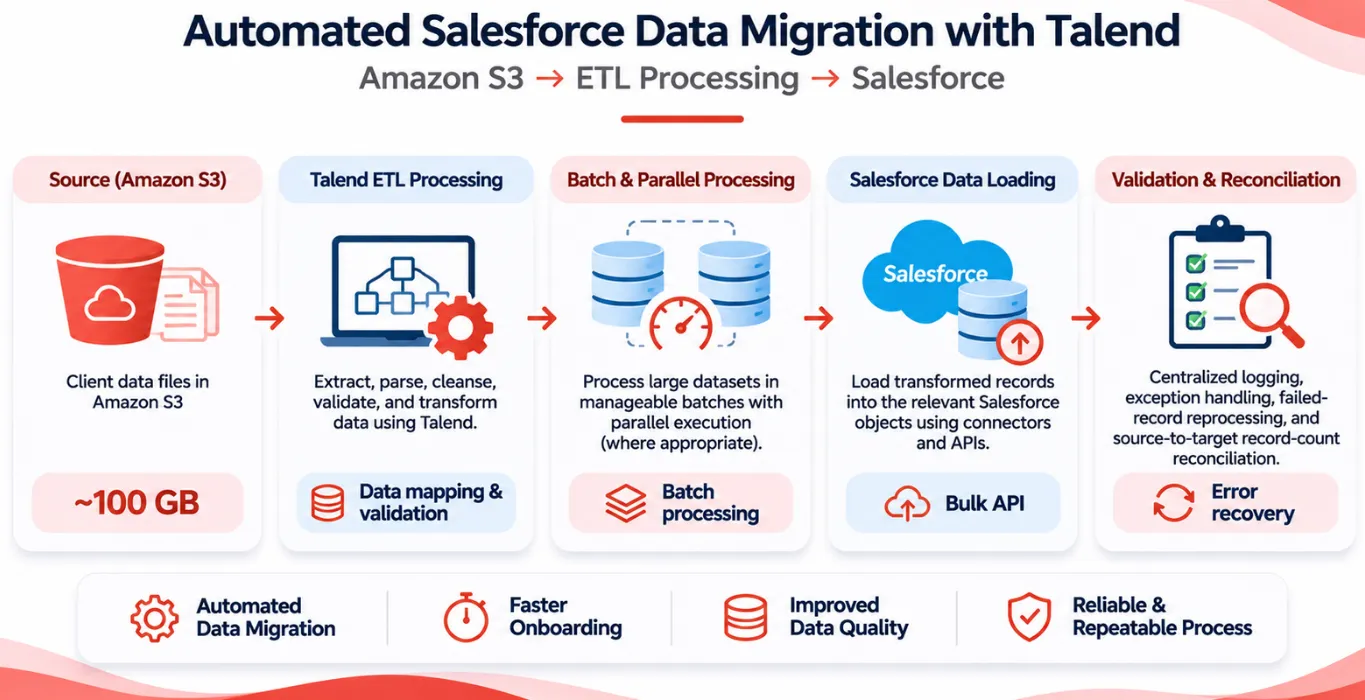 Other Automated Salesforce Data Migration from Amazon S3 Using Talend Project Overview A client onboarding initiative required migrating approximately 100 GB of data files stored in Amazon Simple… Read case study
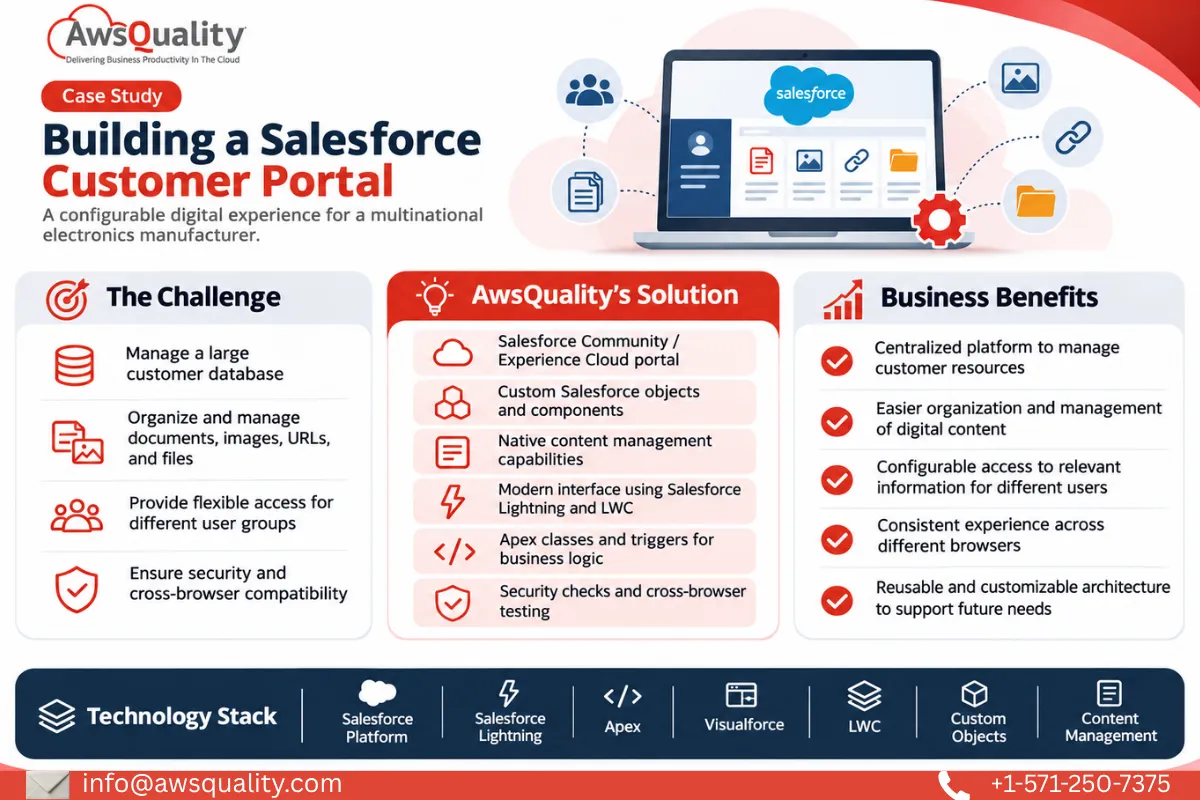 Electronics & Imaging Building a Salesforce Customer Portal (Experiance Cloud) for a Multinational Electronics Company Project Overview A multinational electronics manufacturer partnered with AwsQuality to develop a centralized, Salesforce-powered customer portal that could… Read case study
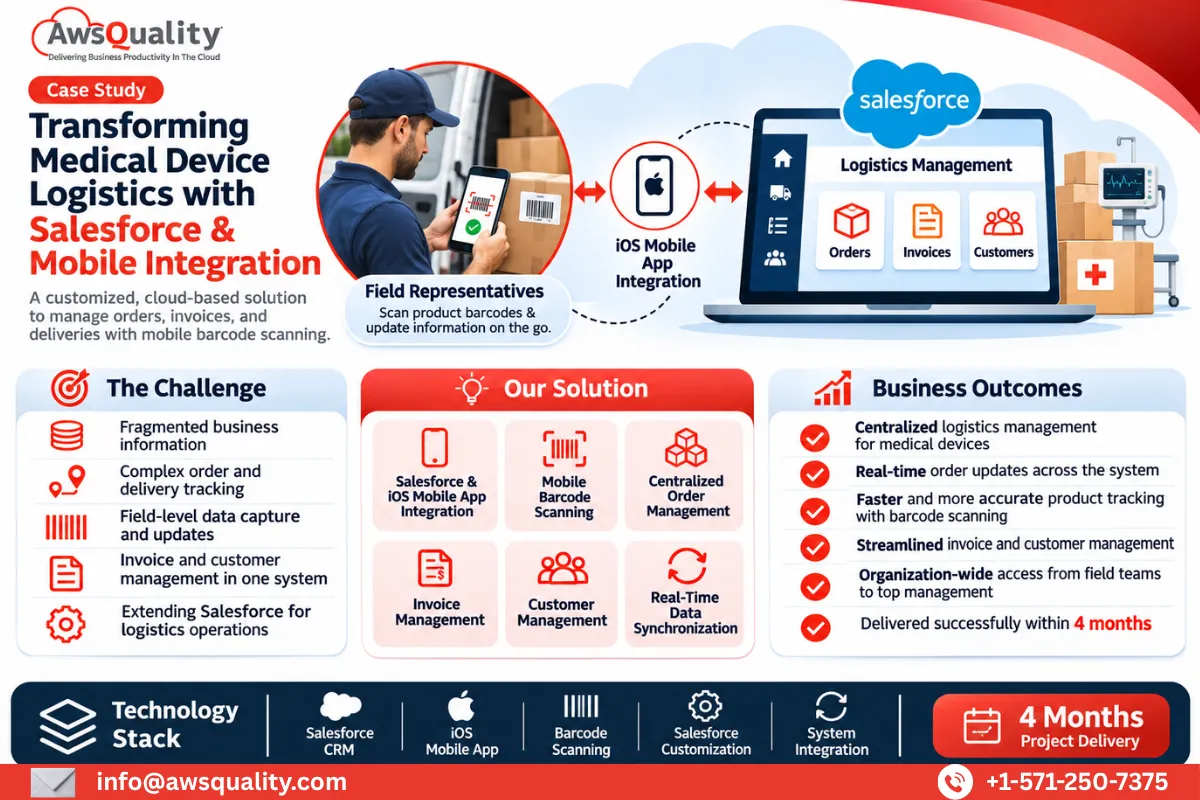 Healthcare Building an End-to-End Salesforce Logistics Management Solution for a Global Medical Devices Company Project Overview A global medical devices logistics company partnered with AwsQuality to develop a comprehensive, cloud-based solution for… Read case study
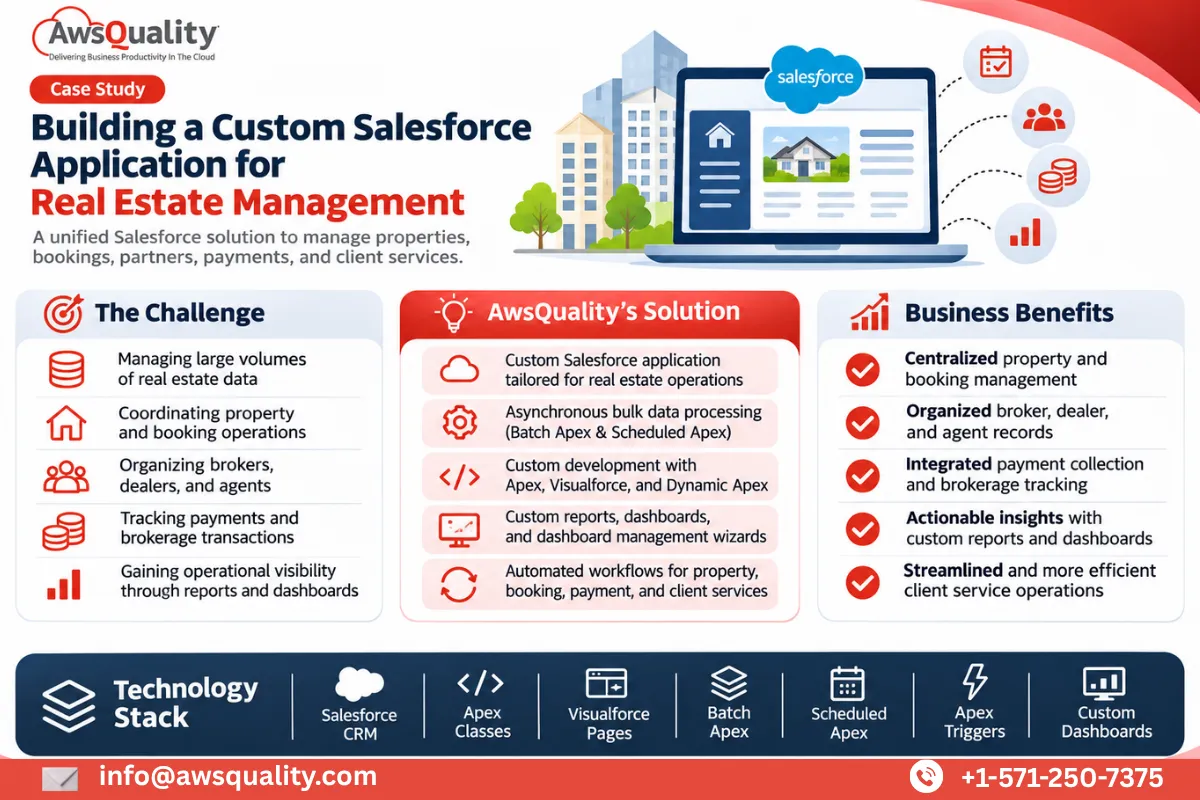 Real Estate Custom Salesforce Real Estate Application Development for Property Management Project Overview A Singapore-based IT services and cloud solutions company partnered with AwsQuality to develop a customized Salesforce… Read case study
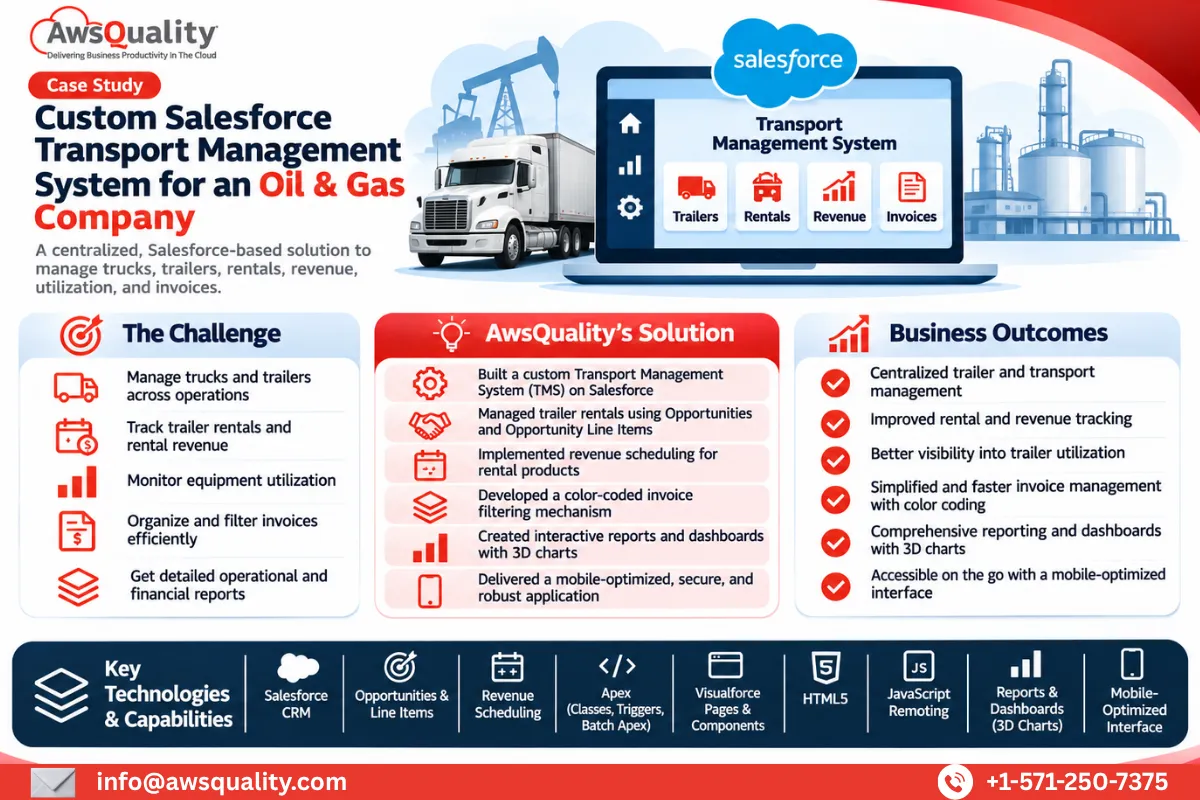 Manufacturing Custom Salesforce Transport Management System for a Wireline and Completion Solutions Company Project Overview A Texas-based oil and gas completion and production solutions company partnered with AwsQuality to develop a… Read case study
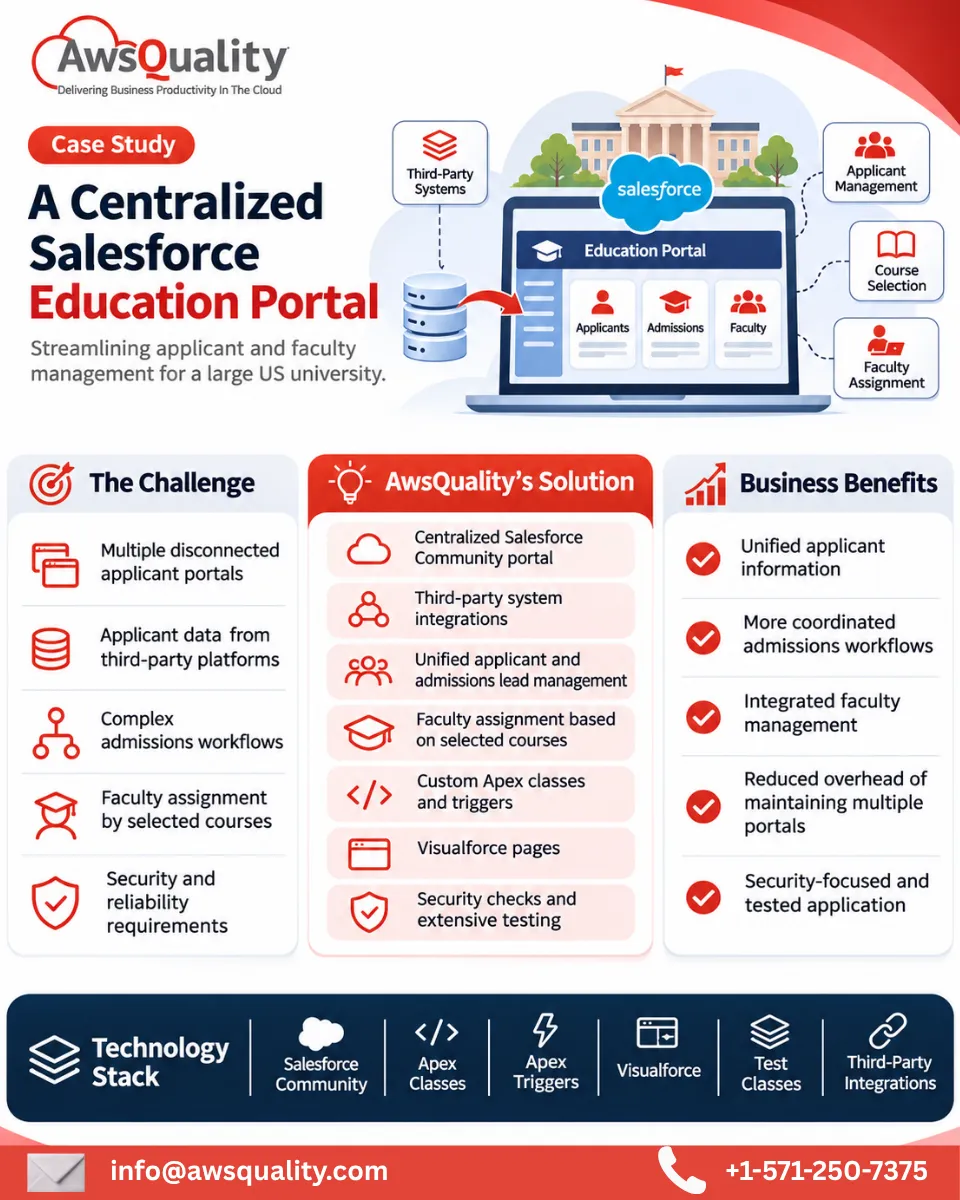 Education Developed Salesforce Community Portal for A USA Based University Read case study
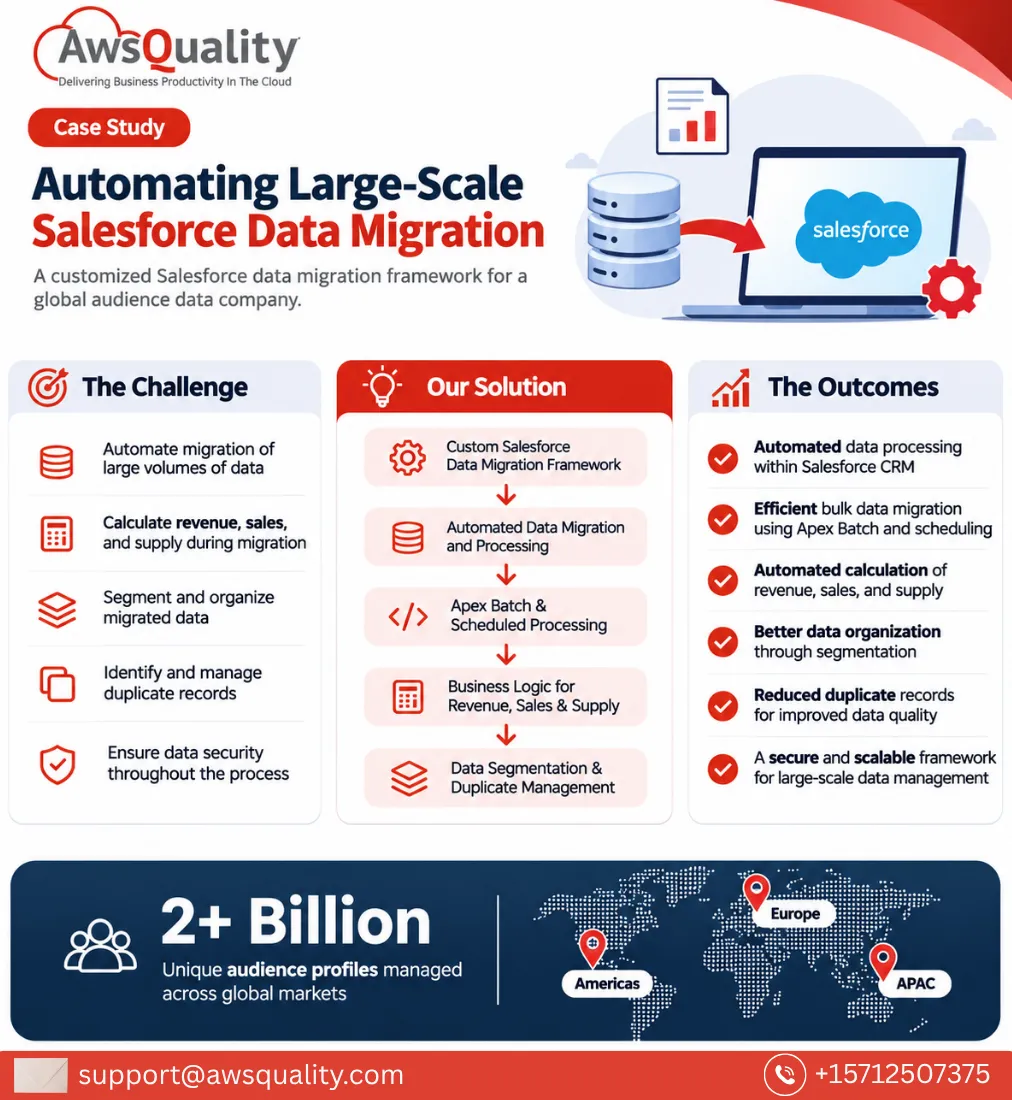 Other Developed Salesforce Data migration System for An Audience Company Project Overview A global audience data company partnered with AwsQuality to develop a robust Salesforce data migration framework… Read case study
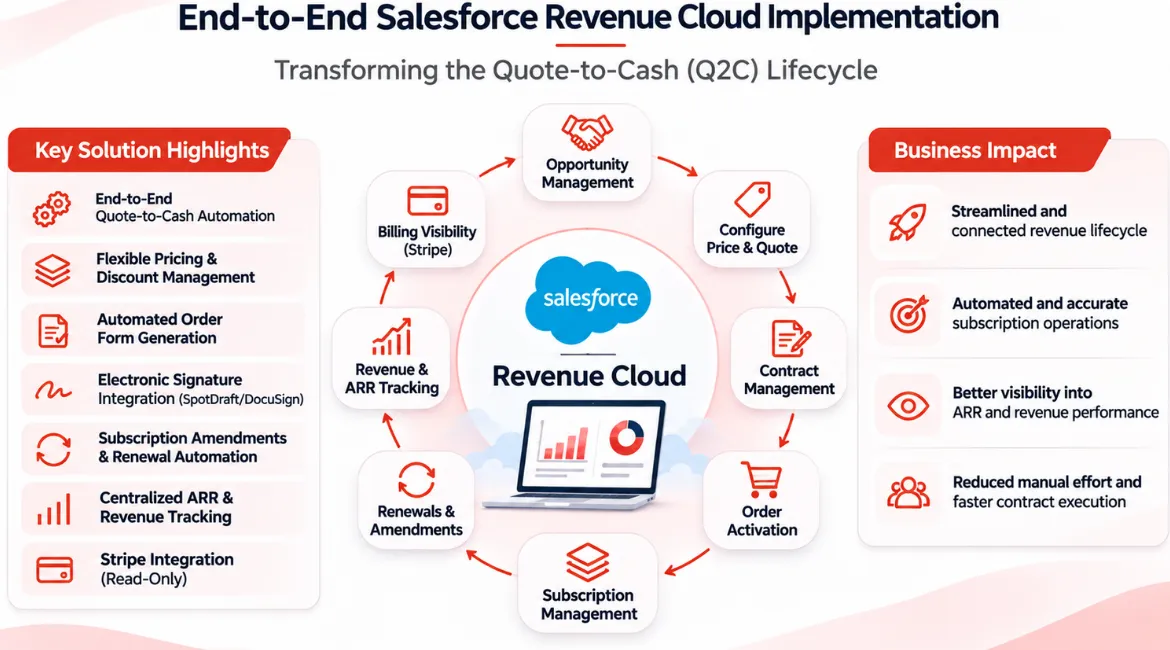 Other End-to-End Salesforce Revenue Cloud Implementation – Transforming the Quote-to-Cash Lifecycle Project Overview The client wanted to streamline its revenue management operations by bringing the entire Quote-to-Cash (Q2C) lifecycle… Read case study
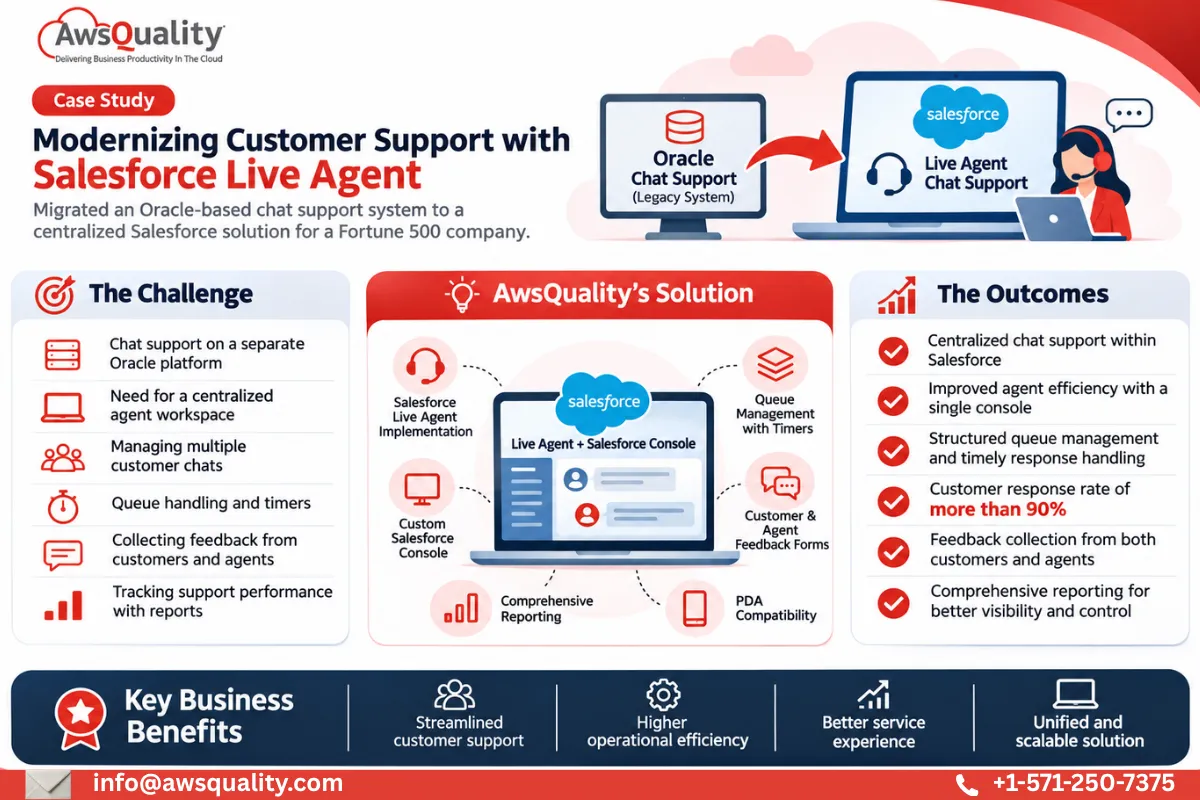 Other Implemented Salesforce Live Agent Chat Support for A Fortune 500 Company Project Overview A Fortune 500 company specializing in computer hardware and electronics partnered with AwsQuality to modernize its… Read case study
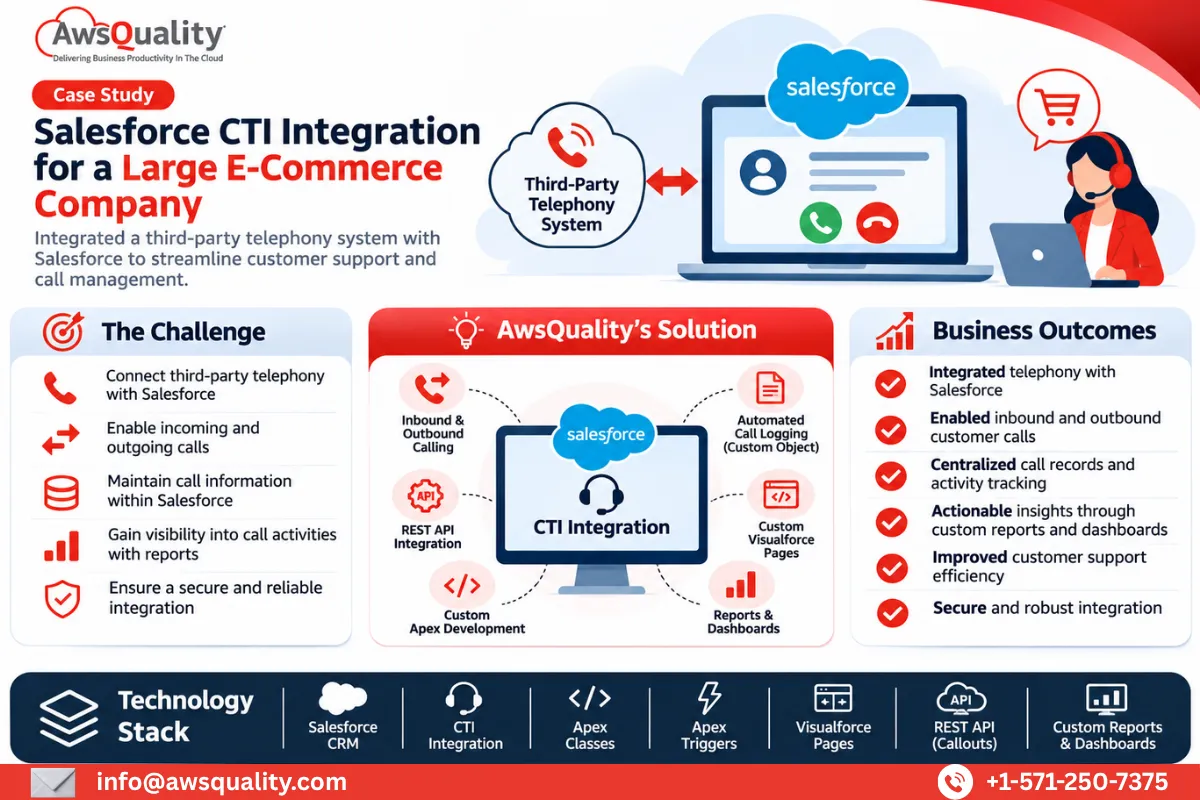 Retail & E-Commerce Salesforce CTI Integration for A large E-commerce Company Project Overview An international e-commerce company partnered with AwsQuality to integrate its third-party telephony system with Salesforce and… Read case study
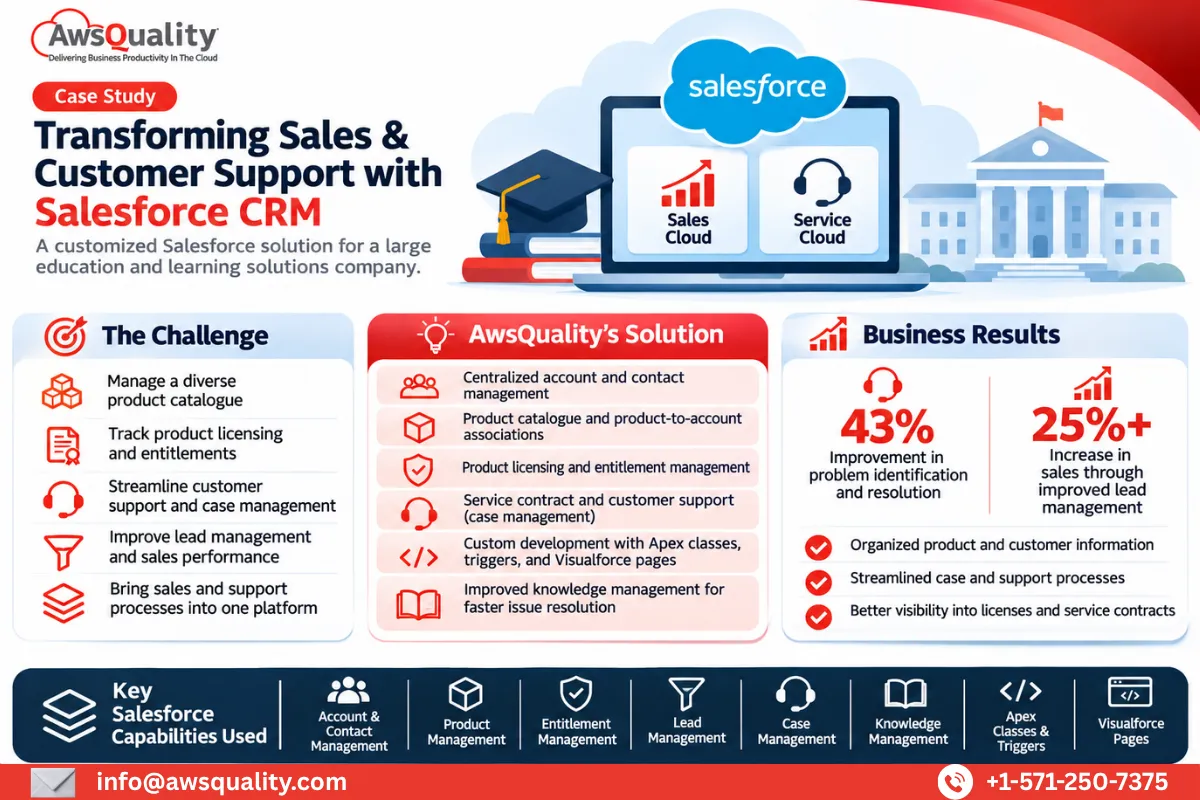 Education Salesforce Implementation for a Large Education and Learning Solutions Company Project Overview A large education and learning solutions provider partnered with AwsQuality to develop a comprehensive Salesforce-based solution… Read case study
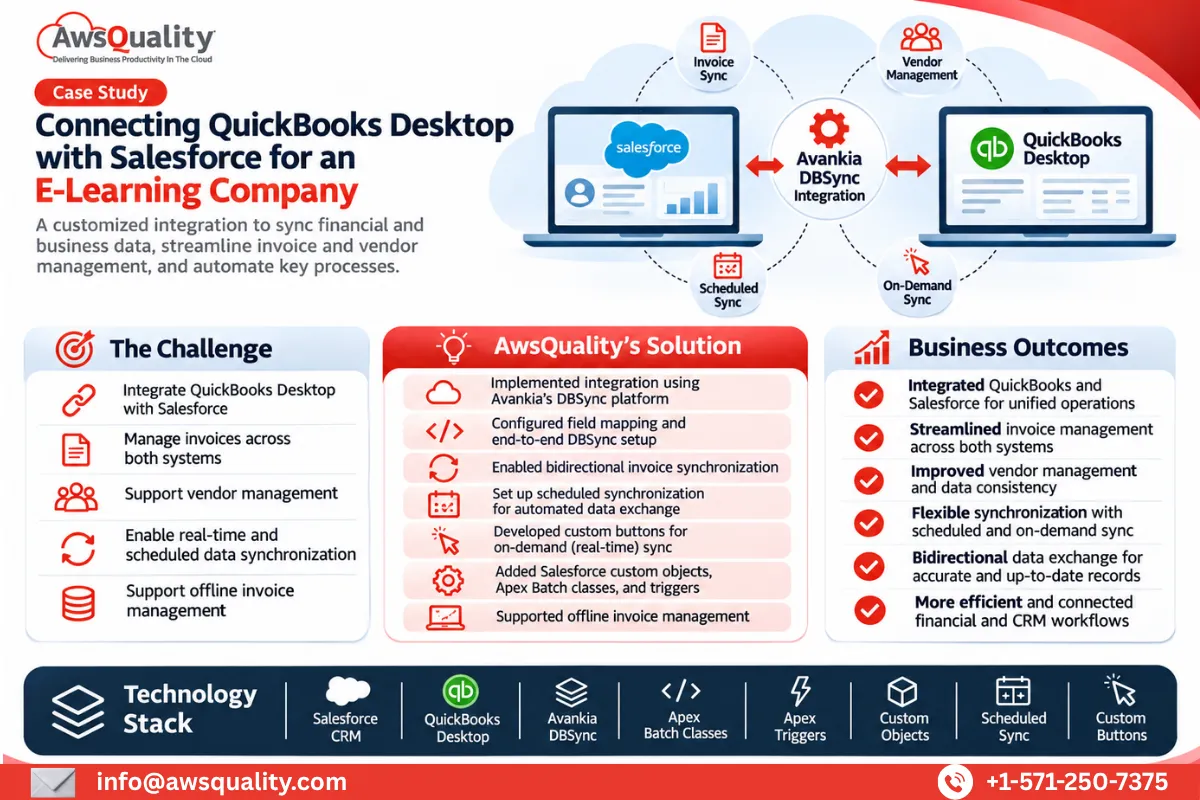 Financial Services Salesforce QuickBooks Integration for an E-learning Giant Project Overview A Texas-based e-learning company partnered with AwsQuality to integrate QuickBooks Desktop with Salesforce CRM and simplify… Read case study