
Case study
Salesforce QuickBooks Integration for an E-learning Giant
01
Project Overview
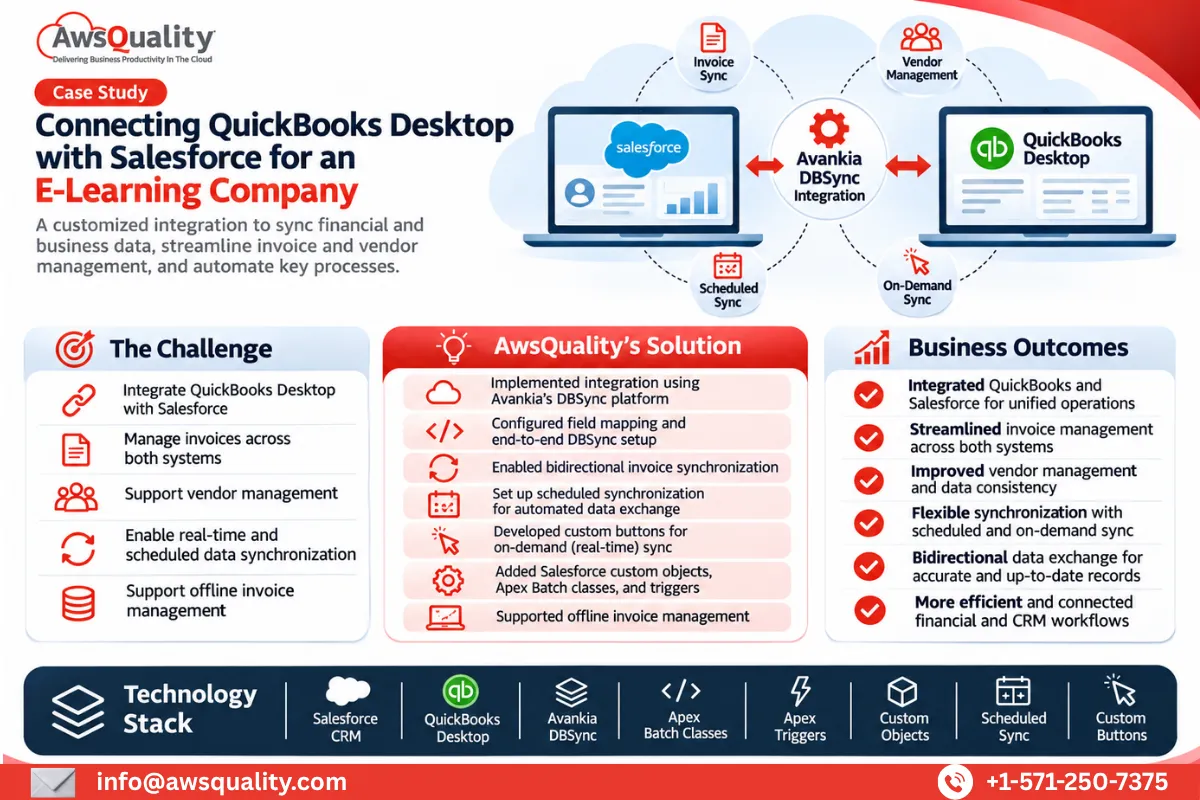
A Texas-based e-learning company partnered with AwsQuality to integrate QuickBooks Desktop with Salesforce CRM and simplify its financial and business data management processes.
The client provides training courses, classes, seminars, and workshops designed to improve business productivity. It needed a reliable integration between its accounting software and CRM platform to streamline invoice and vendor management while maintaining consistent information across both systems.
AwsQuality implemented a customized integration solution using Avankia's DBSync platform to connect QuickBooks Desktop with Salesforce. The project included end-to-end integration setup, field mapping, synchronization scheduling, and custom functionality to trigger real-time data synchronization.
The solution enabled bidirectional invoice synchronization, supported offline invoice management, and provided a more centralized approach to managing financial records and business information.
About the Client
The client is a Texas-based e-learning company offering a broad range of professional training courses, classes, seminars, and workshops.
Its learning programs focus on helping individuals and organizations improve productivity and develop relevant professional skills.
As the business managed its accounting and customer information across QuickBooks Desktop and Salesforce, it needed a dependable integration to connect these platforms and simplify financial data management.
The company partnered with AwsQuality to implement a customized Salesforce QuickBooks integration that could support its invoice and vendor management requirements.
02
The Business Challenges
The client relied on QuickBooks Desktop for accounting activities and Salesforce as its CRM platform. However, the two systems needed to exchange information efficiently to support connected financial and business processes.
Managing information across separate platforms created the need for a structured synchronization mechanism that could maintain consistency and simplify invoice management.
- Disconnected Business Systems: Integrating QuickBooks Desktop with Salesforce CRM to establish communication between the accounting and CRM platforms.
- Invoice Management: Creating a centralized approach to managing invoices and synchronizing invoice information between both systems.
- Vendor Management: Supporting end-to-end vendor management through the integrated environment.
- Data Synchronization: Establishing reliable synchronization processes to keep relevant information aligned across QuickBooks and Salesforce.
- Real-Time Synchronization: Providing users with the ability to trigger data synchronization when required instead of depending entirely on scheduled processes.
- Integration Configuration: Managing field mapping, synchronization schedules, and integration settings to ensure the systems exchanged relevant information correctly.
- Offline Invoice Management: Supporting offline invoice management as part of the client's business requirements.
The client needed a secure and flexible integration solution that could connect its existing accounting and CRM platforms without requiring a complete replacement of either system.
03
AwsQuality's Solution
AwsQuality implemented a customized integration between QuickBooks Desktop and Salesforce using Avankia's DBSync platform.
The solution involved configuring the integration environment, mapping relevant fields, establishing synchronization schedules, and developing custom Salesforce functionality to trigger real-time synchronization.
The implementation combined DBSync configuration with Salesforce custom development to address the client's invoice and vendor management requirements.
The major components of the solution included:
QuickBooks Desktop and Salesforce Integration
AwsQuality integrated QuickBooks Desktop with Salesforce CRM using Avankia's DBSync integration platform. This established a connection between the accounting and CRM systems, enabling relevant business information to be synchronized across both platforms. The integration helped bring financial and customer-related information into a more connected business environment.
DBSync Configuration and Field Mapping
The project involved end-to-end DBSync configuration, including field mapping between Salesforce and QuickBooks Desktop. Field mapping helped define how relevant information should be transferred between the two systems, supporting structured data exchange and synchronization.
Scheduled Data Synchronization
AwsQuality configured synchronization schedules to automate data exchange between QuickBooks Desktop and Salesforce. This provided a structured mechanism for keeping relevant records aligned across both platforms without requiring users to initiate every synchronization manually.
Custom Real-Time Synchronization Buttons
In addition to scheduled synchronization, AwsQuality developed custom buttons within Salesforce to trigger synchronization when required. This functionality gave users greater control over when data synchronization should take place and supported more immediate information exchange between the connected systems.
Bidirectional Invoice Synchronization
A key component of the integration was bidirectional invoice synchronization. The solution enabled invoice information to be synchronized between QuickBooks Desktop and Salesforce, supporting a more connected approach to invoice management.
Invoice and Vendor Management
AwsQuality implemented functionality to support end-to-end invoice and vendor management within the integrated environment. This helped the client manage important accounting-related information while connecting its financial processes with Salesforce CRM.
Custom Salesforce Development
The implementation also involved Salesforce customization to support the integration requirements. Several custom Salesforce objects, Apex Batch classes, and triggers were developed as part of the solution. These components supported the required data processing and integration workflows.
Offline Invoice Management
The solution also supported offline invoice management, addressing the client's requirement to manage invoice-related activities beyond the standard online synchronization workflow.
04
Project Outcomes and Business Benefits
The Salesforce QuickBooks integration helped the client establish a connected environment for managing accounting and CRM information. The key outcomes included:
- Integrated Accounting and CRM Systems: Connected QuickBooks Desktop with Salesforce to support coordinated business and financial data management.
- End-to-End Invoice Management: Enabled invoice management across the integrated platforms.
- Improved Vendor Management: Established functionality to support vendor-related business processes.
- Bidirectional Invoice Synchronization: Enabled invoice information to move between QuickBooks Desktop and Salesforce.
- Flexible Synchronization: Combined scheduled synchronization with custom buttons for user-triggered data synchronization.
- Offline Invoice Management: Supported the client's offline invoice management requirements.
- Customized Integration Architecture: Combined DBSync configuration with custom Salesforce objects, Apex Batch classes, and triggers.
- Secure Data Exchange: Implemented a security-focused integration to support the exchange of business and financial information.
05
Technology Stack
The project leveraged the following Salesforce technologies and capabilities:
- Salesforce CRM
- QuickBooks Desktop
- Avankia DBSync
- Salesforce Custom Objects
- Apex Batch Classes
- Apex Triggers
- Custom Salesforce Buttons
- Field Mapping
- Scheduled Data Synchronization
- Bidirectional Data Synchronization
06
Conclusion
Connecting accounting software with CRM platforms can help businesses simplify financial management and reduce the complexity of maintaining information across separate systems.
By integrating QuickBooks Desktop with Salesforce using Avankia's DBSync platform, AwsQuality helped a leading e-learning company establish a more connected approach to invoice and vendor management.
The solution combined scheduled and user-triggered synchronization, bidirectional invoice data exchange, and custom Salesforce development to support the client's financial and operational requirements.
This project demonstrates AwsQuality's expertise in Salesforce integration, third-party application connectivity, and custom CRM development, helping businesses connect essential systems and streamline their workflows.
Looking to integrate QuickBooks with Salesforce?
AwsQuality helps businesses connect Salesforce with accounting platforms, ERP systems, and third-party applications through customized integration solutions. Our Salesforce integration expertise helps organizations synchronize business data, automate workflows, and build connected technology environments.
Build with us
Have a similar challenge? Let’s map the solution.
Talk with our Salesforce and product team about portals, communities, integrations, and delivery that fits your roadmap.
More work
More case studies
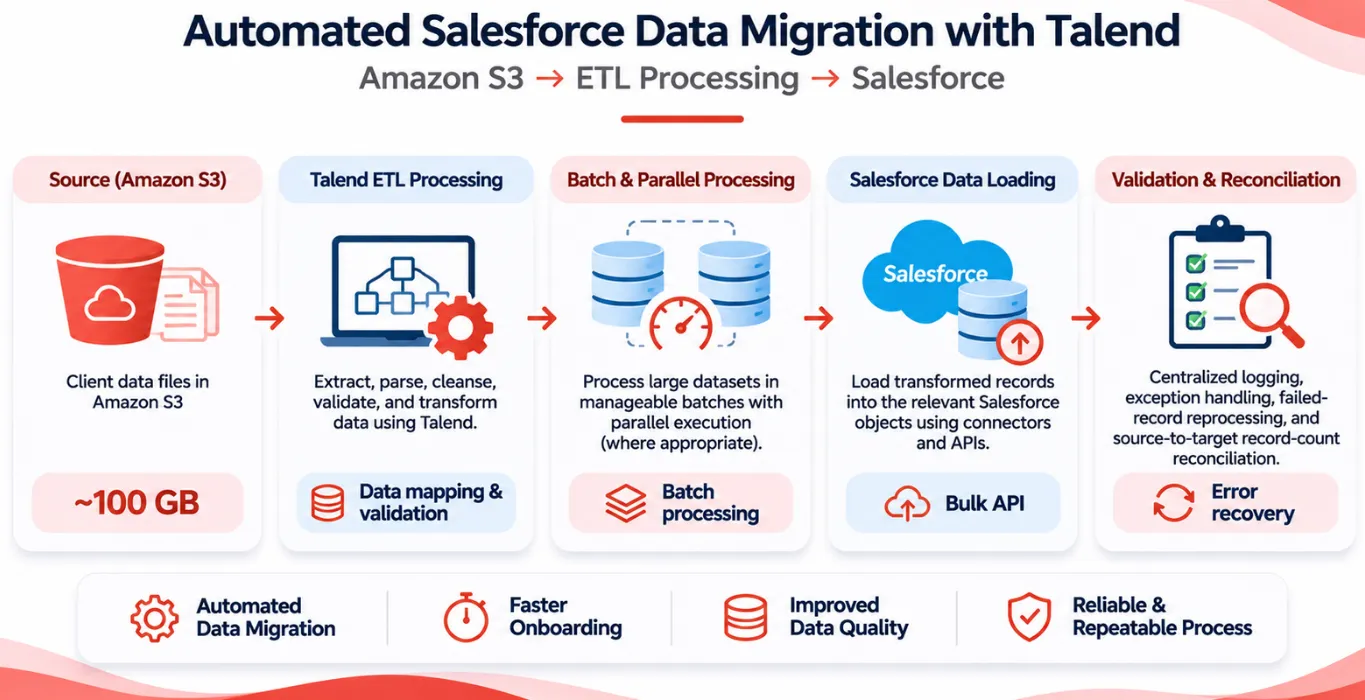 Other Automated Salesforce Data Migration from Amazon S3 Using Talend Project Overview A client onboarding initiative required migrating approximately 100 GB of data files stored in Amazon Simple… Read case study
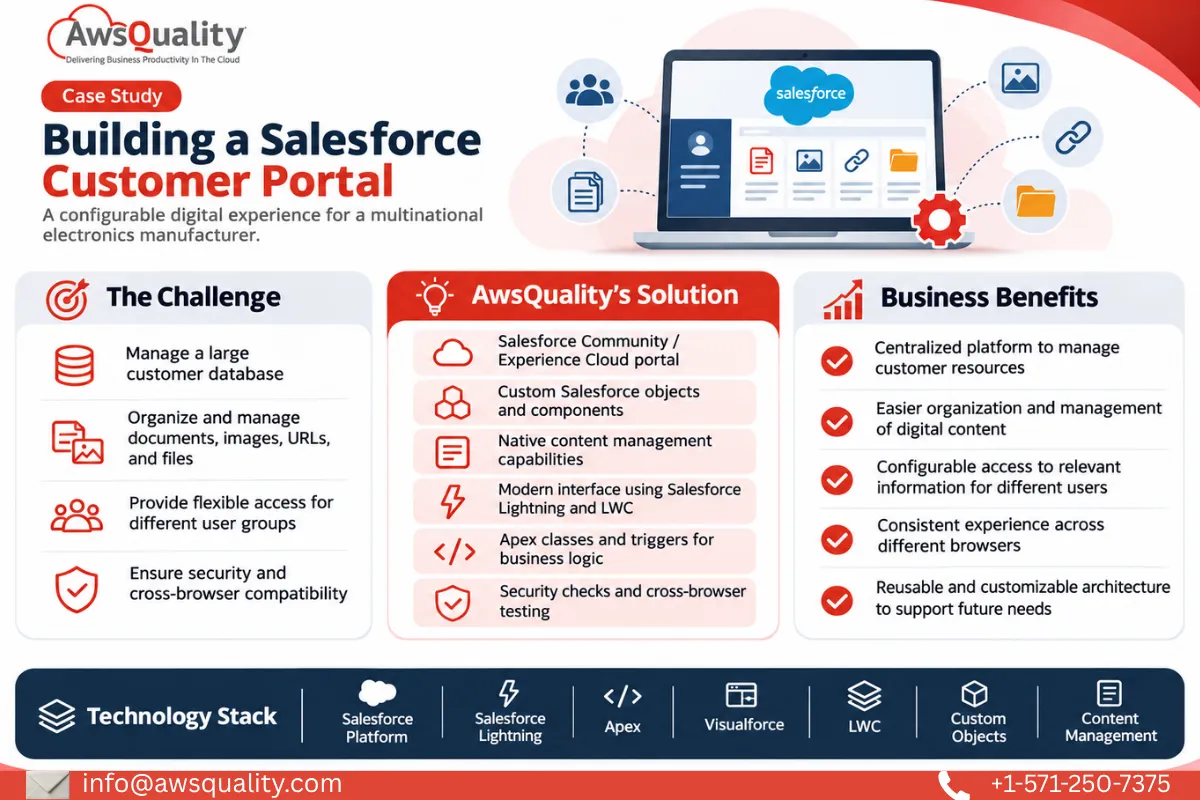 Electronics & Imaging Building a Salesforce Customer Portal (Experiance Cloud) for a Multinational Electronics Company Project Overview A multinational electronics manufacturer partnered with AwsQuality to develop a centralized, Salesforce-powered customer portal that could… Read case study
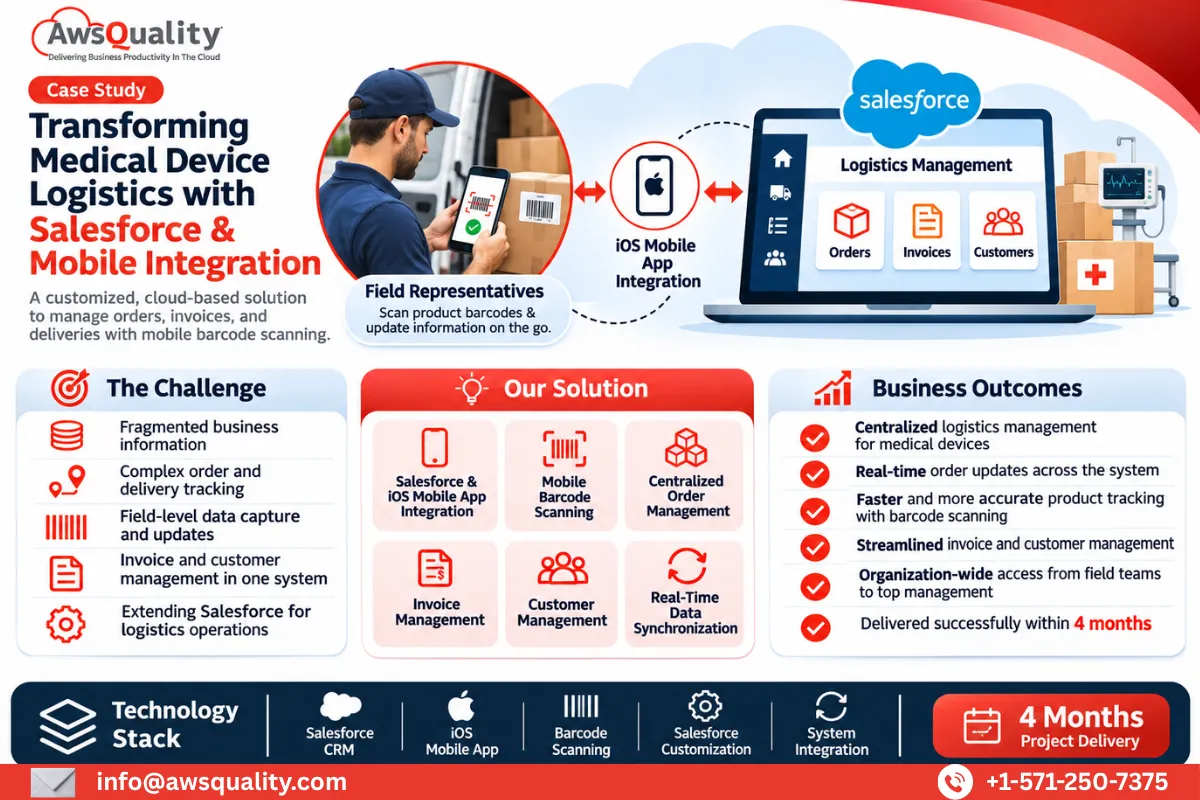 Healthcare Building an End-to-End Salesforce Logistics Management Solution for a Global Medical Devices Company Project Overview A global medical devices logistics company partnered with AwsQuality to develop a comprehensive, cloud-based solution for… Read case study
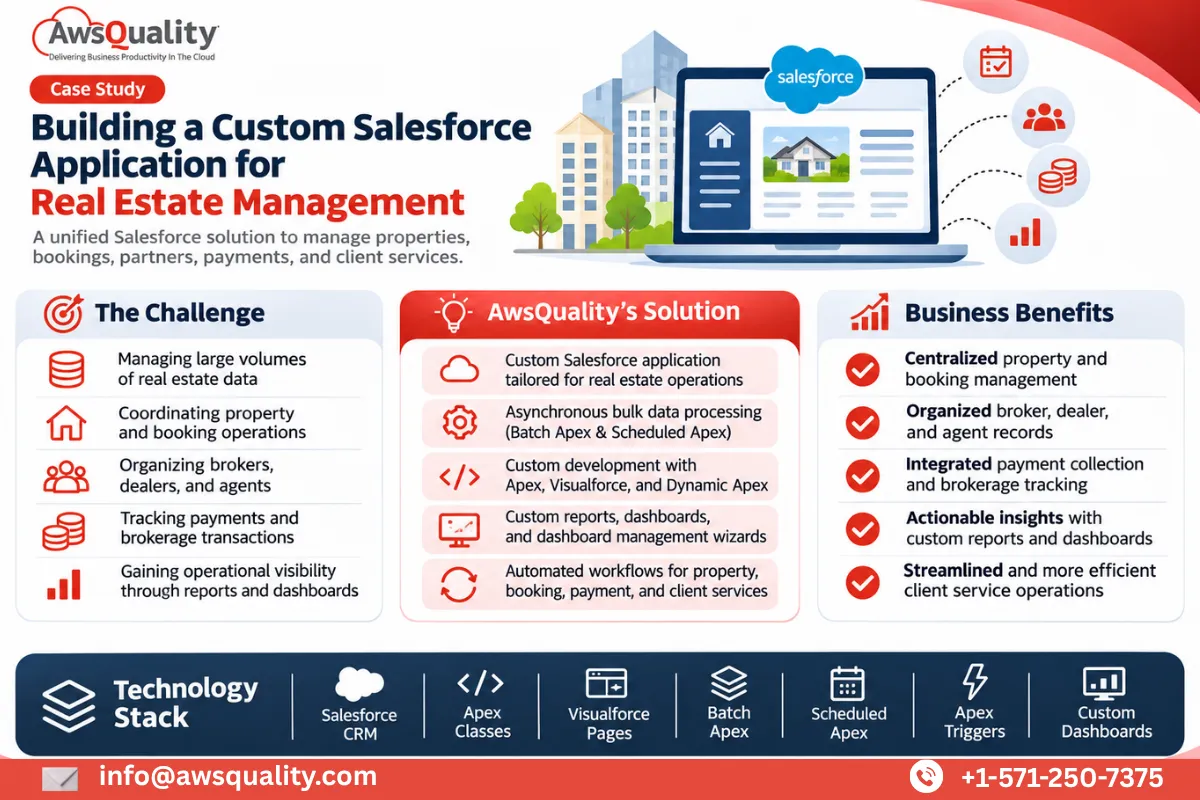 Real Estate Custom Salesforce Real Estate Application Development for Property Management Project Overview A Singapore-based IT services and cloud solutions company partnered with AwsQuality to develop a customized Salesforce… Read case study
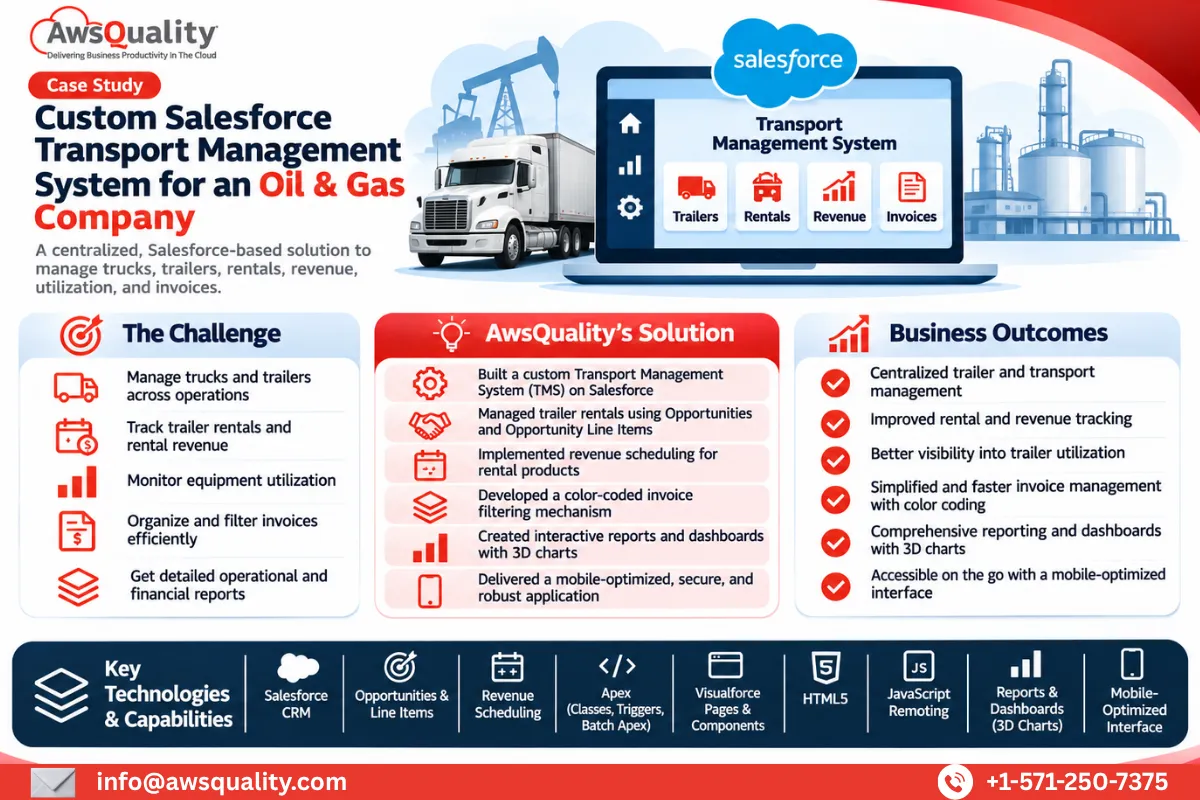 Manufacturing Custom Salesforce Transport Management System for a Wireline and Completion Solutions Company Project Overview A Texas-based oil and gas completion and production solutions company partnered with AwsQuality to develop a… Read case study
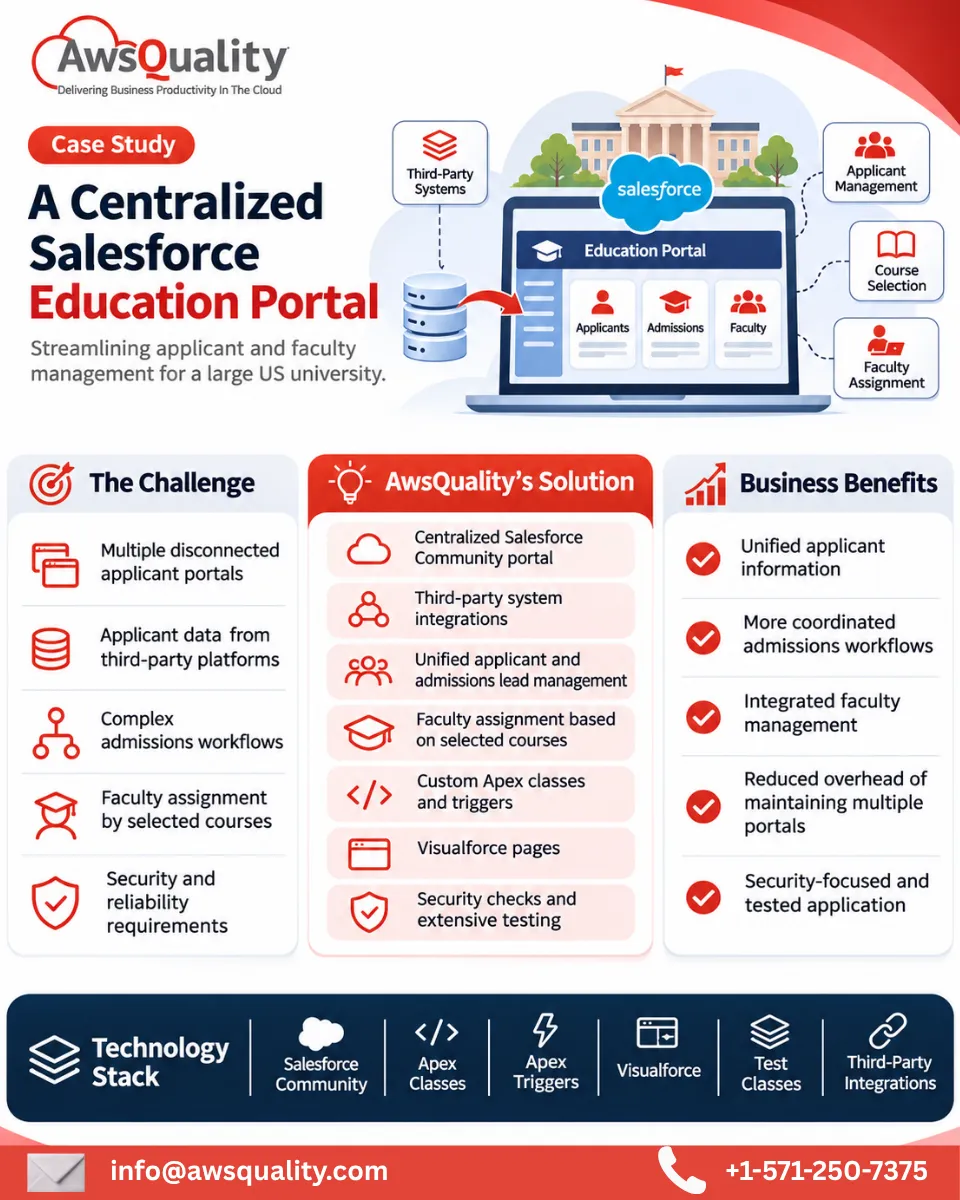 Education Developed Salesforce Community Portal for A USA Based University Read case study
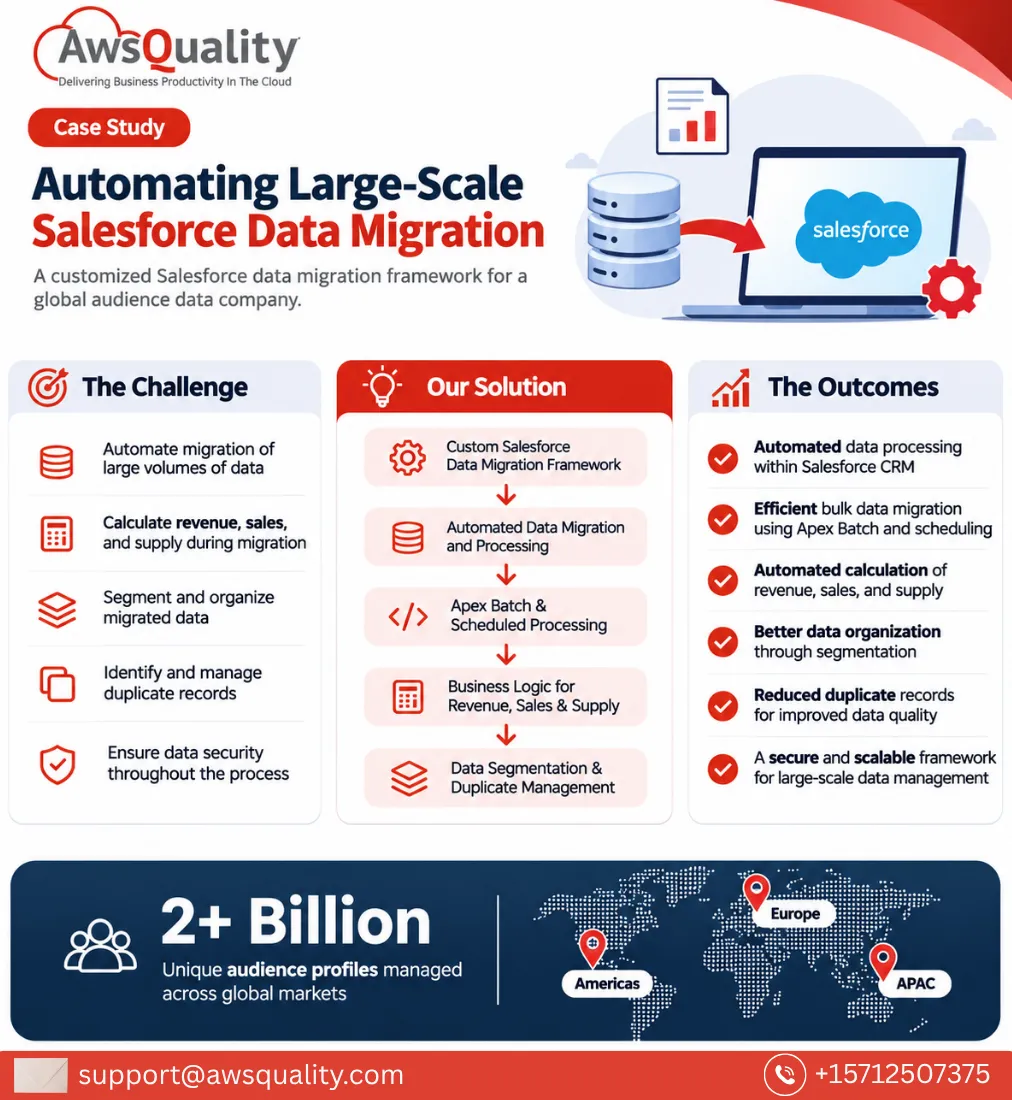 Other Developed Salesforce Data migration System for An Audience Company Project Overview A global audience data company partnered with AwsQuality to develop a robust Salesforce data migration framework… Read case study
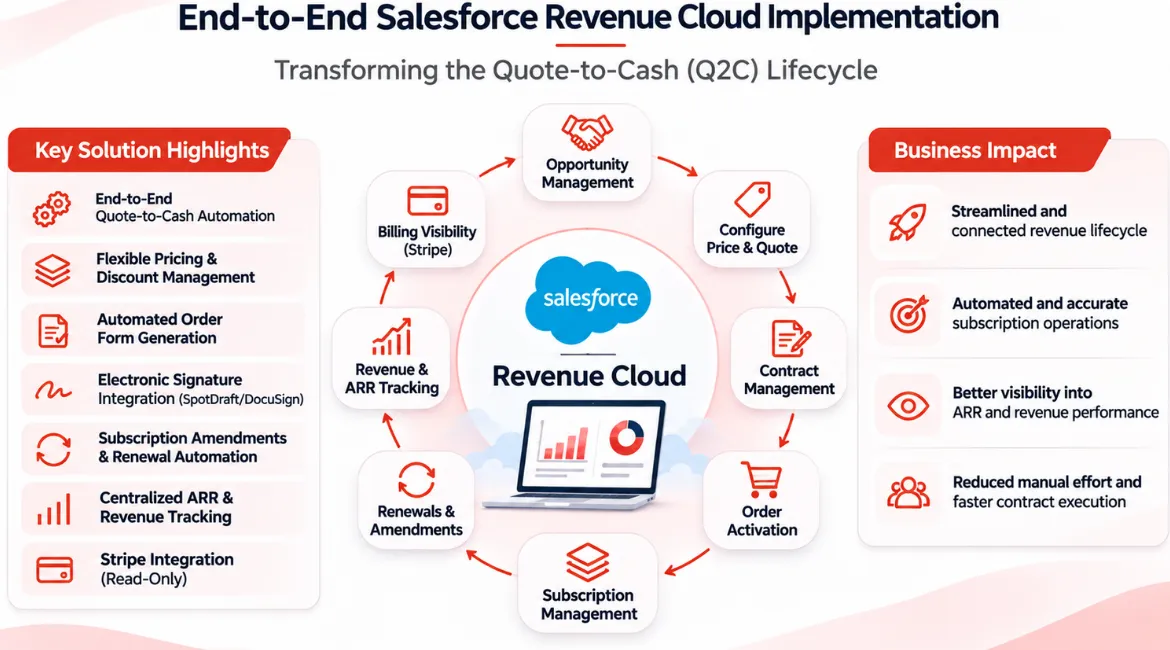 Other End-to-End Salesforce Revenue Cloud Implementation – Transforming the Quote-to-Cash Lifecycle Project Overview The client wanted to streamline its revenue management operations by bringing the entire Quote-to-Cash (Q2C) lifecycle… Read case study
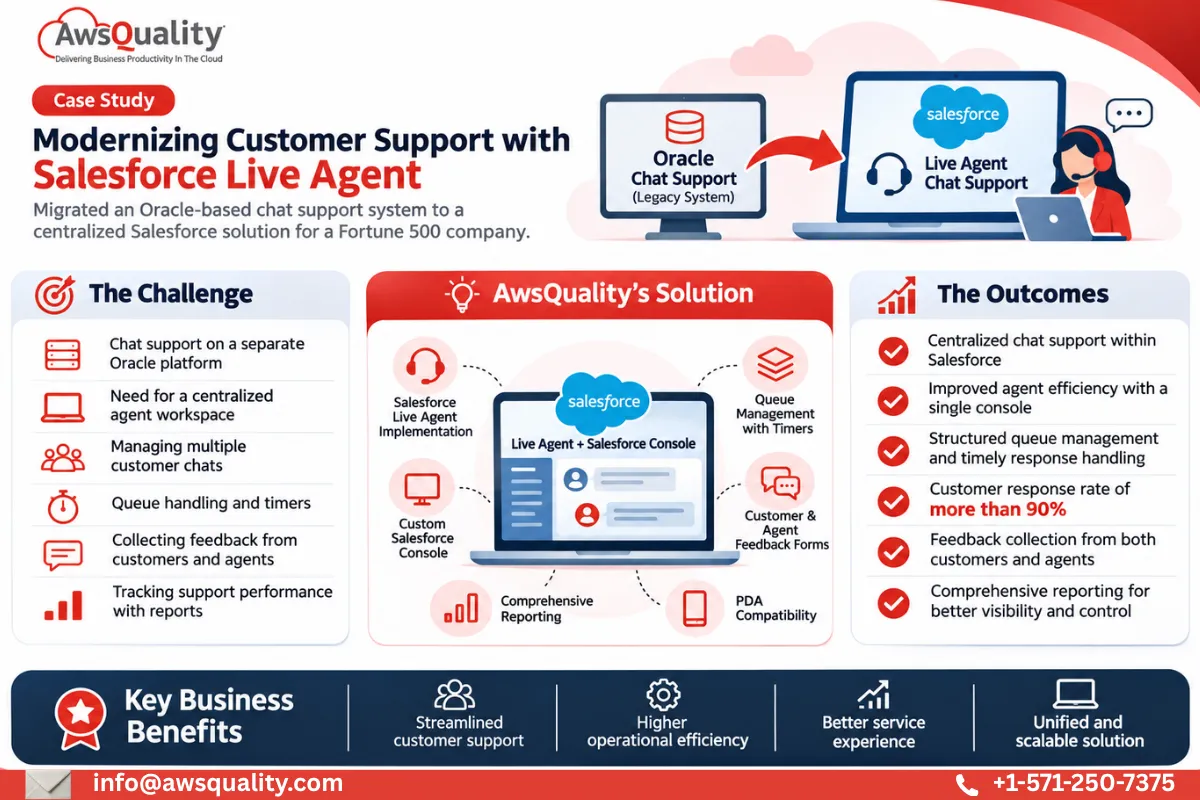 Other Implemented Salesforce Live Agent Chat Support for A Fortune 500 Company Project Overview A Fortune 500 company specializing in computer hardware and electronics partnered with AwsQuality to modernize its… Read case study
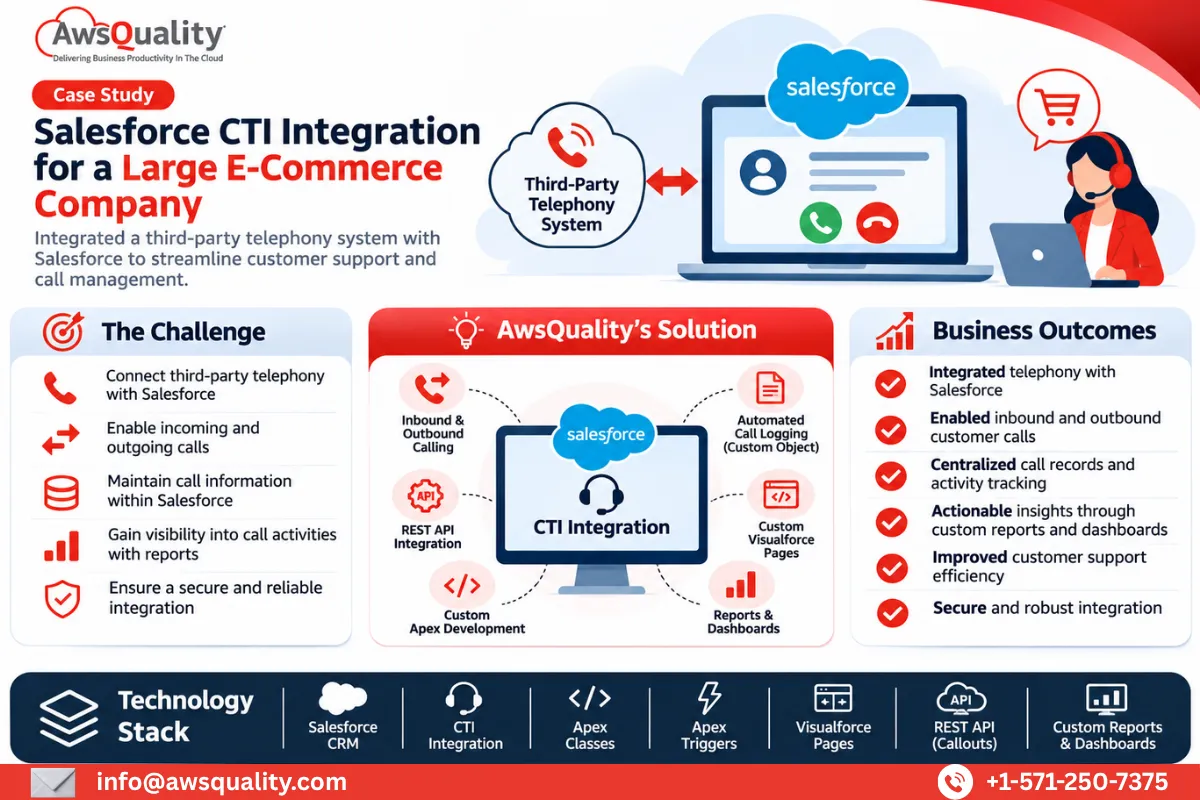 Retail & E-Commerce Salesforce CTI Integration for A large E-commerce Company Project Overview An international e-commerce company partnered with AwsQuality to integrate its third-party telephony system with Salesforce and… Read case study
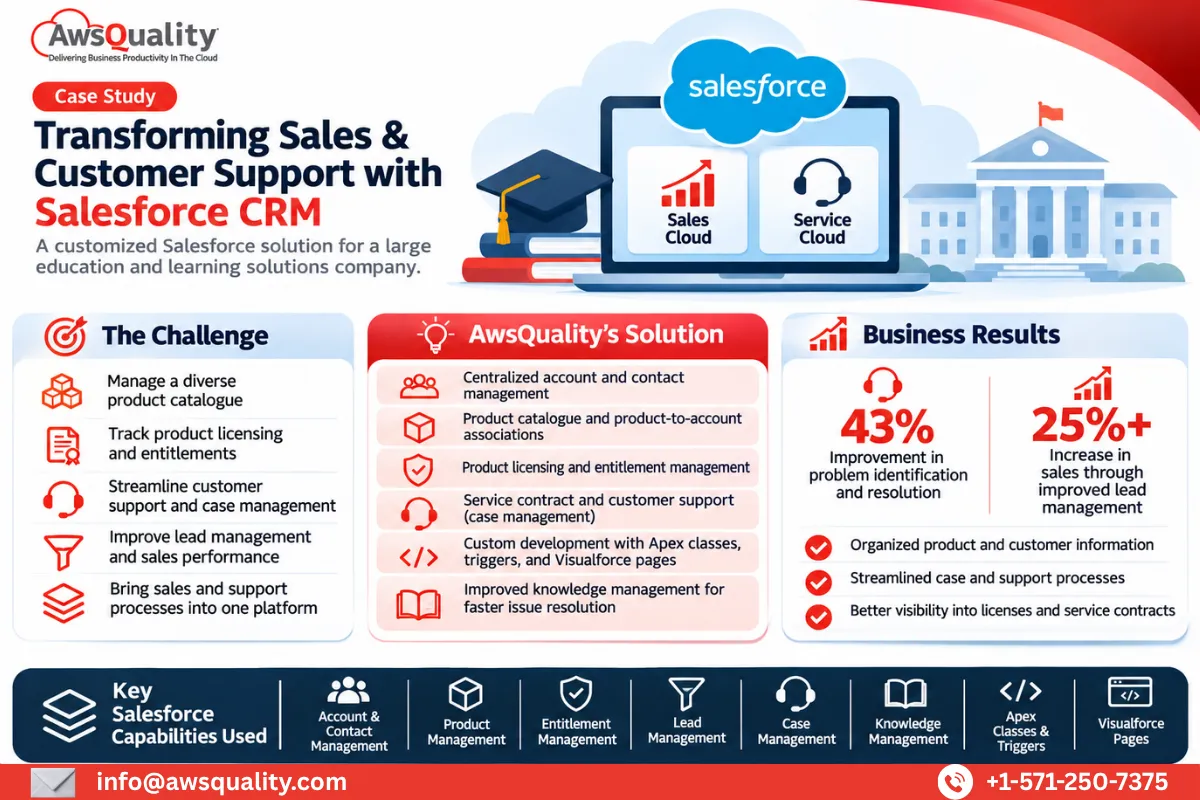 Education Salesforce Implementation for a Large Education and Learning Solutions Company Project Overview A large education and learning solutions provider partnered with AwsQuality to develop a comprehensive Salesforce-based solution… Read case study
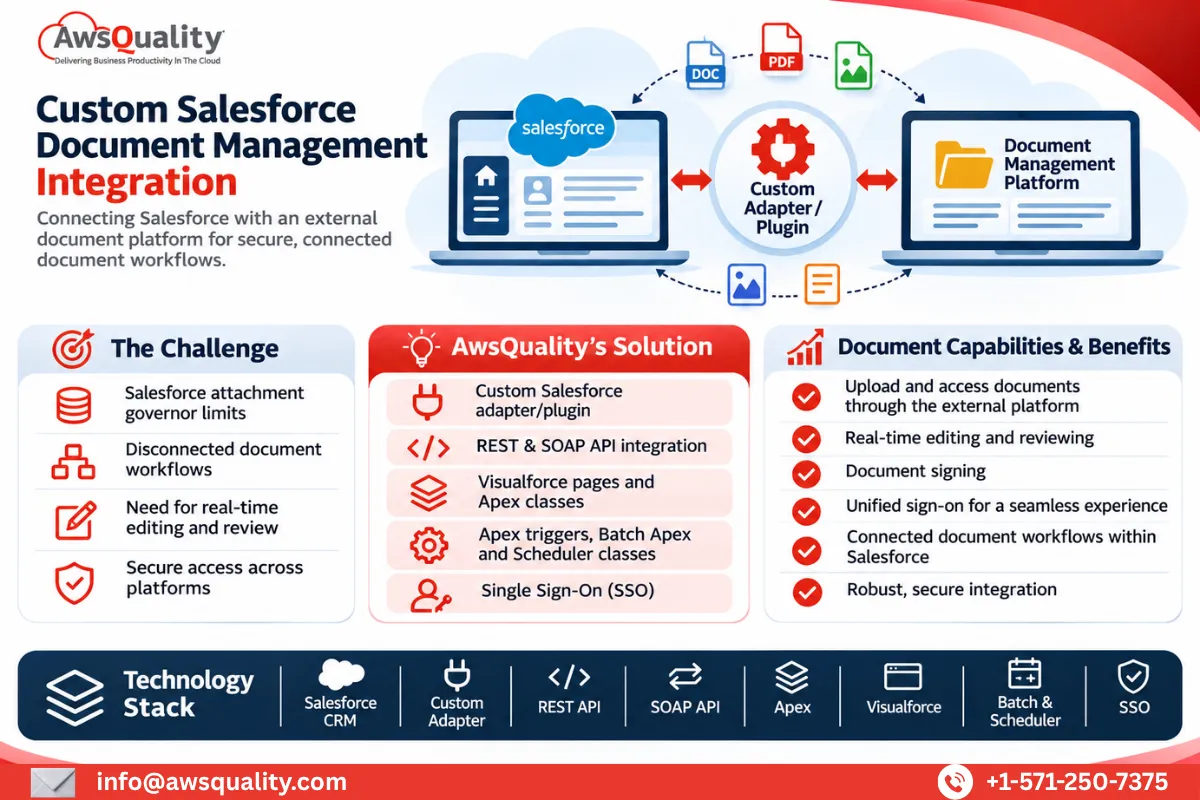 Other Salesforce Services for Document Management Company Project Overview A San Francisco-based document productivity company partnered with AwsQuality to integrate its document management platform with… Read case study