As organizations continue to adopt cloud platforms and digital tools, the number of systems used within a business has grown rapidly. CRM platforms, ERP systems, marketing automation tools, customer support software, and data platforms often operate independently. While each system plays an important role, disconnected platforms can create data silos, operational inefficiencies, and inconsistent customer experiences.
Salesforce has become one of the most widely used customer relationship management platforms in the world. However, to unlock its full potential, Salesforce must be integrated with the rest of an organization?s technology ecosystem.
This is where Salesforce integration services become essential.
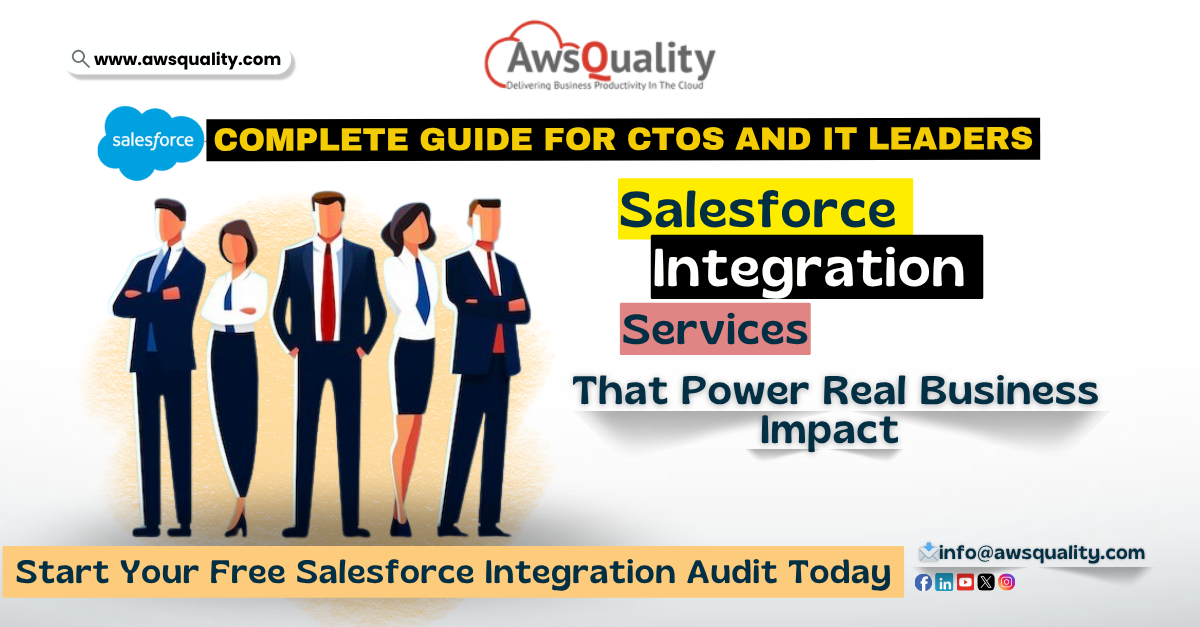
For CTOs and IT leaders, Salesforce integration is not just a technical task?it is a strategic initiative that enables better data flow, improved operational efficiency, and a unified customer view across the enterprise.
In this guide, we will explore what Salesforce integration services are, why they matter for modern organizations, and how CTOs and IT leaders can approach integration successfully.
What Are Salesforce Integration Services?
Salesforce integration services refer to the process of connecting Salesforce with other applications, platforms, and data sources used within an organization. The goal of integration is to ensure that data flows seamlessly between systems without manual intervention.
A typical enterprise environment may include systems such as:
- ERP platforms (SAP, Oracle, NetSuite)
- Marketing automation tools (HubSpot, Marketo)
- Customer support platforms (Zendesk, Freshdesk)
- Finance and accounting tools
- Data warehouses and analytics platforms
- E-commerce systems
- Mobile applications
Without integration, these systems operate in isolation. With proper Salesforce integration, organizations can synchronize data and create a unified operational environment.
For example:
- Sales teams can access real-time customer data from ERP systems.
- Marketing teams can track campaign performance directly in Salesforce.
- Support teams can see the full customer history across all systems.
The result is a connected digital ecosystem where information flows efficiently and teams work with consistent data.
Read: 5 Types of Salesforce Integrations Every Business Needs
Why Salesforce Integration Matters for CTOs
For CTOs and IT leaders, the value of Salesforce integration goes far beyond technical connectivity. Integration directly impacts business performance, operational efficiency, and strategic decision-making.
Eliminating Data Silos
One of the most common challenges in modern organizations is fragmented data. When systems operate independently, teams often rely on manual data entry or spreadsheets to transfer information between platforms.
Salesforce integration services eliminate these silos by enabling automated data synchronization between systems.
This ensures that every department works with accurate and up-to-date information.
Creating a Unified Customer View
Modern customer experiences require a complete understanding of customer behavior and interactions.
When Salesforce is integrated with marketing, support, and product platforms, organizations gain a 360-degree view of the customer.
This unified perspective allows businesses to:
- Personalize customer interactions
- Improve service response times
- Identify sales opportunities
- Make data-driven decisions
For CTOs, this level of visibility is essential for building customer-centric organizations.
Improving Operational Efficiency
Disconnected systems often lead to duplicated work and inefficient processes.
For example, a sales team may need to manually update customer records in multiple systems.
With Salesforce integration services, processes can be automated so that updates in one system are automatically reflected in others.
Automation reduces errors, saves time, and allows teams to focus on higher-value activities.
Enabling Data-Driven Decision Making
Integrated systems provide more reliable and comprehensive data.
By connecting Salesforce with analytics platforms and data warehouses, organizations can generate insights that support better strategic decisions.
Executives gain access to real-time dashboards and performance metrics that reflect the entire business ecosystem.
Check out: Salesforce Integration Companies vs DIY – What?s Right for Your Business?
Common Salesforce Integration Scenarios
Salesforce integration services support a wide range of enterprise use cases. Some of the most common integration scenarios include the following.
Salesforce and ERP Integration
ERP systems manage core business processes such as finance, inventory, and supply chain operations.
Integrating Salesforce with ERP platforms like SAP or Oracle allows sales teams to access product availability, pricing information, and order status directly from Salesforce.
This integration improves sales efficiency and ensures accurate order management.
Salesforce and Marketing Platform Integration
Marketing automation platforms generate valuable insights about customer engagement and campaign performance.
Integrating marketing tools with Salesforce enables organizations to track leads from the first interaction through the entire sales pipeline.
Sales teams gain better visibility into marketing activities, while marketing teams can analyze campaign effectiveness.
Salesforce and Customer Support Integration
Customer support platforms store important information about service requests and issue resolution.
Integration between Salesforce and support systems ensures that sales and service teams share a common view of customer interactions.
This improves collaboration and enhances the overall customer experience.
Salesforce and E-Commerce Integration
E-commerce businesses often rely on platforms such as Shopify, Magento, or custom online stores.
Salesforce integration services connect these platforms with CRM systems, allowing organizations to track customer purchases, order history, and product preferences.
This data can be used to personalize marketing campaigns and improve sales strategies.
Key Salesforce Integration Methods
There are multiple technical approaches for integrating Salesforce with other systems. CTOs should choose the method that best fits their organization?s architecture and operational needs.
API-Based Integration
Salesforce provides powerful APIs that enable systems to exchange data programmatically.
Common APIs include:
- REST APIs
- SOAP APIs
- Bulk APIs
API-based integration is widely used for connecting web applications, mobile platforms, and enterprise systems.
Read: Custom Salesforce API Integration – Solutions tailored to your business needs
Middleware Integration
Middleware platforms such as MuleSoft act as intermediaries between systems.
Instead of connecting each system individually, middleware provides a centralized integration layer that manages data flow between applications.
This approach simplifies complex integrations and improves scalability.
AppExchange Integration Solutions
Salesforce?s AppExchange marketplace offers pre-built connectors that integrate Salesforce with popular third-party tools.
These solutions reduce development time and enable faster deployment.
However, custom integrations may still be required for specialized business requirements.
Best Practices for Successful Salesforce Integration
Salesforce integration projects can become complex if not planned carefully. CTOs and IT leaders should follow several best practices to ensure successful implementation.
Start with a Clear Integration Strategy
Before implementing integration solutions, organizations should define clear objectives.
Key questions include:
- Which systems need to be integrated?
- What data should be synchronized?
- How frequently should data be updated?
- What security policies must be followed?
A well-defined integration strategy prevents unnecessary complexity later.
Prioritize Data Quality
Data integration is only effective if the underlying data is accurate.
Organizations should clean and standardize data before connecting systems.
Poor data quality can lead to synchronization issues and unreliable analytics.
Ensure Security and Compliance
Salesforce integrations often involve sensitive customer and business data.
IT teams must ensure that integration processes follow security best practices, including:
- Secure API authentication
- Data encryption
- Role-based access control
- Compliance with regulatory standards
Security should always be a core consideration during integration planning.
Monitor and Maintain Integrations
Integration is not a one-time activity.
Systems evolve over time, and integrations must be monitored regularly to ensure continued reliability.
Organizations should implement monitoring tools and processes to detect failures, data inconsistencies, and performance issues.
Also check: 5 Signs You Need a Salesforce Integration Partner ? Before It Costs You Clients
Challenges in Salesforce Integration
While Salesforce integration services offer significant benefits, they can also present challenges.
Some common obstacles include:
- Legacy systems with limited API capabilities
- Inconsistent data formats across platforms
- Integration complexity in large enterprises
- Security and compliance requirements
Addressing these challenges requires experienced integration architects and a structured implementation approach.
Read: Salesforce Integration v/s. Migration – Which Strategy Works Best for Your Business
The Future of Salesforce Integration
As digital ecosystems continue to expand, integration will become even more critical.
Emerging technologies such as AI-driven automation, real-time data streaming, and advanced API management platforms are transforming how organizations approach system integration.
Salesforce itself continues to evolve, offering enhanced integration capabilities through platforms like MuleSoft and Data Cloud.
For CTOs and IT leaders, the ability to build a connected technology ecosystem will be a key competitive advantage.
Conclusion
Salesforce integration services play a vital role in helping organizations connect their systems, unify customer data, and improve operational efficiency.
For CTOs and IT leaders, successful integration enables better collaboration between teams, improved customer experiences, and more informed decision-making.
By adopting a strategic approach to integration?focusing on scalability, security, and data quality?organizations can transform Salesforce from a standalone CRM into the central hub of their digital ecosystem.
In an increasingly interconnected business environment, the organizations that master integration will be the ones best positioned to innovate, scale, and succeed.
 Bio
Bio