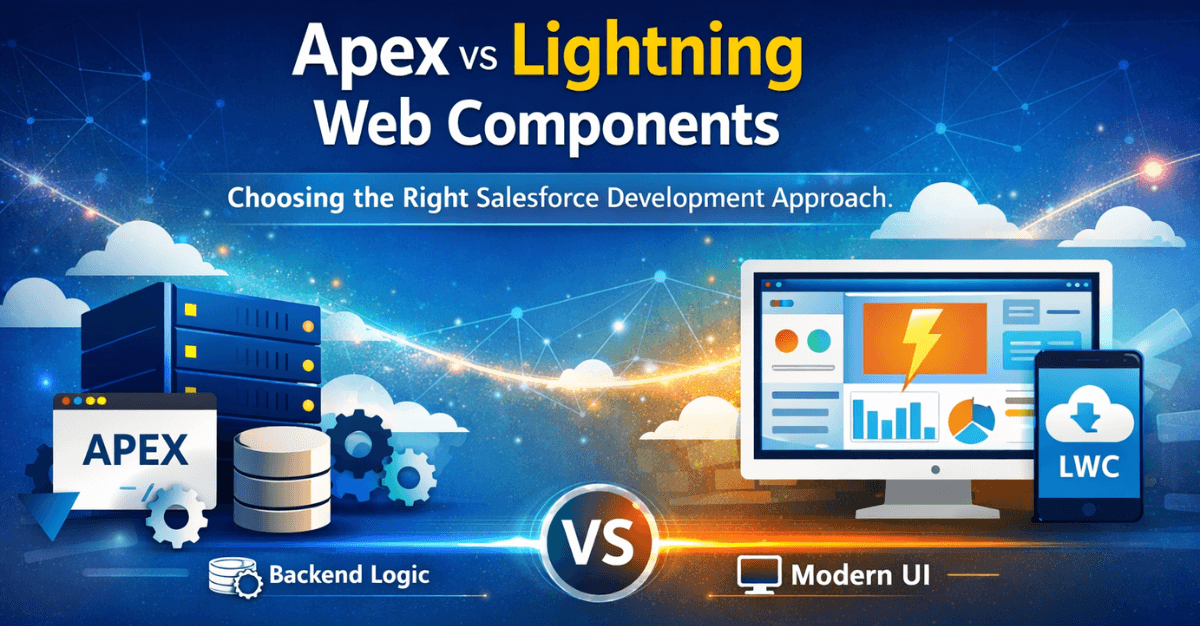
Salesforce development has evolved significantly over the years. With the introduction of modern frameworks and advanced platform capabilities, developers now have multiple options to build scalable and efficient applications. Two of the most commonly used technologies in Salesforce development are Apex and Lightning Web Components (LWC).
While both technologies are essential to the Salesforce ecosystem, they serve different purposes and are often used together to build powerful solutions. Choosing the right approach can directly impact performance, scalability, maintainability, and the overall success of your CRM implementation.
In this article, we’ll explore the differences between Apex and Lightning Web Components, their use cases, advantages, and how businesses can choose the right Salesforce development approach for their needs.
Understanding Salesforce Development Technologies
Before comparing Apex and Lightning Web Components, it’s important to understand where they fit in the Salesforce architecture.
Salesforce applications typically consist of:
- Frontend (User Interface) – What users interact with
- Backend (Business Logic) – The rules and processes that power functionality
- Data Layer – Where Salesforce objects and records are stored
Apex and LWC address different parts of this architecture.
- Lightning Web Components (LWC) are primarily used for frontend development.
- Apex is used for backend logic, automation, and data processing.
Most modern Salesforce solutions combine both technologies to deliver seamless user experiences and efficient data operations.
Businesses often rely on professional Salesforce development services to determine the right mix of these technologies when building custom applications or extending CRM capabilities.
What is Apex in Salesforce?
Apex is Salesforce’s proprietary programming language designed to execute business logic on the Salesforce platform. It is similar to Java and is used to build server-side functionality that interacts with Salesforce data and processes.
Apex allows developers to create complex automation and custom processes that go beyond the platform’s standard configuration tools.
Key Features of Apex
- Object-oriented programming language
- Executes on Salesforce servers
- Supports triggers and custom controllers
- Enables complex automation and integrations
- Works closely with Salesforce data objects
Apex is widely used by developers delivering advanced Salesforce development services, particularly when organizations require custom business logic or integrations with external systems.
Common Use Cases for Apex
Apex is typically used in scenarios where standard Salesforce tools cannot handle complex requirements.
Some common use cases include:Custom Business Logic
Apex allows developers to implement complex workflows, validation rules, and automated processes that cannot be achieved through declarative tools alone.
Salesforce Triggers
Triggers execute automatically when records are created, updated, or deleted, allowing businesses to automate processes and enforce data integrity.
Integration with External Systems
Apex supports REST and SOAP APIs, making it ideal for building integrations with ERP systems, marketing platforms, and payment gateways.
Batch Data Processing
Apex enables developers to process large datasets efficiently using batch jobs and asynchronous operations.
Organizations often use Salesforce integration services powered by Apex to connect Salesforce with external enterprise applications.
What Are Lightning Web Components (LWC)?
Lightning Web Components represent the modern UI development framework for Salesforce. Built on standard web technologies such as JavaScript, HTML, and CSS, LWC allows developers to create fast, responsive, and reusable user interfaces within the Salesforce Lightning platform.
Unlike older frameworks like Aura Components, LWC leverages native browser capabilities, resulting in improved performance and simplified development.
Key Features of Lightning Web Components
- Built using modern web standards
- Lightweight and high-performance
- Reusable UI components
- Seamless integration with Salesforce data
- Enhanced user experience
Lightning Web Components have become the preferred approach for building dynamic interfaces in custom Salesforce applications.
Businesses investing in Salesforce development services increasingly adopt LWC to modernize user interfaces and improve application performance.
Common Use Cases for Lightning Web Components
LWC is best suited for creating interactive and visually rich user interfaces.
Custom User Interfaces
Developers use LWC to build dashboards, forms, and interactive components that improve user productivity.
Salesforce App Customization
LWC enables the creation of custom Lightning pages and components that extend standard Salesforce functionality.
Mobile-Responsive Applications
Because LWC uses modern web technologies, it supports responsive design that works across devices.
AppExchange Applications
Many vendors developing solutions through Salesforce AppExchange app development services use Lightning Web Components to build intuitive user interfaces.
Key Differences Between Apex and Lightning Web Components
While Apex and LWC are both essential to Salesforce development, they serve different purposes within the application architecture.
Role in Application Architecture
Apex
- Backend development
- Business logic and automation
- Data processing and integrations
Lightning Web Components
- Frontend development
- User interface and user experience
- Client-side interactions
Programming Language
Apex
- Java-like syntax
- Proprietary Salesforce language
Lightning Web Components
- JavaScript
- HTML
- CSS
- Standard web technologies
Execution Environment
Apex
Runs on Salesforce servers and processes data securely within the platform.
LWC
Runs in the user’s browser, delivering faster UI rendering and improved responsiveness.
Performance Considerations
Lightning Web Components generally offer better performance for user interface interactions because they leverage native browser capabilities.
Apex, on the other hand, is optimized for server-side operations such as database transactions and integrations.
Read: How to Choose the Best Salesforce Implementation Partners
When Should You Use Apex?
Apex should be used when your application requires backend processing, automation, or complex data operations.
Use Apex When
- You need to create triggers or automated workflows
- Your application requires integration with external systems
- You need to process large datasets
- Complex validation or business logic is required
- Custom APIs or services must be created
Organizations implementing enterprise CRM solutions often rely on Apex during Salesforce implementation services to build scalable backend processes.
When Should You Use Lightning Web Components?
Lightning Web Components are ideal for building modern, interactive user interfaces that enhance user experience.
Use LWC When
- Creating custom dashboards or UI components
- Building responsive applications
- Improving Lightning page performance
- Developing AppExchange solutions
- Enhancing user interactions within Salesforce
Businesses focusing on improving CRM usability frequently adopt LWC as part of their Salesforce consulting services strategy.
Using Apex and LWC Together
In most real-world Salesforce implementations, Apex and Lightning Web Components are used together rather than independently.
A typical architecture might look like this:
- Frontend: Lightning Web Components
- Backend: Apex controllers and services
- Data: Salesforce objects
For example:
- An LWC interface collects user input.
- Apex processes the data and applies business logic.
- Results are returned to the LWC interface for display.
This combined approach ensures both high performance and strong business logic enforcement.
Professional Salesforce development services often design applications using this layered architecture to maximize scalability and maintainability.
Challenges in Salesforce Development
While Apex and LWC provide powerful capabilities, implementing them correctly requires careful planning.
Common challenges include:
- Poor data architecture
- Overuse of custom code
- Integration complexity
- Performance bottlenecks
- Security considerations
Working with experienced Salesforce consulting services providers can help organizations design efficient architectures and avoid technical debt.
Also read: Salesforce Service Cloud + AI — Next-Gen Customer Experience
Best Practices for Salesforce Development
When choosing between Apex and Lightning Web Components, developers should follow these best practices:
Prioritize Configuration Over Code
Use Salesforce’s built-in configuration tools whenever possible before writing custom code.
Keep Business Logic in Apex
Avoid placing complex logic in the frontend. Apex should handle server-side processing.
Use LWC for UI Performance
Leverage Lightning Web Components to create responsive and user-friendly interfaces.
Maintain Clean Architecture
Separate UI, business logic, and data processing layers.
Ensure Scalability
Design solutions that can handle growing data volumes and user activity.
Organizations that follow these practices typically achieve better results from their Salesforce implementation services.
Future of Salesforce Development
Salesforce continues to evolve its development ecosystem with new capabilities such as:
- AI-powered automation
- Low-code and no-code tools
- Data Cloud integration
- Enhanced developer frameworks
Lightning Web Components are expected to remain the standard UI framework for Salesforce, while Apex will continue to power backend logic and integrations.
Companies investing in long-term Salesforce development services should focus on modern frameworks and scalable architecture to stay competitive.
Check out: Salesforce Consulting Partners vs. Salesforce Implementation Partners - What You Should Know
Conclusion
Both Apex and Lightning Web Components play essential roles in Salesforce development. Rather than choosing one over the other, organizations should understand how these technologies complement each other.
- Apex provides powerful server-side logic, automation, and integration capabilities.
- Lightning Web Components deliver fast, modern, and responsive user interfaces.
The most effective Salesforce applications combine both technologies to create scalable, high-performance solutions that support business growth.
For organizations looking to build custom CRM solutions, streamline operations, or develop AppExchange applications, choosing the right development approach is critical.
Working with experienced providers of Salesforce consulting services, Salesforce development services, and Salesforce implementation services ensures your Salesforce ecosystem is designed for performance, scalability, and long-term success.
FAQs:
1. What is the difference between Apex and Lightning Web Components in Salesforce?
Apex is a server-side programming language used for backend logic and automation, while Lightning Web Components (LWC) are used to build modern, responsive user interfaces in Salesforce.
2. When should developers use Apex in Salesforce development?
Apex should be used when implementing complex business logic, building integrations with external systems, processing large datasets, or creating custom triggers and automation.
3. When should Lightning Web Components be used?
Lightning Web Components are best suited for creating fast, interactive user interfaces, custom dashboards, forms, and dynamic Lightning pages.
4. Can Apex and Lightning Web Components work together?
Yes. Most Salesforce applications combine LWC for the frontend interface and Apex for backend processing and business logic.
5. Why are Lightning Web Components considered faster than older frameworks?
LWC uses modern web standards like JavaScript, HTML, and CSS and leverages native browser capabilities, which improves performance compared to older frameworks like Aura Components.
6. Do Salesforce developers still need Apex if they use Lightning Web Components?
Yes. LWC handles the user interface, but Apex is often required to process data, enforce business rules, and interact with Salesforce databases.
7. Is Apex necessary for Salesforce integrations?
Yes. Apex is commonly used to build integrations using REST or SOAP APIs, allowing Salesforce to connect with ERP systems, payment gateways, and other enterprise applications.
8. What are the advantages of Lightning Web Components?
LWC provides faster performance, reusable components, modern development standards, improved security, and better user experiences.
9. Which approach is better for Salesforce development: Apex or LWC?
Neither is better on its own. The most effective Salesforce solutions use Apex for backend logic and Lightning Web Components for frontend user interfaces.
10. How can businesses choose the right Salesforce development approach?
Businesses should evaluate their requirements, data complexity, integration needs, and user experience goals. Consulting with experienced Salesforce development experts can help determine the best architecture.
 Bio
Bio